
Quick Nav
- Why Final Cut Pro habits still matter in Avid and Premiere
- What counts as a transferable habit
- How to separate editorial thinking from software behavior
- Seven habits that carry across NLEs
- Where Final Cut Pro habits can mislead an editor
- How to build a personal crosswalk
Why Final Cut Pro Habits Still Matter in Avid and Premiere
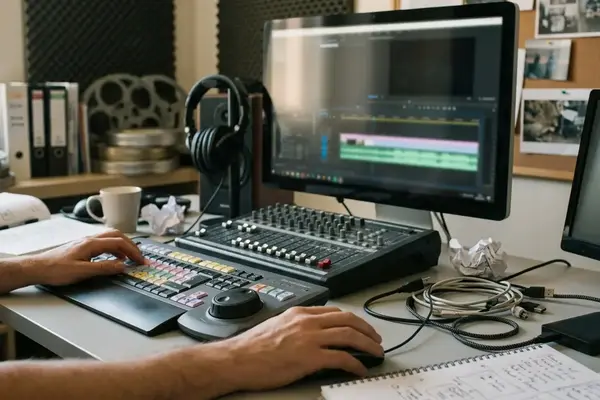
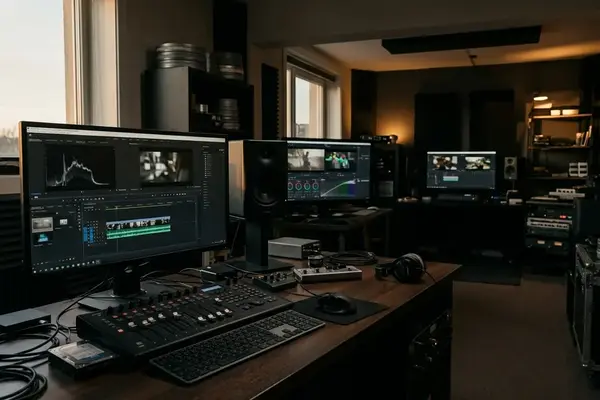
An editor who learned in Final Cut Pro often hits the same wall on a first assistant job: the room expects Avid Media Composer or Adobe Premiere Pro, and the schedule does not pause for interface grief.
That shift is not really a software loyalty problem. It is a workplace adaptation problem. During a believable onboarding stretch of roughly three to six weeks, an editor may be expected to understand bin structure, sequence naming, export settings, and review-note handling before anyone trusts them with major timeline changes.
The useful question is not, “Where did Apple put that button in Avid?” The useful question is, “What editorial decision was the button helping me make?”
Final Cut Pro builds strong habits around speed, skimming, favorites, keyword collections, and fast assembly. Those habits still matter, but only when the editor translates the purpose behind them: organize footage, make an edit, preserve sync, clarify audio, communicate a note, or deliver a reliable file. Avid and Premiere will not behave like a magnetic timeline, and pretending they do usually creates more cleanup than speed.
This article compares habits by editorial purpose: organization, trimming, audio, metadata, keyboard logic, and delivery. Feature lists can wait. The edit room needs decisions that survive handoff.
Criteria for Selection: What Counts as a Transferable Habit
Not every fast Final Cut Pro move deserves to travel. Some habits are excellent inside one interface and risky in a shared sequence, especially when another editor, assistant, instructor, producer, or sound team has to open the project later.
Bottom Line: A transferable habit must improve editing decisions across Final Cut Pro, Avid Media Composer, and Premiere Pro. It also has to survive the differences between Final Cut Pro’s magnetic timeline, Avid’s track-based editing, and Premiere’s hybrid workflow.
The selection standard is practical. A habit should remain useful in at least three common contexts: solo cutting, supervised review, and downstream turnover. It should also reduce a handoff risk such as unnamed sequences, unclear audio layout, missing markers, accidental sync movement, or ambiguous export versions.
That filters out plenty of tempting shortcuts. Touchpad gestures, magnetic-timeline-only behavior, proprietary effects presets, and menu-path memorization may feel fast, but they do not help much when the same editorial intention has to be performed in another NLE. Keyboard shortcuts still matter, of course. Premiere editors can check the official Premiere Pro keyboard shortcuts documentation, but shortcut recall is not the same thing as editorial fluency.
Before the List: Separate Editorial Thinking from Software Behavior
Software changes. Editorial judgment carries over.
A useful classroom exercise uses a short dialogue scene of roughly 45 to 90 seconds. First, the editor writes the intended actions on paper: build selects, check sync, mark alternate takes, remove a pause, protect room tone, export a review file. Only after that does the editor execute those actions in the assigned NLE.
That order matters because muscle memory often lies. Final Cut Pro’s magnetic timeline encourages certain efficiencies. Clips close gaps quickly. Connected clips move with the primary storyline. Select ranges and favorites can make rough assembly feel light. Avid and Premiere require more explicit track awareness: active source patches, destination tracks, sync locks, and linked selection all deserve a glance before timeline-wide changes.
Good translation starts small. A favorite-select workflow in Final Cut Pro can become a bin-based selects sequence in Avid. Keyword organization can become named bins, color labels, markers, and searchable notes in Premiere. The shape changes; the editorial intent does not.
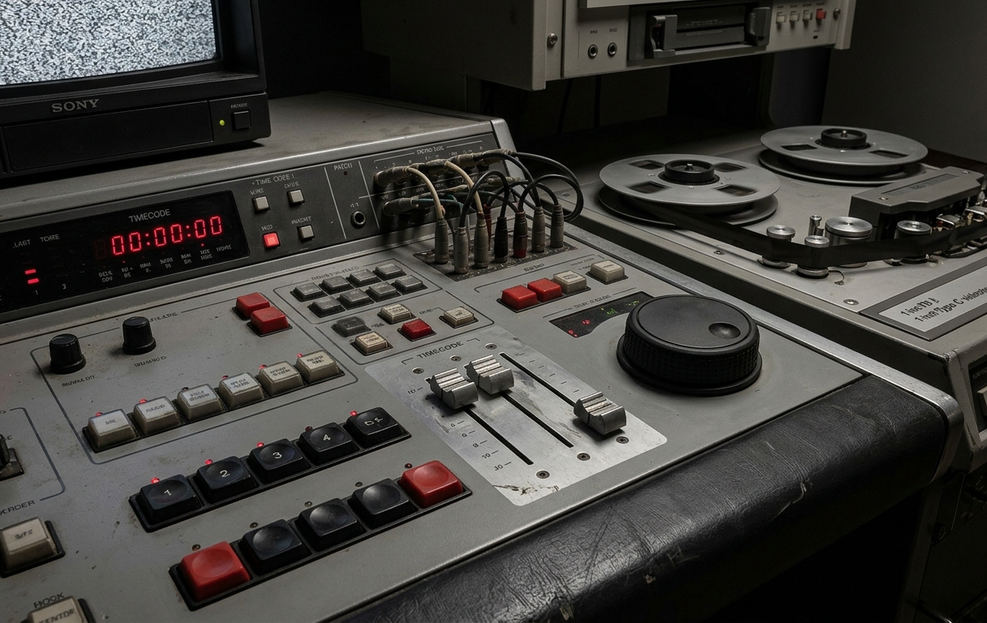
7 Editing Habits That Transfer from Final Cut Pro to Avid and Premiere
1. Organize Before You Cut
Final Cut Pro editors who use libraries, events, keyword collections, and favorites already know the first rule of professional editing: disorder compounds.
That same discipline maps cleanly to Avid bins and Premiere project panels. Separate raw media, synced clips, selects, working cuts, exports, and reference materials before serious editing begins. In one project that may mean events and keyword collections. In another, it may mean bins, folders, or project-panel groups.
Naming does the heavy lifting during handoff. A sequence called 'SC03_dialogue_selects_v02' tells the next person what it is, where it belongs, and whether it is still in motion. A file called 'review_cut_1080p_stereo_v05' is far safer than 'final_cut'. The second name invites a notes meeting where the producer, instructor, and editor are all watching different files.
The organizing habit also changes by genre. A documentary project may value keyword-like grouping by person, location, and topic. A scripted project may lean harder on scene, slate, take, camera angle, and circled-take organization. The point is not to preserve Final Cut Pro’s labels. The point is to make the next editorial decision easier to find.
2. Think in Editorial Actions, Not Interface Gestures
Start with the decision. Then pick the tool.
Append adds material to the end. Insert pushes later material forward. Overwrite replaces a duration. Lift removes content and leaves a gap. Extract removes content and closes the gap. Replace swaps content while preserving timing. Blade, or add edit, creates a cut point.
Those concepts exist across the major NLEs, even when the shortcuts and timeline rules differ. A Final Cut Pro editor may be used to fast appending and rearranging. In Avid, the same intention may require a clearer source-to-record setup and attention to patching. In Premiere, the editor needs to watch track targeting and whether linked clips will follow the operation.
Field Note: The safest translation habit is to say the edit out loud in plain language: “insert this reaction before the line,” “overwrite the temp shot but keep the timing,” or “extract the pause without moving the music.” That sentence often reveals which track controls matter before damage is done.
3. Treat Trimming as Its Own Editing Pass
Rough assembly and trimming ask different questions. Assembly asks, “What belongs here?” Trimming asks, “Exactly where does it breathe?”

A strong Final Cut Pro trimming habit can carry into Avid trim mode or Premiere trim tools. Ripple, roll, slip, slide, JKL playback, and short looped review sections all remain useful concepts. For a scene running about three to five minutes, a practical pass might start with watching the scene in real time, then reviewing each dialogue overlap with JKL playback and tight loops.
The nuance outside Final Cut Pro is track safety. Before ripple or extract operations, verify sync locks and track targeting, especially on sequences with separate dialogue, production effects, temp music, and room tone. A common failure case is ugly because the picture still looks acceptable at a glance: an editor copies a magnetic-timeline speed habit into a track-based shared sequence, performs an extract without checking sync locks, and shifts music or room tone out of alignment.
4. Build Audio Awareness Before the Mix
Audio organization is not something to postpone until the last export. It starts when the editor decides which tracks carry dialogue, production effects, temp music, room tone, scratch narration, or guide mix material.
Final Cut Pro roles can encourage useful thinking here because they ask the editor to classify sound by purpose. In Avid and Premiere, that thinking needs to become visible track structure. Split dialogue, effects, and music so another person can understand the sequence without forensic work.
This is where assistant habits show. If a scene plays well but the dialogue, temp music, and room tone are scattered across unnamed tracks, the timeline is harder to review and harder to turn over. A rough-cut stereo mix, split dialogue/effects/music tracks, and a handoff for sound editorial are not the same deliverable.
5. Use Metadata as Communication, Not Decoration
Markers, notes, labels, favorites, and keywords are not filing ornaments. They are messages to the next person who opens the project.
Mark alternate takes. Flag sync concerns. Note a producer preference. Identify a temp visual effect. Label reference material so it does not get mistaken for camera original. These habits show up in student films, short-form commercial edits, documentary assemblies, and scripted assistant workflows because every one of those environments has review pressure.
Comparisons demonstrate the same pattern across tools: Final Cut Pro may make favorites and keyword collections feel central; Avid may push the editor toward bin columns, markers, and selects sequences; Premiere may combine labels, markers, search, and project-panel structure. The mechanism changes, but the handoff value stays steady.
6. Make Keyboard Logic Portable
Keyboard speed is valuable only when it serves a known action. Otherwise, it becomes a private language that collapses on a new system.
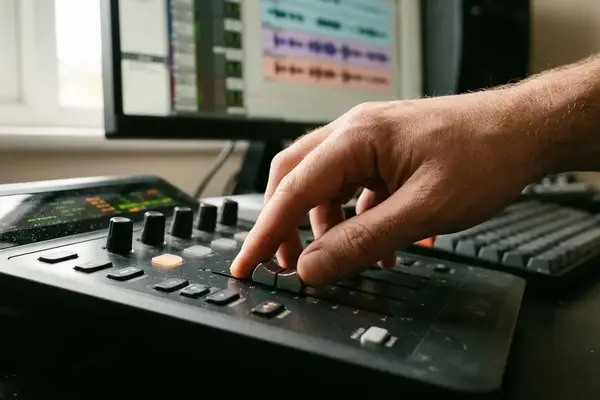
A portable keyboard habit groups commands by editorial function. Put marking, playback, edit decisions, trimming, match frame, and add edit into mental families. That makes it easier to rebuild muscle memory in Avid or Premiere without treating every shortcut as a separate mystery.
There is a practical limit. An editor should not expect a Final Cut Pro layout to make Avid feel like Final Cut Pro. That kind of mapping can hide track patching, trim mode, and source/record habits that Avid expects the editor to understand. Use keyboard customization to reduce friction, not to avoid learning the host system.
7. Name and Export Like Someone Else Will Check the File
Delivery habits reveal whether an editor understands the room.
A review file needs a name, version, frame size when relevant, audio description, and status. 'review_cut_1080p_stereo_v05' gives the team more information than 'final_cut'. If the export goes into a notes session, vague naming wastes time before anyone talks about performance, pacing, or structure.
Export habits also connect to turnover discipline. Before sending a file or sequence onward, confirm the intended audience: producer review, instructor review, sound editorial, VFX, finishing, or archive. Handles are a good example. Add roughly 8 to 24 frames of handles only when the workflow supervisor or turnover spec requests them. Do not assume the same handle length across editorial, VFX, and sound.
Scope and Limitations: Where Final Cut Pro Habits Can Mislead You
This is not a certification guide, a complete feature comparison, or a replacement for current official documentation. It is a practical translation map for editors moving between Final Cut Pro, Avid Media Composer, and Premiere Pro.
The main friction points deserve direct attention. Final Cut Pro’s magnetic timeline can make timeline changes feel safer than they are in track-aware systems. Avid track patching is explicit by design. Premiere track targeting can be flexible and, for that reason, easy to misread. Slow down before timeline-wide operations in shared projects: check destination tracks, source patches, linked selection behavior, sync locks, and whether hidden or muted tracks are part of the intended edit.
Media relinking is another place where habits do not transfer cleanly. Project structure, drive naming, camera-original paths, proxy workflows, and the difference between managed media, referenced media, and shared storage all affect the result. A relink habit that works neatly in one Final Cut Pro library may not explain what Avid or Premiere needs in a shared facility.
Important: This guidance is strongest when the goal is editorial adaptation and handoff safety. It does not claim that the three NLEs are equivalent, and it should be checked against the actual project spec before turnovers, relinks, or delivery decisions.
Audio routing expectations also vary. A clean review export may be enough for one stage of a cut. A sound turnover may require split tracks, clear naming, and a layout the sound team expects. The editor who treats those as the same task is not moving fast; they are moving risk downstream.
The Best Habit to Transfer Is the Way You Think
The most useful Final Cut Pro habit is not a shortcut. It is the habit of making an editorial intention clear before touching the timeline.
Editors adapt faster when they translate intent, not keystrokes. “Make this cut tighter” travels. “Press the same key I used in Final Cut Pro” does not. Conservative confidence is the right posture: move quickly on decisions that are understood, but slow down at sync, track routing, relinking, and delivery checkpoints.
A short personal crosswalk helps. After a training session, spend about half an hour to 45 minutes building four columns: Final Cut Pro habit, intended editorial action, Avid equivalent, Premiere equivalent, and professional risk to watch. Useful rows include organize selects, perform insert edit, perform overwrite edit, add edit or blade, ripple trim, roll trim, match frame, add marker, relink media, export review file, and prepare turnover.
That exercise is not glamorous. It is the kind of field note that keeps an editor useful when the software changes, the room gets busy, and the next sequence has to be handed to someone else by the end of the day.






Your Thoughts
No comments.
Share Your Opinion