
Quick Nav
- Why the path needs structure
- Assistant editor and finishing editor responsibilities
- Media, files, systems, and workflow foundations
- Editing software sequencing
- Story editing and reel work
- Finishing skills and delivery
- Funding, scheduling, and eligibility
- Job-readiness packaging
- Scope, limits, and current verification
Why Post-Production Careers Need a Structured Learning Path
The common problem is not a lack of tutorials. It is a broken hiring sequence.
Aspiring editors often spend one week learning timeline tricks, the next cutting a reel montage, then sending applications without a clean sample project or the vocabulary expected of an assistant editor. The reel may look energetic, but the interview can stall the moment timecode, relinking, turnover documents, exports, or folder structure enters the conversation.
For post-production work in film, television, and digital media, the path has to move in order: assistant editor readiness first, finishing editor literacy later. That does not make creative editing less important. It means the editorial department needs someone who can protect the media before asking that person to shape the scene.
Video Symphony’s archive gives this sequence some historical weight. The training provider’s post-production education record reaches back to 1994, with a practical emphasis on edit rooms, workflows, software, delivery formats, and career preparation rather than casual software sampling. The location at 731 N. Hollywood Way also matters in a plain way: this was training built around the working geography of Los Angeles post-production, not a generic computer lab model.
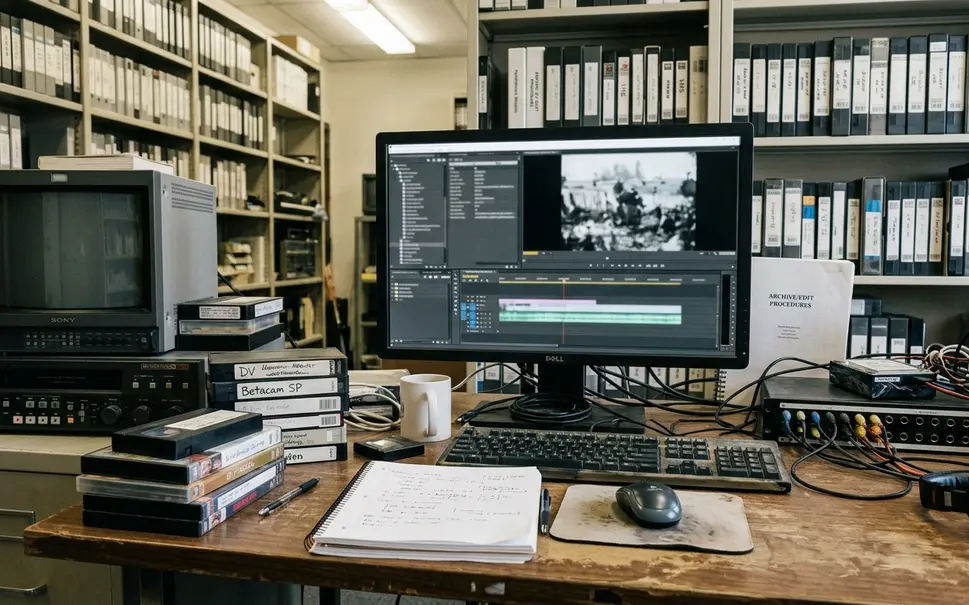
Bottom Line: Build the career path in the order a post house would trust it: media control, assistant workflow, NLE fluency, story judgment, finishing literacy, reel evidence, and job communication.
Understand the Role Shift: Assistant Editor vs. Finishing Editor
Assistant editing is not a junior imitation of creative editing. It is the operational layer that keeps the edit alive.
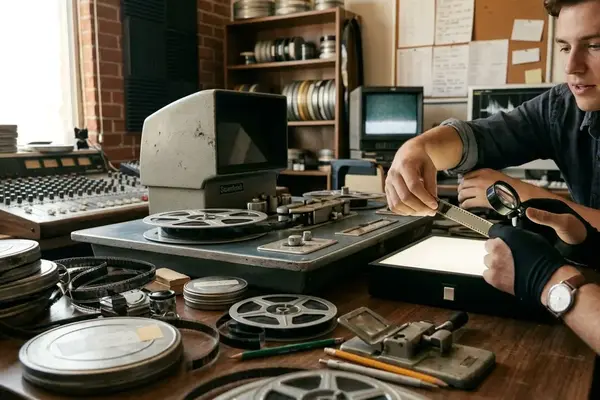
An assistant editor may handle media intake, drive labeling, folder structure, ingest or batch digitize, bin organization, timecode checks, sync verification, EDL awareness, temp exports, turnover prep, and first-line troubleshooting. In older and mixed-format environments, that vocabulary may include DigiBeta, D-9, High Definition tape, AVR settings, timecode breaks, EDLs, batch digitize, QuickTime files, MPEG-2, and media relinking. Some of those formats are legacy. The discipline behind them is not.
The finishing editor enters at a different pressure point. After the cut is approved, the concern shifts toward conform checks, online edit preparation, title review, graphics coordination, audio handoff, color-aware viewing, compression settings, deliverable naming, and quality-control playback.
The practical distinction is simple: the assistant editor protects the edit before picture lock; the finishing editor protects the deliverable after approval. Both roles require judgment. They just apply it at different stages of risk.
Start with the Foundation: Media, Files, Systems, and Workflow
Start with the least glamorous drill: create a project folder and keep it clean.
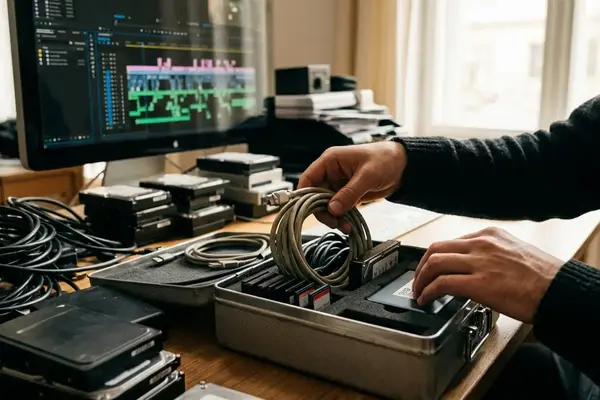
A useful foundation folder separates camera originals, transcoded media, audio, graphics, exports, project files, turnover documents, and archived versions. Then the learner should rename and organize a mixed batch of assets without breaking links, back the project up to a separate volume, and restore it from that backup. This is not clerical busywork. It is the first test of whether a person can be trusted near production media.
Before real production footage enters the room, the learner needs working knowledge of storage, codecs, frame rates, compression, raster size, interlacing, sample rate, bit depth, wrapper format, and file-size behavior. These concepts decide whether an export plays correctly, whether audio drifts, whether a conform reconnects, and whether a drive fills halfway through the day.
Older Video Symphony curriculum topics such as data compression, DV, DVD, QuickTime-style media handling, MPEG-2 encoding, and format conversion still point to the same broad principle: media has behavior. It is not just “a file.”
Field Note: Repeat the ingest, organize, export, and backup cycle across a handful of practice sessions. The goal is not speed at first. The goal is to stop searching menus while the room is waiting.
Sequence Your Editing Software Training Instead of Chasing Every Tool
Which editing software should come first?
The answer is less exciting than the debate around software brands: choose one primary professional non-linear editing platform, stay with it long enough to internalize editorial logic, then add a second platform. Bins, sequences, trims, slipping, sliding, ingest, relinking, export presets, cleanup, and offline-to-online awareness matter more than sampling every interface.
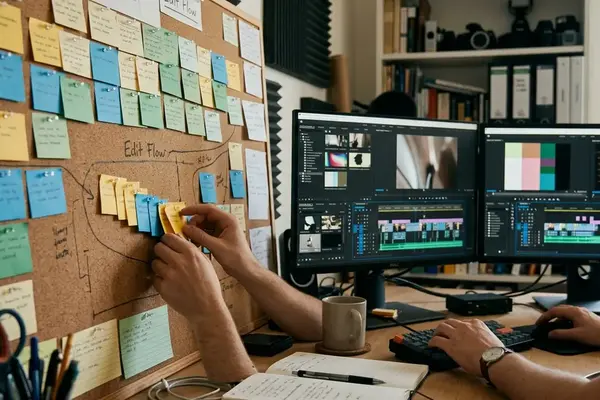
A strong first milestone is one short organized project containing synced dialogue, labeled bins, a rough cut, a refined cut, exported review media, and a cleaned project copy. If the learner cannot explain the structure of that project, adding another application only multiplies confusion.
In the Video Symphony archive, Avid Media Composer appears as a historically central professional NLE, including bootcamp and certified training contexts. That should be read as archive context, not a claim about every current hiring market. Final Cut Pro also belongs in the sequence as a complementary environment for broader digital post-production flexibility.
A practical training order is to spend the first month or so on one NLE workflow before adding another editing platform. Comparisons demonstrate their value only after the learner understands what is being compared.
Move from Technical Competence to Story Editing and Reel Work
A reel becomes persuasive only when the underlying project is organized enough to survive questions.
Once the learner can manage media, build a stable sequence, export clean review files, and recover a project from backup, story editing can move to the front. That is the point to study narrative fiction editing, documentary structure, pacing, continuity, scene repair, emotional clarity, and editorial judgment.
The reel should not be only a montage of isolated cuts. A practical package can include a roughly minute-long highlight reel, one short edited scene of a few minutes, and a brief written breakdown explaining the editor’s role. That gives a reviewer something to evaluate beyond taste: continuity management, rhythm, temp sound judgment, basic graphics taste, and final presentation.
Video Symphony archive references to demo reel production classes and bootcamp reel projects are useful because they treat portfolio material as career evidence, not class decoration. A student spotlight involving an award-winning film editor with public science-documentary credits can show development visibility, but it should not be read as a promised outcome for every learner.
Add Finishing Skills: Audio, Motion Graphics, DVD, and Delivery
Finishing work separates literacy from specialization.
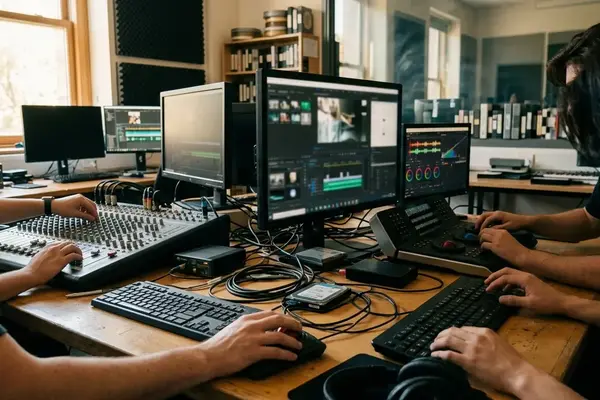
A finishing editor does not need to become a Pro Tools mixer, After Effects artist, Photoshop designer, DVD authoring specialist, compression engineer, 3D animator, and visual effects compositor at the same time. That path gets noisy fast. The working requirement is enough literacy to coordinate handoffs and catch obvious errors before they become delivery problems.
The finishing skill stack includes audio post workflow, motion graphics review, image-prep basics, menu-graphics awareness, compression settings, final file naming, and QC playback. Handoff materials may include a locked reference export, audio turnover package, graphics source files, title list, caption or subtitle materials when required, delivery spec sheet, and final approval notes.
Archive delivery topics such as DVD pre-mastering, Sonic Solutions DVD Creator, Apple DVD Studio Pro, MPEG encoding, menu graphics, compression review, and format-specific final outputs show how delivery training evolved. The tools change. The habit remains: know where the edit ends, where sound and graphics begin, and how the final file will be judged.
Important: A finishing QC pass means watching the full export from first frame to final frame, checking sync at the head and tail, confirming titles are not clipped, and verifying that file names match the delivery request.
Plan Training Around Time, Funding, and Eligibility
Career training is also a scheduling problem. Eligibility, employer paperwork, audit windows, class dates, and personal availability can shape the path as much as software choice.
The California Employment Training Panel was created in 1982 and has historically supported workforce training through employer-linked mechanisms connected to unemployment-insurance participation. In Video Symphony archive material, ETP-supported participation appears beginning in 1997, a third contract award is dated October 15, 2001, and another contract award is referenced in June 2003.
The paperwork vocabulary matters: PERC forms, employer certification, CEAN, unemployment-insurance participation, and an archive-stated 90-day minimum employment period for eligibility. None of those should be treated casually. A learner may also see references to union-member training trust support, federal digital-media skill-upgrading, or career-training loan options, but each route needs current confirmation.
Allow a few weeks to gather employer paperwork and confirm eligibility before treating a class date as secure. That small buffer can prevent a training plan from collapsing over an unsigned form.
Turn Training into Job Readiness, Not Just Course Completion
A certificate or software badge is not the package. It is one piece of evidence.
Job readiness requires proof that the learner can function in a real workflow. Archive career vocabulary such as WIFM, the 3Cs Formula, elevator pitch, market niche identification, and the Entertainment Media Production Pie points toward the same practical issue: hiring conversations need a clear role target, a reason to listen, and evidence that matches the room.
90-Day Post-Production Career Alignment Checklist
- Days 1-10: Choose one target role: assistant editor, junior editor, finishing assistant, audio assistant, or graphics-support role.
- Days 11-30: Align training drills to that role, especially ingest, folder structure, naming, exports, turnover prep, or QC playback.
- Days 31-60: Build one organized sample project and document the workflow choices in plain language.
- Days 61-90: Assemble the job package: assistant editor checklist, short reel, role-specific resume language, and a concise networking pitch.
For an assistant editor target, resume proof points should sound like work: managed ingest and project organization, prepared turnovers, maintained media naming conventions, exported review files, and troubleshot relinking or sync issues. The first networking pitch should stay at two or three sentences so it works in email, class introductions, and brief professional conversations.
Context changes the emphasis. A documentary workflow may value organization, transcripts, stringouts, and long-form project management more than rapid montage cutting. A graphics-support path may sit closer to After Effects, Photoshop, visual effects compositing, or even legacy archive references such as Softimage 3D, but it still needs clean media habits underneath.
Keep the Path Current Without Losing the Sequence
Historical archive material is useful when it teaches order, not when it is mistaken for today’s exact requirement list.
Older software platforms, tape formats, DVD workflows, contract dates, funding pathways, and certification references need current verification before a learner commits money or time. Mike Flanagan, President of Video Symphony, appears in the broader archive context as part of that training history, but present-day decisions still need present-day source checks.
The durable sequence remains: foundations, assistant workflow, NLE fluency, story editing, finishing literacy, reel evidence, and job-readiness communication. That archive-based path is strongest as a sequencing framework; readers still need to confirm current workforce-training rules, union training eligibility, lender terms, certification availability, and current software-version requirements with the relevant source.
This article is a training strategy, not a guarantee of employment, union admission, funding approval, or placement with a specific studio or post facility. It is meant to help a learner stop collecting disconnected tutorials and start building the kind of workflow evidence a working post-production room can evaluate.
Citations
- California Employment Training Panel official site: workforce-training program context and current program verification.
- Video Symphony archive references: post-production training history beginning in 1994, ETP-supported participation beginning in 1997, third ETP contract award dated October 15, 2001, and June 2003 contract award reference.





Your Thoughts
No comments.
Share Your Opinion