
Why Narrative Avid Workflows Break Down
Narrative editing stops being reliable the moment a scene loses its searchable context. The cut still plays, yet the editor cannot trace which take, roll, or audio file belongs where once director notes arrive.
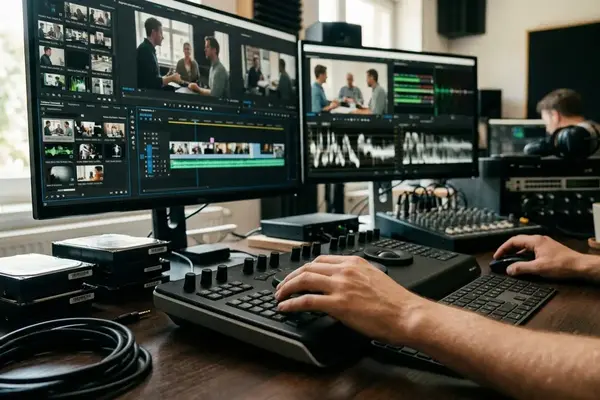
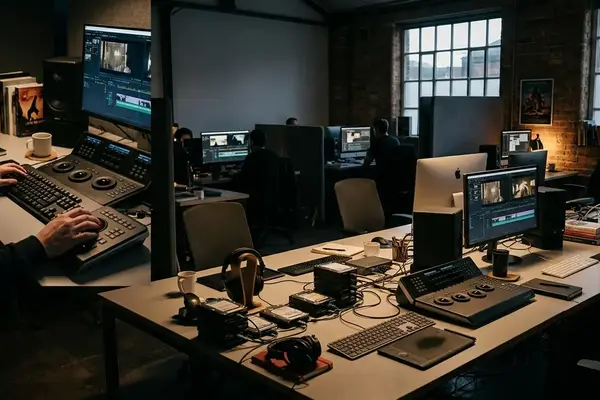
Avid Media Composer carries that context through bins, sequences, timecode columns, and source names. These elements are not optional decorations. They form the only record that survives when an assistant editor hands the project to sound or online.
Most breakdowns trace back to early decisions about naming and organization rather than any single button press. The workflow guide that follows treats those decisions as the real subject.
The Training Context Behind This Workflow
Video Symphony’s archive of Avid courses supplies the vocabulary used here. Modules labeled 101, 201, 205, and 305 separate basic editing from intermediate workflow, effects preparation, and advanced organization.
That archive also records how Marilyn Madderom taught narrative projects for twenty-five years. Her approach emphasized source and record editing, trim mode, and bin discipline as repeatable steps rather than personal habits.
The same formal language appears throughout this guide because it still produces clean handoffs today.
Map the Narrative Pipeline Before Opening a Bin
Begin by listing what must exit editorial intact. That list determines which metadata fields stay protected from the first day of dailies onward.
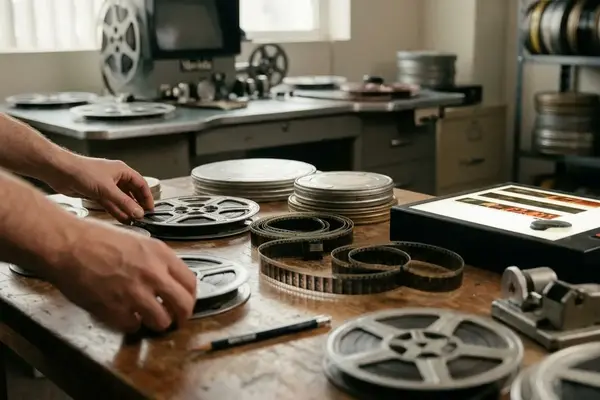
The order runs: dailies intake, sync, logging, scene bins, selects, assembly, editor’s cut, director notes, sound and VFX turnover, then online prep. Older film projects add 24p settings, 3-2 pulldown, telecine logs, and Avid Log Exchange imports. Modern file-based projects still require verified source names and timecode before any creative cut begins.
Offline editing rewards fast playback and easy comparison. Online finishing demands accurate reel fields and exported lists. Both stages depend on the same early metadata choices.
Set Up the Project So the Cut Can Survive Revisions
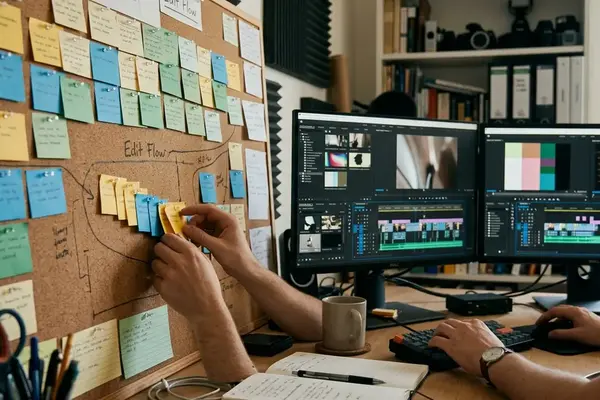
Bin names should reflect the script and the turnover requirements, not a general sense of order. For the sample project the first pass grouped material by shoot day, yet that structure was abandoned once scene numbers proved more useful for director notes.
Top-level bins follow a fixed pattern: 00_Project_Admin, 01_Dailies, 02_Audio, 03_Scenes, 04_Selects, 05_Music, 06_Temp_VFX, 07_Exports, and 99_Old_Cuts. Scene bins carry names such as SC_012_Interrogation so the dramatic purpose is visible before the bin opens.
Assistant-editor setup confirms frame rate, imports logs, checks source timecode, syncs production audio, creates subclips, and labels circled takes. Only then is a clean scene stringout duplicated for creative work.
Cut Scenes with Coverage, Continuity, and Performance in Mind
Start with the lined script. Compare takes, mark performance beats worth protecting, and build a watchable assembly before any refinement begins.
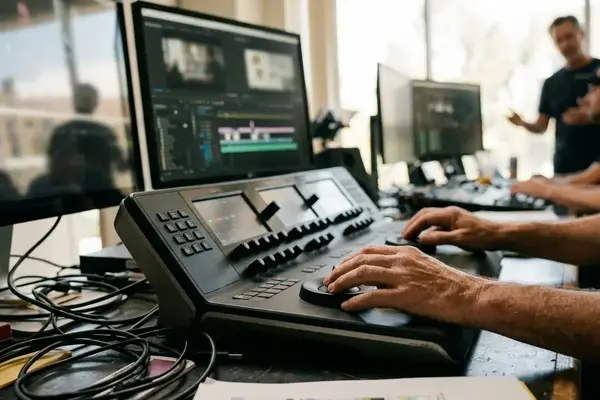
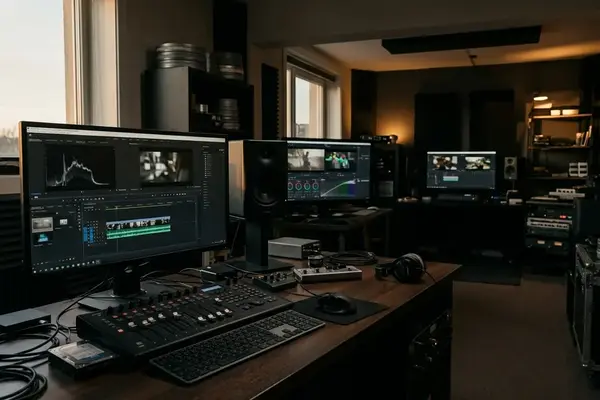
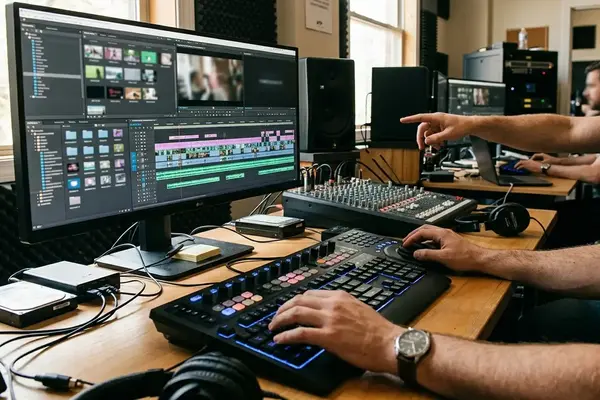
Avid tools map directly to these decisions. Source and record editing assembles the first pass. Trim mode adjusts rhythm. Three-button play supports repeated review loops. Replace edit swaps a new performance into existing timing. Slip and slide move internal action without breaking sync. Sync point editing aligns action across angles.
In the training project First Impressions, detective-drama pressures include suspect eyelines, held reaction shots before reveals, and mismatched hand action. Selects sequences hold multiple usable performances when coverage is rich. Direct cuts into the scene sequence work when continuity is already clear.
Control Media Before Media Controls You
Media management belongs at the end of every day, not during emergencies. Most late failures begin with small early choices: an imported title card left on a local drive, duplicate clips with identical names, or graphics without stable file paths.
The Media Tool locates project media. Consolidate copies used clips to controlled storage. Decompose supports recapture workflows. Relink reconnects sources after moves. Sequence cleanup removes unused references before delivery.
Even when tape decks and SCSI chains disappear, source names, timecode, and controlled drive locations still decide whether a project can be rebuilt.
Prepare Sound, Graphics, VFX, and Online Handoffs Early
Duplicate the sequence before every turnover test. Creative changes continue, yet the receiving department needs a stable reference.
Audio turnover exports OMF or OMFI from the duplicated sequence and keeps production dialog tracks organized. EDL Manager produces list-based handoffs once source names and reel fields are verified. QuickTime files carry visible timecode for ADR spotting or director comments. Temporary effects receive explicit labels such as TEMP_SPLIT_SCREEN_v03 so finishing staff never mistake them for finals.
Scope, Limits, and What Has Changed Since Legacy Avid Training
An archived announcement from May 2004 named Video Symphony the top Avid Authorized Education Center worldwide for 2003. That credential belongs to its historical moment and does not describe current status.
References to Media Composer 9000XL, ABVB, Meridien, DNA hardware, and tape-based digitizing describe the training environments of that period. Modern versions change menus, codecs, and export panels, so readers should check current official Avid Media Composer documentation for interface details.
The durable sequence remains the same: organize, sync, cut, manage, version, and hand off cleanly. This guidance applies most directly to narrative projects that require assistant-editor discipline and downstream turnover. A single-editor social clip may not need the full structure.
Practical Avid Narrative Workflow Checklist
Every creative cut depends on technical traceability. Follow the order below on any narrative project that will move beyond a single workstation.
- Confirm project frame rate, raster, audio sample rate, and offline or online assumptions before importing media.
- Create bins for dailies, audio, scenes, selects, music, temp VFX, exports, and old cuts.
- Import or link media and verify source metadata.
- Sync dailies and organize by scene.
- Create selects, build assemblies, and refine scenes.
- Duplicate sequences before notes or handoffs.
- Clean unused or unmanaged media.
- Export OMF, EDL, and review QuickTime files with clear labels.
Bottom Line: Traceable sources and stable versions let the story survive every revision that follows.

Your Thoughts
No comments.
Share Your Opinion