
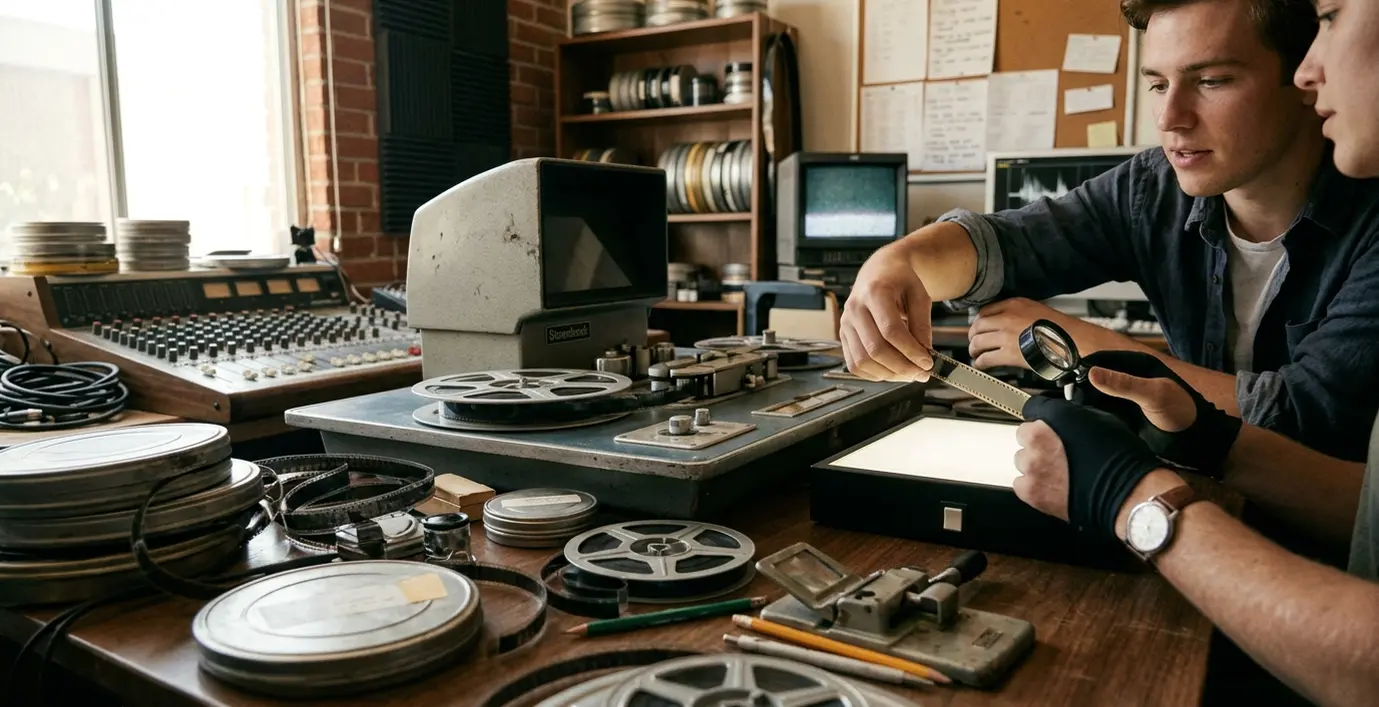
Inside a Working Burbank Post-Production Suite
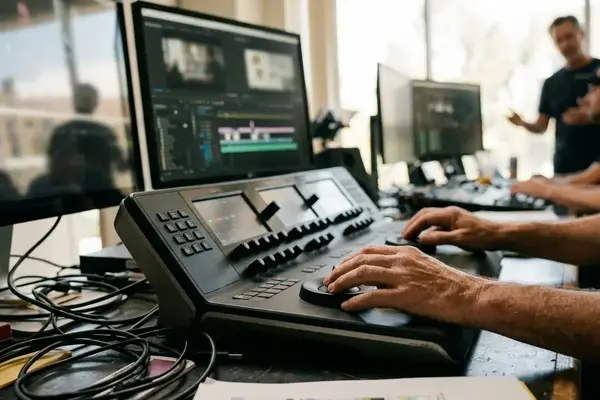
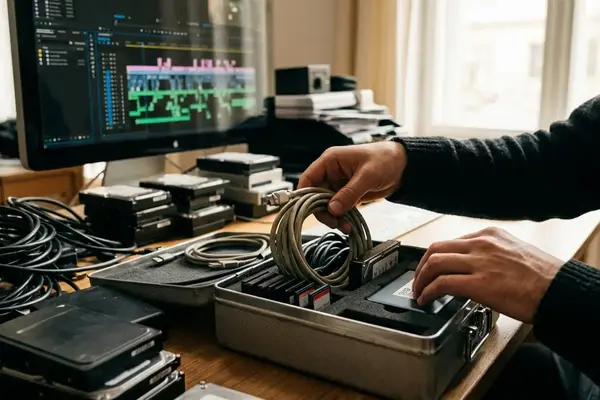
The trainee enters a dim edit suite and leaves the timeline closed. First, she reads the review specification. She confirms the reference monitor input, mounts the source volume without changing it, checks the available storage, and connects the sequence to the room’s video and audio paths. The instructor watches from the second chair.
That opening routine can take 20 to 30 minutes. It may feel slow beside a software lesson, yet every step reveals something about professional readiness. Can the trainee trace the workstation output through the interface to the reference display and loudspeakers? Does she know where generated media belongs? Will she document a fault before creative work begins?
Open the Room First
A useful review drill starts with a locked reference file, a clearly labeled working sequence, and a slate showing the project name, version, frame rate, and export date. These details establish a known state. Once playback begins, the instructor can separate an editorial decision from a routing, sync, or monitoring problem.
Software commands travel well across a video call. Rooms do not. Shared systems, signal paths, operating habits, and immediate correction remain central to facility-based training. Burbank provides a practical setting because its training rooms can mirror expectations common to the wider Los Angeles production environment.
Trace the Signal
If a trainee cannot explain how picture and sound reach the room’s monitor and loudspeakers, successful playback may be accidental.
What Remote Lessons Cannot Fully Reproduce
Remote instruction works well for interface tours, keyboard drills, editing theory, recorded lectures, and independent revision. Those activities benefit from pause buttons and repetition. Students can arrive at a facility session already familiar with the menus and prepared to operate.
What deserves room time? Mounting shared storage, diagnosing a planted fault, monitoring dialogue from more than one seat, making a supervised revision, and handing the result to another workstation all depend on a physical system.
Split Preparation From Operation
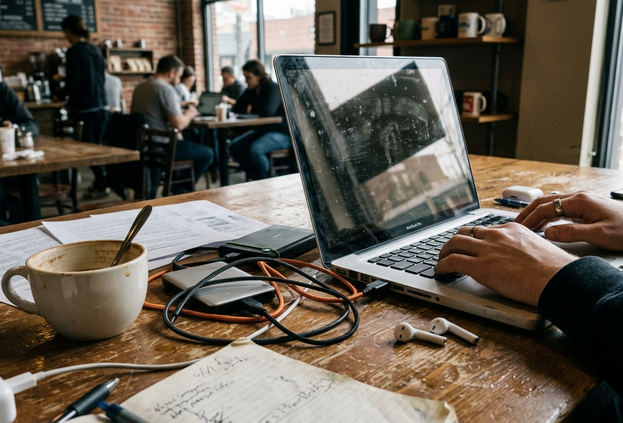
A focused hybrid exercise might assign 30 to 45 minutes of remote preparation, followed by a 90- to 120-minute supervised room session. During that session, the student mounts media, finds one seeded problem, completes a revision, and transfers the project to a second station. The structure protects expensive facility time from becoming a basic interface demonstration.
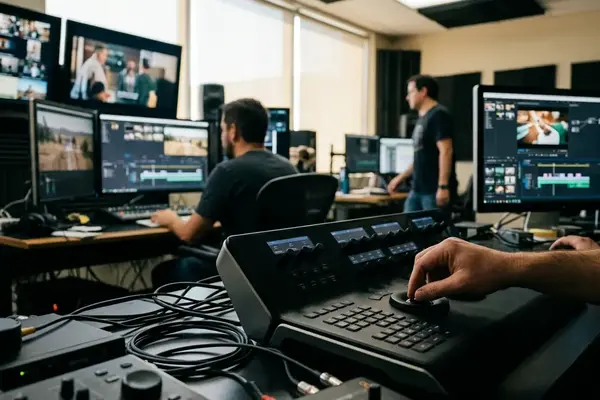
Physical proximity also shortens the correction loop. An instructor may hear that playback is coming from the operating-system output instead of the room interface. A glance at the project can expose cache files being written into a shared source folder or new media sitting outside the designated directory. Screen sharing can conceal those mistakes because the visible timeline still appears healthy.
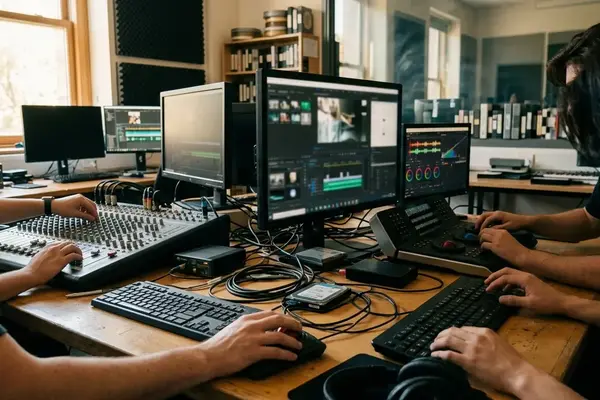
Audio makes the difference especially clear. Students can listen to the same dialogue edit at the mix position and from a second seat, then compare those impressions with the meters. The room turns a waveform judgment into an acoustic and monitoring judgment.
Learning the Entire Post-Production Chain
An end-to-end exercise begins with an intake manifest and ends when another operator opens the delivery from its destination. Everything between those points matters.
- Intake: Copy the source package into the designated structure, preserve camera filenames, and document what arrived.
- Editorial preparation: Generate working media where required, establish sequence settings, and keep project files separate from exports.
- Picture lock: Preserve the approved sequence before preparing turnovers.
- Audio turnover and conform: Supply the requested files, reference picture, visible timecode, and change documentation.
- Review and revision: Record notes with locators, owners, and actions while maintaining version history.
- Quality control and delivery: Check duration, start timecode, channel layout, naming, picture integrity, audio presence, and playback away from the originating workstation.
A compact assignment can use 8 to 12 minutes of source material across four supervised sessions of two to three hours each. One session handles intake and organization, another editorial and lock, a third turnovers and conform, and the last quality control and delivery. The short program length keeps the media manageable while preserving the dependencies between departments.
Folders Carry Intent
A defensible structure separates immutable source media, generated editorial media, project files, exports, turnover documents, and received elements. In a shared-storage drill, the source folder can have restricted write permissions. That small constraint forces students to decide where renders, caches, and revised assets belong.
The planted faults should test interpretation rather than button recall. Mixing 23.976 and 24.000 material, for example, creates sync behavior that must be traced through metadata. Repeatedly slipping audio only hides the underlying mismatch.
An audio turnover may require 48 kHz, 24-bit files, a matching reference picture with visible timecode, and sync checks near the head, middle, and tail. Equipment layouts will differ among facilities, so the transferable lesson lies in reading the active specification and tracing the workflow. Monitoring levels, frame rates, color pipelines, storage permissions, and delivery requirements all change from project to project.
Collaboration Under Real Post-Production Conditions
The reviewer says, “Fix the audio under the door close.” Which line? At what timecode? Who owns the revision? Does the request affect the mix, the edit, or both?
A functioning room converts that vague comment into an actionable note: 01:03:18:12, reduce the off-camera line under the door close, sound editor. The locator identifies the moment, the action defines the change, and the owner directs the work.
Rotate the Chairs
Students can cycle through editor, assistant editor, sound editor, mixer, and reviewer roles. The reviewer gives notes in viewing order. The assistant records timecode, affected department, requested action, and unresolved questions. Before revisions begin, the team preserves the approved sequence and creates a new version.
A focused simulation can use a six- to ten-minute sequence. Allow 15 to 20 minutes for live notes, then 35 to 50 minutes for clarification, prioritization, revision, and presentation. A deferred, rejected, or changed note remains in the record instead of disappearing into conversation.
I judge the handoff by a simple test: can the next operator begin without hunting for media, resetting monitoring, clearing an undocumented patch, or guessing which export is current?
Experienced operators also model the quiet work around the session. They prepare the room before the reviewer arrives, state delays clearly, and preserve the last known working state during an interruption. Students see that technical recovery includes communication. A silent five-minute troubleshooting gap feels very different from a concise explanation that identifies the fault, the temporary workaround, and the effect on the schedule.
How to Evaluate a Burbank Post-Production Program
During a facility visit, follow one sample asset through the building. Ask where it is ingested, who creates the project structure, how the workstation reaches the reference display, where audio is monitored, and what happens when the asset leaves the room. Shiny hardware reveals little about whether students receive meaningful operating time.
Questions Worth Asking
- How many hours of individual workstation operation does each student receive per week, excluding lectures, demonstrations, group observation, and access that is rarely available?
- Do students mount shared storage and work within defined permissions?
- Who maintains the rooms, and what is the procedure when a workstation or volume becomes unavailable?
- How far ahead must practice rooms be reserved?
- Are practice blocks limited to one or two hours, or can students book enough time for a complete conform, mix, or finishing exercise?
- How does an instructor deliver feedback during operation and review?
Request one anonymized assignment brief. Inspect it for source media instructions, folder structure, sequence settings, turnover contents, review steps, revision tracking, quality-control criteria, and final delivery requirements. A full project should continue beyond the export command.
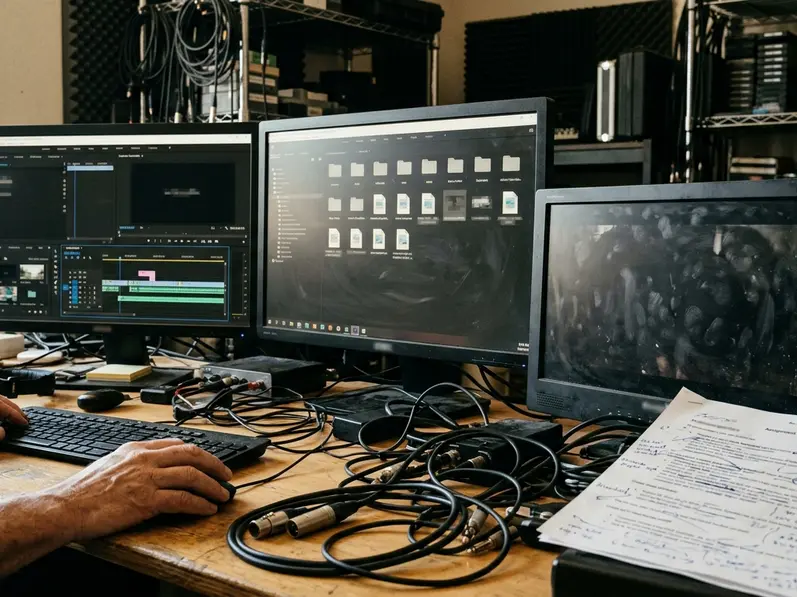
A 30- to 45-minute visit is enough to ask staff to demonstrate a shared-storage mount, the reference-monitor path, the audio-monitoring path, a review station, and the contingency for unavailable equipment. This approach evaluates the workflow rather than the equipment list.
Access Warning
Watch for one operator serving a crowded group, missing version history, source media stored beside disposable renders, vague promises of professional access, or assignments that finish as soon as a file is exported.
For any Burbank training provider, including a program presented under the Video Symphony name, the useful questions stay practical: Are the rooms maintained? Is supervision structured? Do students spend substantial time operating? Does the work resemble a current departmental handoff?
From Classroom Session to Dependable Workflow
The durable advantage of in-person Burbank training comes from repetition under realistic technical and collaborative constraints. The location supports the work when the program supplies complete workflows, supervised access, and habits that transfer between rooms.
A sequence may play correctly on the editing workstation and still fail at the next station because a render, font, audio file, or cache-dependent element never entered the handoff package. The receiving operator should open the package from the delivery location rather than relying on the sender’s project history. That test exposes machine-local media before the room is released.
Make the Last Check Count
With an organized package, a final handoff check can take 10 to 15 minutes. Compare filenames with the manifest, confirm duration and start timecode, inspect channel layout, test picture and audio playback, and verify that linked files are present. A practical filename includes the project, element, version, and date or revision identifier. Approval status belongs in the manifest, away from labels such as “final_final.”
After review, a trainee spots the previous version suffix on an audio export. She returns to the approved session, exports the correct element, updates the manifest, and carries the package to the next workstation. The receiving operator opens it from the delivery folder. In the dim room, picture rolls, the dialogue lands in sync, and the handoff moves forward.
Your Thoughts
No comments.
Share Your Opinion