
Why Los Angeles Post-Production Education Feels Different
The pull of Los Angeles training is geographic before it is pedagogical. Scripted television, feature editorial, short-form commercial work, streaming deliverables, documentary cuts, and independent festival projects all happen within a short drive of one another, and that density becomes a shortcut learners reach for: if the production happens here, the teaching must be sharper here too.
That shortcut is worth examining rather than trusting. A program near major studios can still run as a tool tour. One housed in an unremarkable strip of offices can drill the exact habits an editor needs on day one of a real job. Location signals access to examples; it does not, on its own, signal depth.
No single program covers the full Los Angeles spectrum at equal depth. A school strong in scripted picture editing may treat audio post as a single overview week. A center built around commercial finishing may barely touch documentary assembly. The breadth of the city's output is real, but it lives across many programs, not inside any one of them.
So the useful question shifts. Not is this class near the studios, but do students complete repeated review cycles with instructor feedback before a final delivery? That question quietly separates durable workflow training from a curated walk through menus.
What Post-Production Training Actually Covers
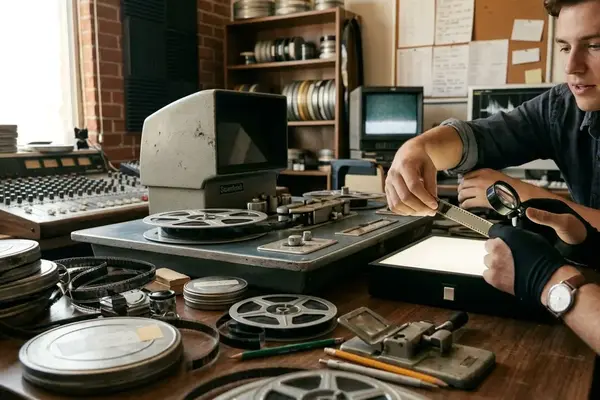
Post-production is not one craft. It is a chain of disciplines that hand work to each other: picture editing, assistant editing, media management, sound editing, dialogue cleanup, music editing, mixing, color correction, delivery, and archival. Naming tools before naming these disciplines is how learners confuse software access with professional preparation.
Picture and assistant editorial
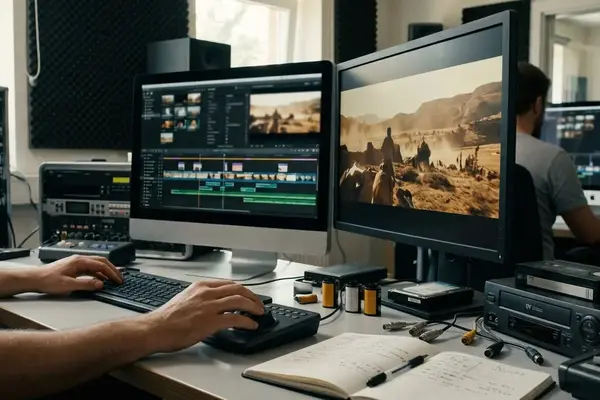
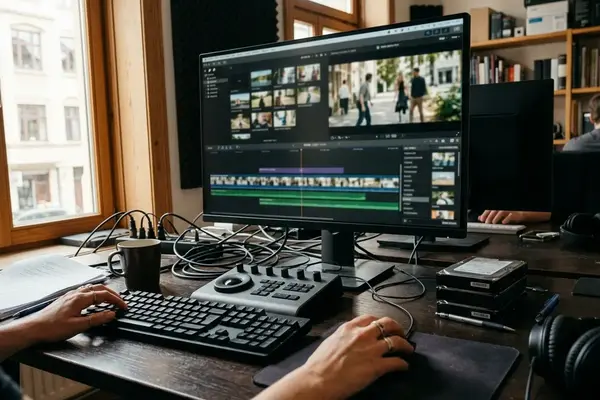
Picture editing instruction should reach past the timeline into bin structure, naming conventions, selects organization, continuity review, performance comparison, temp sound placement, rough-cut revisions, and final export checks. The assistant editor's craft runs parallel but distinct: media verification, file renaming rules, sync maps, turnovers, sequence duplication, version labeling, and a clean handoff for the editor or finishing artist.
Learning a command is not learning judgment. Judgment is organizing material so a revision two weeks later does not collapse into guesswork. It is evaluating a performance against three takes, holding continuity across a scene, and tracking which version of a note is current.
Audio post and delivery
Audio post asks for a different kind of attention. Dialogue cleanup, room tone matching, deliberate noise-reduction decisions, music edits, effects placement, mix review, and delivery of stems or flattened mixes all reward a listener, not just an operator. The sequencing instinct an editor builds for picture does not automatically transfer to the ear.
Delivery is its own discipline and the one most often skipped. It means checking frame rate, raster size, audio sample rate, head and tail spacing, captions or subtitles when required, and whether the exported file actually matches the assignment brief. A program that never asks students to deliver against a spec has left out the part employers test first.
Analyze Your Goal Before Comparing Programs
Reading school pages first is a common mistake. The marketing reframes your goal around whatever the program happens to sell. Reverse the order: name the role, then the skill gap, then the environment that closes it.
Consider two learners. One aims for assistant editor work and needs repeated practice with shared-storage etiquette, relinking, sync, turnovers, version control, and change lists. Scene-cutting exercises alone will not prepare that person. The other is already a working editor adding audio post, who needs short, targeted instruction on dialogue cleanup, session organization, export stems, and client review language, not a full beginner editing sequence.
A pre-comparison worksheet handles this in roughly thirty to forty-five minutes. Write the target role. List five current skill gaps. Rank the top three. Mark which gaps require supervised feedback rather than a tutorial you could watch alone.
That last mark matters for format. Short workshops fit narrow needs over one to three meetings. Longer courses earn their cost when you need repeated critique, project development, and deadline practice across six to twelve weeks. The worksheet tells you which one you are actually buying.
Evaluate Curriculum Depth and Workflow Realism
Read a course outline for verbs, not nouns. The software list tells you almost nothing. What students do with media, notes, revisions, exports, and handoffs tells you everything.
A deeper outline names project setup, codec or container handling, relinking, sync, turnovers, version naming, review notes, export presets, audio handoff, and troubleshooting procedures. A shallow one lists interface topics for several weeks and never states when students receive critique, how revisions are handled, or what final delivery specifications must be met.
A learner once enrolled in a prestigious-sounding editing course near the major lots and found it was mostly interface demonstration. No turnovers. No revision cycle. No supervised media management. The name on the door was strong; the workflow training was hollow. The outline could have warned them, had they known to read for the missing verbs.
What a realistic exercise looks like
Real exercises are messy on purpose. Mismatched camera-card names. Missing room tone. Two versions of a script page. Revised client notes. A required export by the next class meeting. The friction is the lesson.
- Assemble a two-to-four-minute scene from imperfect source material.
- Submit a labeled review file for critique.
- Revise after notes, tracking what changed.
- Deliver a final file plus the organized project folder.
If the assignments never include changing notes, incomplete information, time pressure, or a delivery check, the course is rehearsing an idealized post-production that does not exist on any real job.
Compare Learning Formats in the Los Angeles Area
Formats are a question of fit, not a ranking. The honest comparison weighs how much structure, feedback, schedule control, and production realism each one offers a specific learner.
University extension and community college classes tend to provide a sequenced calendar, graded assignments, lab access windows, and peer review. That structure helps learners who need accountability to finish anything. Private training centers and short workshops earn their place when the learner already knows the target skill, such as assistant editor prep, color correction basics, audio cleanup, or delivery troubleshooting.
Online cohorts cut travel friction for anyone juggling freelance calls. The thing to verify is where the critique lives: live, asynchronous, or only buried in written comments. Mentorship offers the richest feedback and often the narrowest curriculum. Self-directed study supported by archives and tutorials offers maximum flexibility and minimum accountability.
A context-dependent truth sits underneath all of this. A two-day workshop is exactly right for a working editor who needs a narrow workflow update. The same two days fail a beginner who has never organized media or exported a deliverable.
The geography tax
In-person training carries a Los Angeles cost that has nothing to do with tuition. A class meeting during evening commute windows can become impractical, especially when a student must haul drives, headphones, and project notes across town after a full workday. Work schedules, union or nonunion career paths, and freelance availability all bend the practical value of any in-person commitment.
Check Instructors, Facilities, and Editorial Standards
Verification means asking for evidence that matches the course subject. Instructor credits, teaching ability, room setup, review standards, and update practices each matter, and none substitutes for another. A celebrated editor who cannot run a critique is a poor teacher; a skilled teacher with stale credits may miss current delivery norms.
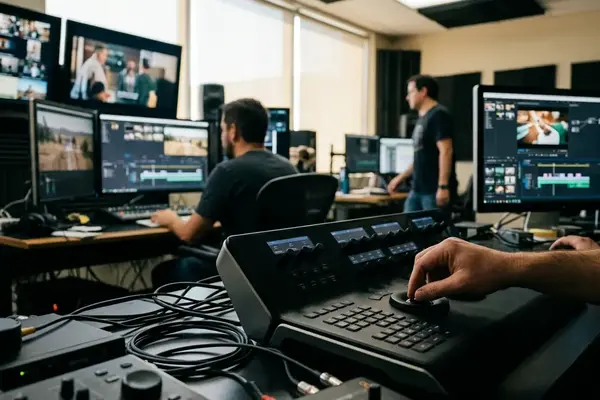
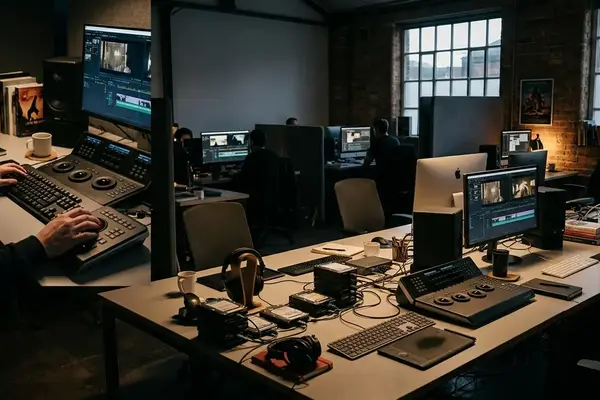
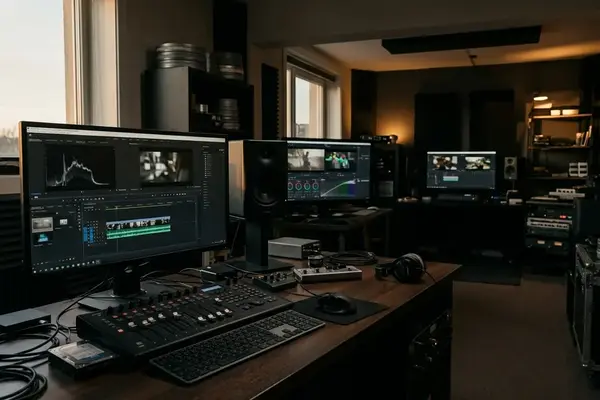
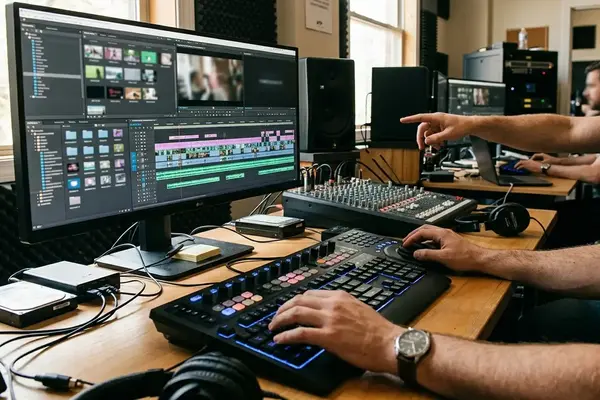
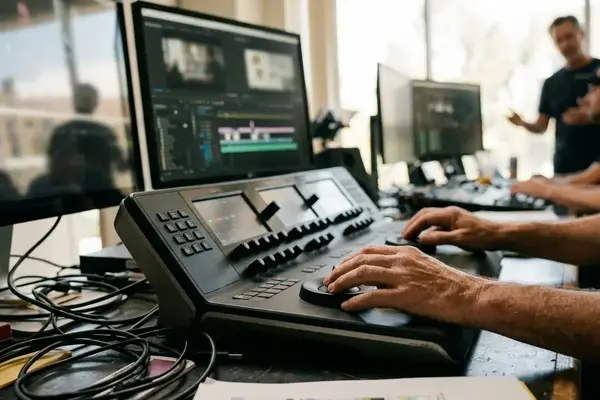
Match the facility to the discipline. For picture editing, ask whether you will work in individual stations, shared labs, or your own laptop, and whether class time includes supervised cutting rather than demonstration alone. For audio post, relevant rooms are treated, with reliable monitoring, control surfaces where appropriate, and quiet enough to review dialogue, effects, music, and mix balance honestly. For finishing or color discussions, ask whether monitoring conditions are even explained, since calibration shapes every judgment a colorist makes.
One question reveals more than a brochure ever will: when was the syllabus last revised across the most recent software release cycles, and what changed in response to current delivery expectations? An instructor who can answer specifically is paying attention. One who cannot is teaching from memory.
Understand Scope, Limitations, and Career Expectations
State the boundary first, because the order matters. No course can guarantee employment, credits, representation, union eligibility, or professional access. Any claim about employment outcomes should be treated as unverified unless the program publishes current, auditable methodology for how those outcomes are counted.
What training can reasonably produce is real: cleaner project organization, a stronger troubleshooting vocabulary, better revision habits, usable portfolio exercises, and more confidence discussing post-production problems. A classroom portfolio piece can show scene construction, pacing, dialogue repair, or finishing awareness. Employers still test reliability separately, through communication, file discipline, deadline behavior, and how you respond to notes.
Networking is not a feature you purchase by enrolling. Its value depends on whether you attend consistently, participate in critique, follow up with peers, and stay in contact after the course ends. A roster of talented classmates is worthless to the student who never speaks to them. For a sense of the broader field, the U.S. Bureau of Labor Statistics description of film and video editors offers context this article cannot.

This article can help you evaluate training quality, but it cannot judge any single provider's private admissions practices, unpublished placement data, or current instructor availability. Those require direct contact with the program.
Build a Practical Program Selection Checklist
Convert everything above into an enrollment workflow. Define the role goal, test the curriculum against it, confirm feedback and facilities, check schedule fit, then compare total cost. In that sequence.
- Define the role goal. Assistant editing, creative editing, audio post, finishing, teaching, or independent production.
- List your skill gaps and rank the top three.
- Review the curriculum for workflow verbs, not just software names.
- Inspect sample assignments for messy media, revisions, and delivery checks.
- Ask how work is critiqued and how often.
- Confirm tools and facilities match your discipline.
- Estimate schedule fit against commute and freelance reality.
- Compare total cost against what the program actually delivers.
Before you contact anyone, prepare six to eight specific questions instead of requesting a general brochure. Specificity gets specific answers.
Questions worth asking
- Does the final project require only a finished export, or also organized project files, labeled media, revision history, and delivery notes?
- How often will student work be critiqued?
- Are assistant editor workflows taught: sync, relinking, turnovers, shared-project etiquette, and naming conventions under deadline?
- For audio post, how are dialogue cleanup, music edits, effects placement, stems, and the handoff from picture editorial practiced?
- What software version is used, and when was the syllabus last revised?
An aspiring audio post student once enrolled in a general editing class and walked away with useful pacing feedback but no structured practice in dialogue cleanup, room tone, music edits, stems, or mix review. The right questions, asked before enrolling, would have surfaced that mismatch in a single conversation. That is the whole purpose of the checklist: to make the gap visible while you can still choose differently.



Your Thoughts
No comments.
Share Your Opinion