
Why Post-Production Starts Before the Edit
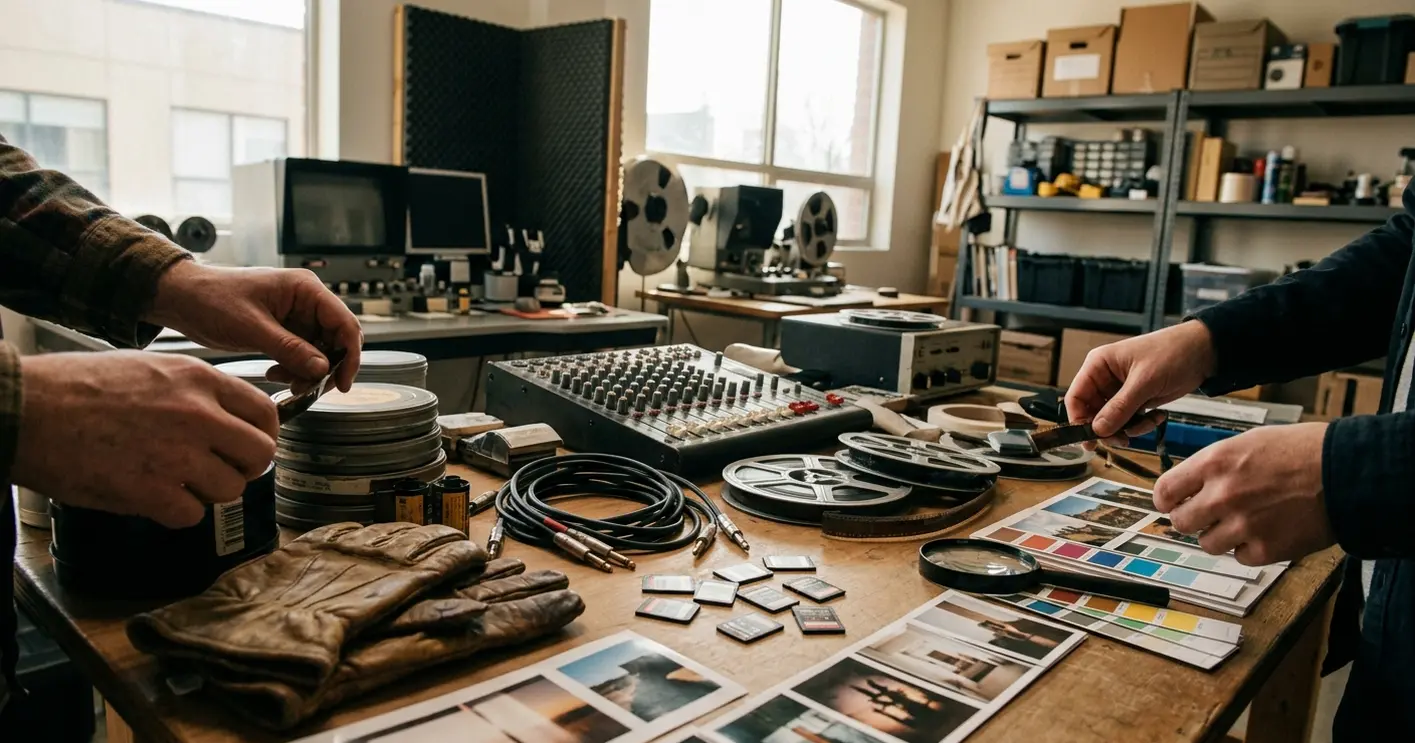
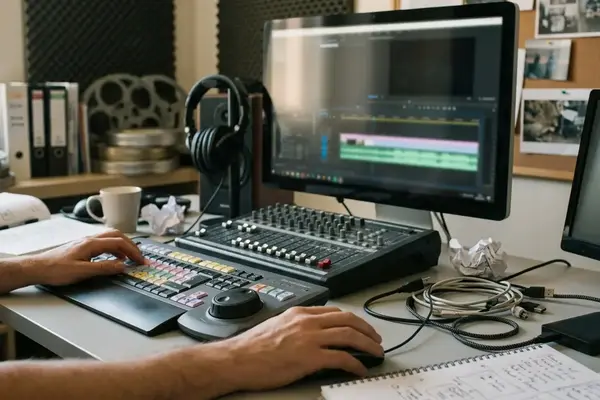
A scene does not arrive in editorial as a clean little package. It arrives with roll names, slate marks, sound files, script notes, preferred takes if anyone had time to mark them, and a trail of production choices that either explain the footage or make the assistant editor play detective.
That is where post-production really starts: on the floor, before the crew moves on.
Trace one simple dialogue scene. The director chooses whether to shoot a master, matched singles, inserts, and reactions. The script supervisor tracks continuity and take notes. Camera and sound create files that need to sync. A DIT or data wrangler protects the media, labels the handoff, and keeps the chain clean. If any part of that handoff is vague, the problem may not show up until dailies or proxies are reviewed a day or two later. Sound, color, VFX, and finishing may feel the damage much later, when missing room tone, clean plates, LUT references, or metadata cannot be recreated cheaply.
I have seen footage that was technically fine still slow a post team down because camera roll names, sound roll names, and script notes did not agree. At that point, the assistant editor is identifying takes by slate image, waveform, and scene content instead of reports. Nobody wants that job at midnight.
This list is for aspiring editors, assistant editors, production students, and crew members who want to understand the overlap. Not department politics. Practical consequence.
Criteria for Selection: Roles That Create Post Consequences
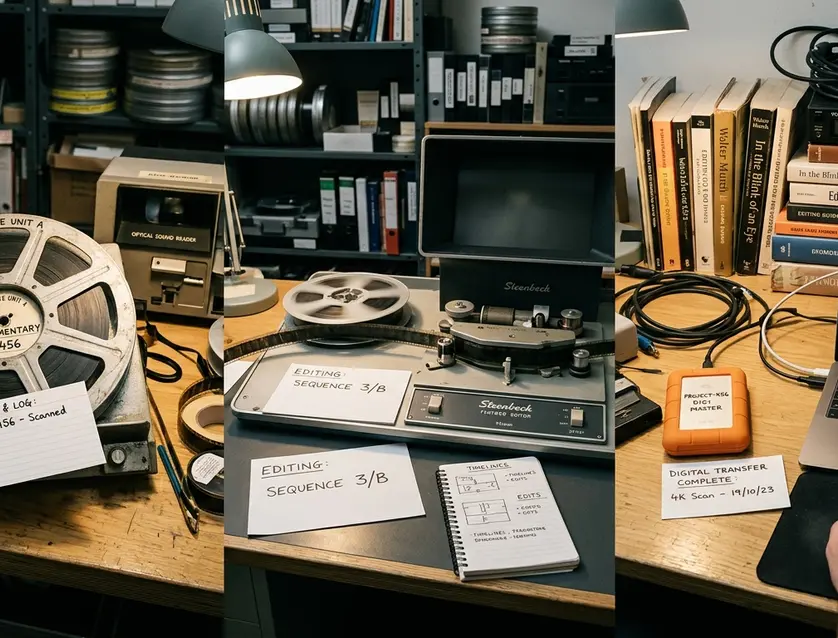
The roles below were selected because they make decisions before wrap that affect what post can cut, sync, repair, conform, grade, track, or deliver.
That cutoff matters. Once a location is struck, many fixes become harder: missing pickups, unclear sync notes, erased cards, incomplete reports, or a look reference that lived only on one monitor. The most useful question is not, “Who owns post?” It is, “Who can still prevent a post problem before the next setup?”
Exact titles shift across student films, commercials, episodic work, low-budget features, and studio-scale crews, so read this as a map of responsibilities rather than a staffing chart. On a student short, the editor may also be the data wrangler and post supervisor. On a larger production, those jobs may sit with editorial, DIT, post supervision, and production management.
Bottom Line: For each role, look at three things: the production responsibility, the post-production consequence, and the on-set question that can be asked before the company moves.
Story, Coverage, and Schedule Roles
1. Director — Coverage, Performance, and Editorial Intent
The director controls the raw shape of the edit long before an editor opens the project. A master gives geography. Matched singles give structure. Inserts hide timing problems. Reaction shots let an editor reshape emphasis without breaking the scene. Alternate performance takes give the cut somewhere to go when the first version feels too flat or too sharp.
The dangerous assumption is that a strong performance solves the edit by itself. Sometimes a scene cuts poorly not because the actors missed, but because a rushed company move eliminated inserts, reactions, wild lines, or room tone that would have hidden continuity and sound edits.
The practical question belongs on set: What must the editor understand about the intended rhythm or emotional priority of this scene?
If the answer is “the pause matters,” protect the pause. If the answer is “the reveal is in the reaction,” get the reaction. Editorial intent should not have to be guessed from coverage that was shot only to finish the day.
2. Producer, Line Producer, or UPM — Budget Decisions That Reach the Edit Bay
A producer may never touch the timeline, but schedule and budget choices land in the timeline anyway.
Compressed days change coverage. Overtime calls decide whether the crew stays for a pickup. Company moves can erase the chance to grab a missing insert. A skipped shot may later become a half-day insert shoot, an ADR session, or a VFX patch instead of a simple cutaway.
This is not an argument for shooting everything. It is an argument for knowing which small pieces carry the most post value. If a scene depends on a phone screen, a handoff, a glance toward the door, or a line that overlaps traffic noise, those details deserve more protection than another angle that adds no new editorial option.
The on-set question: If we drop this setup, what repair will post need later?
3. First Assistant Director — Set Efficiency, Continuity of Coverage, and Pickup Risk
The first AD lives inside time pressure. That is why the role has so much post influence.
A well-timed reset can save a continuity-critical action. A quick wild line while the actor is still in costume can save dialogue editorial. Room tone after a setup gives sound editors material for smoothing cuts. A clean plate before the set changes can save VFX from painting around moving extras, flares, or equipment shadows.
These captures are small, but they need permission and timing. The AD is often the person who can make space for them without letting the day drift.
- Ask sound whether room tone is needed before the room changes.
- Ask VFX whether a clean plate is needed before lighting or art moves.
- Ask camera whether a reset is needed for a continuity-critical action.
- Ask the director whether a wild line or insert would protect the cut.
4. Script Supervisor — Continuity Notes That Editorial Actually Uses
The script supervisor’s work becomes the editor’s map.
Lined script pages, take comments, screen direction notes, eyeline notes, continuity flags, setup references, and timecode references help editorial understand what happened after hours of coverage. These notes are especially valuable when a director has preferences but no time to brief editorial after every scene.
A good note does not need to be literary. “Best emotional take, but cup continuity breaks after line three” is more useful than a vague “good.” If lens or setup references are available, they can also help post troubleshoot mismatches, identify missing angles, and understand why one take behaves differently from another.
The on-set question: What will editorial need to know when nobody from set is sitting beside them?
Camera, Image, and Media Handoff Roles
5. Director of Photography — Exposure, Color Intent, and Visual Continuity
Color correction begins with choices made under production pressure: exposure, lighting ratio, mixed color temperatures, practical lamp behavior, window light changes, camera movement, lens character, and framing.
A colorist can do a lot, but they cannot know the intended look if the only reference was an uncommunicated monitoring LUT on set. VFX may struggle with motion blur, rolling reflections, inconsistent lens data, or frames that leave no room for stabilization. Editorial may find continuity problems when lighting changes between angles or when a camera move forces a cut to happen earlier than planned.
The broader principle is simple: image intent needs to travel with the image. LUTs, look notes, exposure choices, and framing constraints should be communicated to the people who inherit the files.
The on-set question: What part of this look must survive dailies, color, VFX, and delivery?
6. DIT or Data Wrangler — The First Line of Post-Production Media Safety
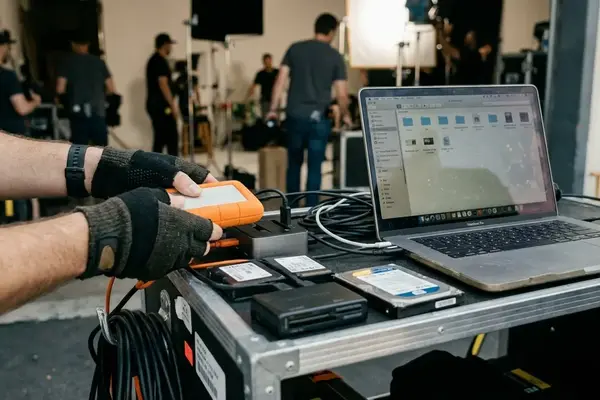
The DIT or data wrangler is where production becomes a post workflow in practical terms.
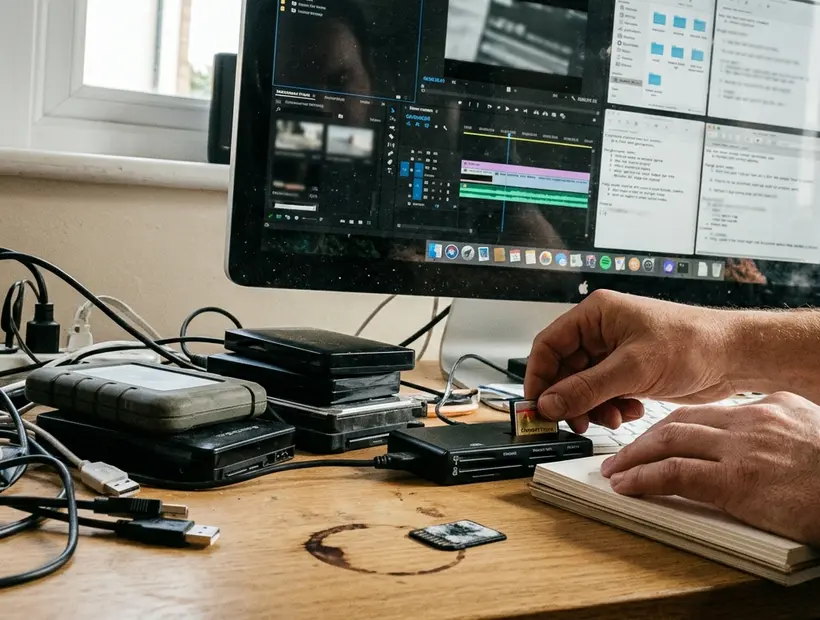
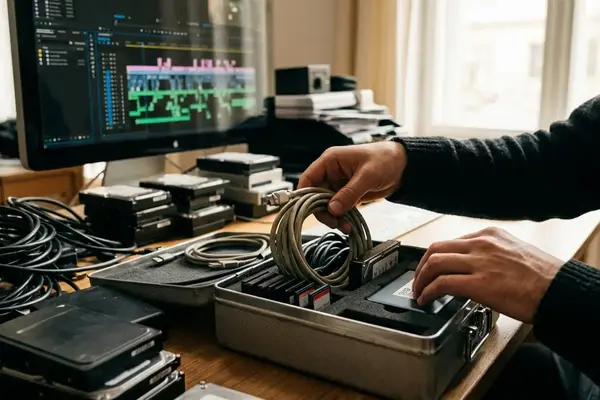
Offloading is not just copying. It includes verified transfers, checksum-based confirmation, consistent folder structure, clear camera roll handling, LUT management, camera reports, proxy creation when applicable, and communication with editorial. Camera cards should not be erased until verified copies exist and the person responsible for clearance has confirmed media status in the production’s agreed log.
This is also where naming problems either get caught or multiply. If camera roll names, sound roll names, and folder names disagree on day one, assistant editorial will spend the rest of the show compensating for a preventable mess.
Field Note: Confirm file naming, card labels, sound roll names, camera roll names, backup destinations, proxy responsibility, and who can authorize card reuse before the first company move.
The on-set question: Can editorial identify, verify, sync, and trace this media without calling set?
7. First Assistant Camera — Focus, Slates, Lens Data, and Technical Accuracy
The first AC affects post through accuracy. Focus pulls decide whether a take is usable. Slates help sync. Camera reports help editorial and post track what was shot. Lens changes and lens metadata, where available, help VFX, conform, and troubleshooting.
A soft take may still be selected for performance, but editorial needs to know the risk. A slate that does not match the sound report creates sync friction. A lens change with no note may matter later when VFX tries to track a shot or when finishing investigates why one angle behaves differently.
This role is a reminder that technical details are creative insurance. The cleaner the capture record, the faster post can separate real problems from clerical ones.
The on-set question: Are the slate, camera report, lens information, and focus notes clear enough for someone who was not here?
Sound, VFX, and Post Bridge Roles
8. Production Sound Mixer — Dialogue, Sync, Room Tone, and Repair Options
Dialogue editing is shaped by choices made while the set is still noisy, crowded, and moving fast.
Mic placement, lav rustle checks, boom shadows affecting framing, sound reports, wild lines, and environmental noise calls all matter. A refrigerator, generator, traffic cycle, aircraft path, or HVAC system may feel like a small irritation on set. In editorial, it can become a cut that will not smooth, a line that needs ADR, or a mix problem that follows the scene all the way to delivery.
Room tone should be planned, not treated as a courtesy. A short capture after a setup gives dialogue editors material for smoothing edits and masking production cuts, especially when performances overlap or the scene changes angle often.
The on-set question: What sound problem can we capture around right now instead of repairing later?
9. VFX Supervisor or On-Set VFX Coordinator — Plates, Tracking, and Fix-It Prevention
VFX does not only mean explosions, monsters, or screen replacements. It also means removing rigs, stabilizing shots, extending sets, painting out crew reflections, adjusting signs, cleaning monitors, or making continuity fixes that nobody planned as visual effects.
That work gets much easier when production captures evidence. Clean plates. Tracking markers. Witness camera references. Gray and chrome ball or lighting references when appropriate. HDRI capture where applicable. Still photos showing lens height, camera position, lighting direction, and set details.
The comparison is blunt: a clean plate takes a moment while the camera is still set; rebuilding the background later can take far longer and may never match perfectly. The VFX supervisor or coordinator protects future options by asking for the right reference before the set changes.
The on-set question: What will the artist need to recreate, remove, track, or match this shot later?
10. Editor or Post-Production Supervisor Brought in During Production — Workflow Translation
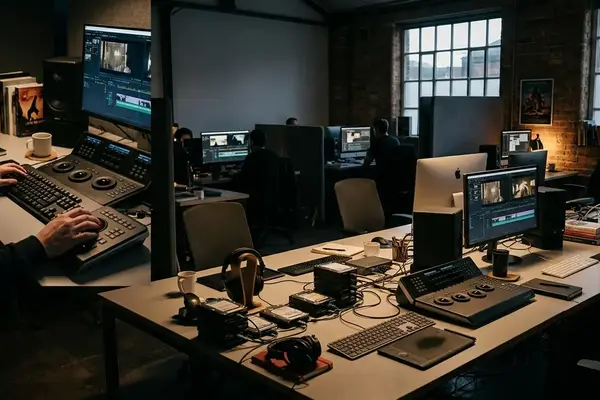
Early post involvement turns set decisions into files, folders, and deliverables that make sense.
An editor, assistant editor, or post-production supervisor can clarify acquisition codec, proxy codec, frame rate, timecode method, sound sync workflow, folder naming, LUT handling, dailies expectations, turnover naming, and delivery path before the first dailies problem appears. A useful check happens a few days before principal photography, when camera, sound, data, and editorial can still adjust settings without slowing down a full crew.
This is where training helps. At a training provider like Video Symphony, the strongest post lessons are rarely just about software; they are about why a workflow decision made at call time affects the edit room later. Whether someone is learning at 731 N. Hollywood Way or on a small weekend shoot, the same habit applies: translate creative plans into traceable media decisions.
The on-set question: Does the planned workflow support dailies, editorial, turnover, and final delivery without reinventing the process mid-shoot?
How to Use This List Before the First Shoot Day
Do not wait for the first media offload to discover that camera, sound, and editorial made different assumptions.
Set a short pre-production workflow conversation before the shoot begins. Bring in the director, DP, production sound mixer, script supervisor, DIT or data wrangler, editor or assistant editor, and producer when those roles exist. Keep it practical. The goal is faster decisions during production, not a meeting that tries to solve every creative question.
A useful window is a few business days before the first shoot day. That leaves time to adjust slates, cards, timecode boxes, proxy workflow, reports, or personnel before a full crew is waiting.
- Confirm camera format. Include codec, resolution, frame rate, roll naming, and any special capture modes.
- Confirm sound format. Match sound roll naming, timecode approach, channel notes, and report delivery.
- Confirm slate process. Decide how scene, shot, take, MOS, wild lines, and pickups will be marked.
- Confirm backup plan. Name the backup destinations, verification method, folder structure, and card reuse authority.
- Confirm dailies expectations. Decide who makes proxies, who receives them, and what metadata travels with them.
- Confirm LUT handling. Identify monitoring LUTs, intended looks, and how references reach editorial and color.
- Confirm VFX needs. Flag clean plates, tracking markers, witness references, HDRI capture, and still documentation where needed.
- Confirm turnover requirements. Decide naming conventions, report delivery, and who receives end-of-day handoff notes.
Important: If one person is covering multiple roles on a small crew, say that out loud. “Editor is also data wrangler” is not a problem by itself. The problem is when nobody knows where one responsibility ends and the next begins.
For students and early-career crew, this checklist does something valuable: it turns post-production from a mystery phase into a set of decisions you can protect while the camera is still rolling.
Final Perspective: Post Is a Chain of Production Choices
Post-production succeeds when production captures more than footage. It needs usable context.
A professional wrap handoff should leave post with image and sound files, yes, but also reports, continuity notes, preferred-take guidance when available, LUT or look references, and a clear chain of media custody. Without those pieces, the next department may still finish the job, but they will spend more time resolving ambiguity than shaping the work.
The best crews think beyond department boundaries without blurring accountability. The director protects editorial intent. The DP protects visual continuity. Sound protects dialogue options. Camera and media roles protect traceability. Production management protects the time needed to capture small pieces that prevent expensive repairs. Editorial or post supervision translates the whole thing into a workflow that can survive delivery.
Before leaving a setup, ask one practical question: What will the next department need to know when nobody from set is in the room?
If the answer is recorded, labeled, verified, and handed off clearly, post has options. If not, the edit may still happen, but it will happen with less context and more guesswork.

Your Thoughts
No comments.
Share Your Opinion