
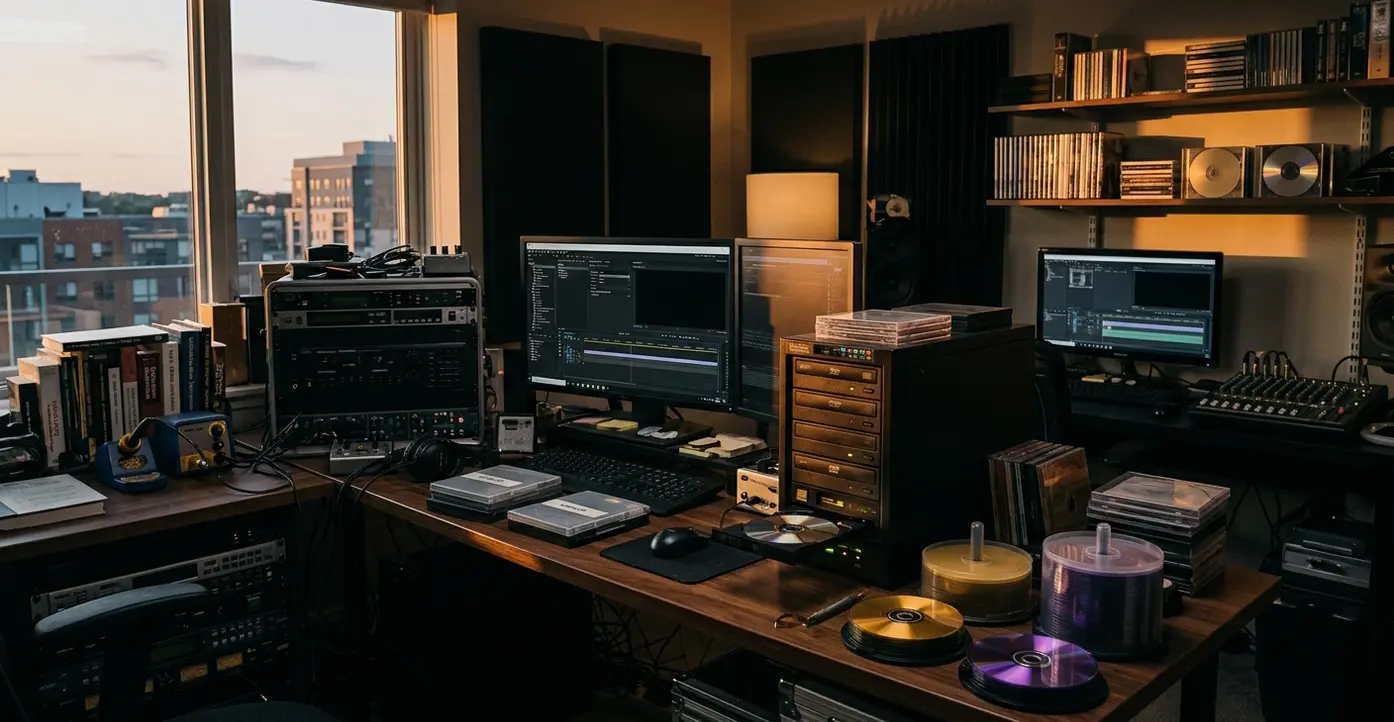
Why DVD Authoring Still Matters in Post-Production
The first question is not, “Can I burn this file?” The better question is, “What does this disc have to do after it leaves the room?”
I have seen review copies get treated like masters because they played once in an edit bay. That is how trouble starts. Optical media authoring is not just placing a video file onto plastic; it is building a compliant playback system with menus, domains, audio paths, subtitles, return behavior, and a physical output path that matches the job.
DVD arrived in the mid-1990s, then became the practical replacement for VHS in the early 2000s. Rick Lyman’s August 2002 New York Times reporting captured the sales milestone when DVD overtook VHS, which matters here because consumer expectations changed fast. Viewers stopped accepting “it plays on my machine” as an answer.
In professional delivery, DVD-R and DVD-RW often belong to testing, approval copies, short-run needs, and compatibility checks. DLT, or Digital Linear Tape, belongs in the older replication-master conversation. Blu-ray came later as a higher-capacity optical workflow, but it did not erase the logic of standard DVD-Video authoring.
Start With the DVD-Video Specification, Not the Burn Button
Most authoring mistakes begin below the visual layer. The menu may look clean, the chapter buttons may highlight correctly, and the logo animation may feel finished. Then the disc fails because the navigation path was never legal in the first place.
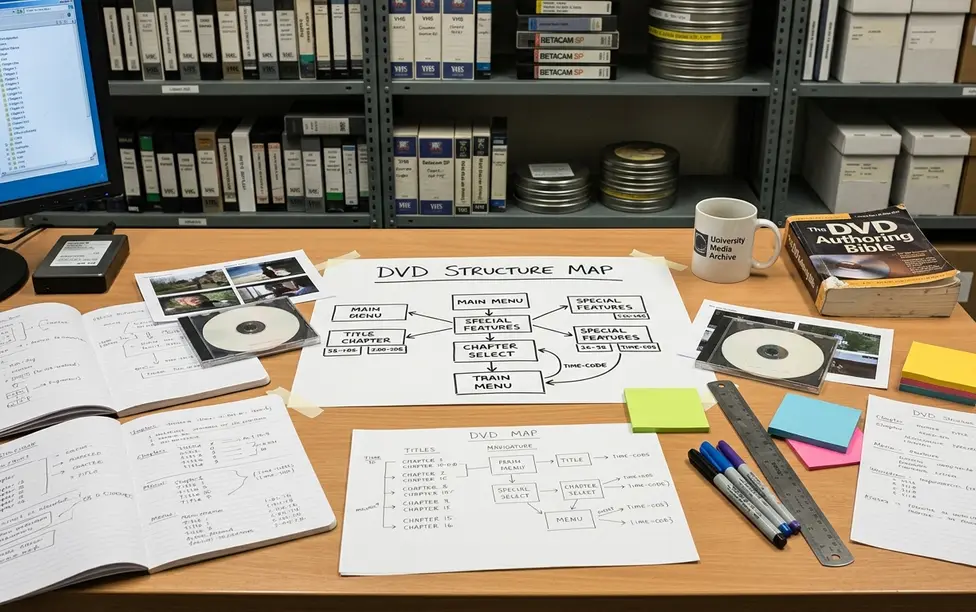
The DVD-Video specification defines the disc spaces, domains, file structure, video streams, audio streams, subpictures, and navigation behavior. Authoring applications hide some of that behind menus, tracks, scripts, and simulators, but they do not remove the rules.
Three terms I want clear before authoring
- Video Manager, or VMG: the disc-level control area. In production terms, it is the place that can route the viewer before an individual title is entered.
- Program Chains, or PGCs: ordered playback structures. They can contain programs, cells, commands, and links, so they are not just timeline clips with a fancier name.
- DVD domains: controlled spaces where certain commands are valid and others are not. A command that makes sense inside a menu domain may not be legal during title playback.
DVD-Video content is also not the same thing as a DVD-ROM zone. A disc can carry compliant video playback and still include extra files such as PDF handouts, spreadsheets, WebDVD or eDVD assets, and hybrid-disc material in a ROM area. That split is useful, but it needs planning. A ROM folder does not excuse a broken title set.
Prepare Assets With MPEG-2 Encoding and Bit Budgeting
Here is the order I trust: finish the edit, confirm the runtime, list every deliverable, make the bit budget, then encode.
A typical source path might come from Final Cut Pro, Media 100, or a QuickTime-based finishing pipeline. Once the picture is locked, the DVD version needs to be prepared for DVD delivery rather than treated as another export preset. MPEG-2, often written MPEG2 in older notes, is the video compression target for DVD authoring.
VBR is a data-rate strategy, not a magic quality switch. It lets the encode vary by scene complexity. A quiet interview and a handheld concert sequence do not ask the codec to do the same work.
Build the inventory before the encode
- Main program runtime
- Alternate audio tracks
- Dolby Digital/AC-3, dts, PCM, or AIFF-derived audio requirements
- Subtitle streams and subpictures
- Motion menu loops
- Trailers, still galleries, and bonus titles
- DVD-ROM files, including PDFs or local web assets
Field Note: Build the bit budget before encoding. Do not wait until the menu build reveals that the disc image is too large.
For a training-disc style project, that planning pass often happens after picture lock and before menu assembly, inside a roughly one- to three-day window when runtimes, audio formats, and extras are still negotiable. Adding an uncompressed stereo track late in the process can force a new bit budget even when the video encode looked acceptable.
Build Navigation: Menus, Program Chains, JUMP/LINK Commands, and Variables
What should happen when the viewer presses the Menu key during title playback? What if they enter from a chapter menu instead of first play? What if they choose subtitles, stop, resume, and return?
DVD authoring turns editorial order into viewer behavior. Before I build, I map at least these states: first play, main menu, title playback, chapter return, audio setup, subtitle setup, resume behavior, and end-of-title behavior. That map catches more problems than a polished menu mockup ever will.
Program Chains group the playback logic. The VMG and the individual title domains set the larger behavior around them. JUMP commands handle larger moves between title or menu spaces. LINK commands move inside an allowed navigation context.
General Parameter settings can hold temporary viewer choices, such as a selected audio path, a menu return state, or a simple play-all versus chapter-only branch. More advanced work may use initialization commands, bitwise comparisons, or modulo-style cycling. I would rather describe that conceptually than paste code that belongs to one authoring environment and breaks in another.
Important: A disc can build successfully but still fail when the viewer presses the remote menu key during title playback because the return path was never defined.
Test Before Replication: Emulation, One-Off Discs, and QC
QC is a build stage, not a courtesy check after export.
Start with emulation before physical output. Sonic Pre-Play is part of the industry-standard emulator context many authoring rooms used for checking behavior before burning a one-off disc. The goal is to catch broken links, illegal jumps, missing end actions, and menu loops while the fix is still cheap.
Then test a DVD-R outside the authoring station. I want at least an edit-room software player, a tray-loading set-top player, and a second consumer player from a different age or manufacturer class. A menu loop that plays correctly in an emulator can expose a bad end action on an older tray-loading player after a cold start.
What a QC Specialist should inspect
- Multiplexed output
- General Parameter settings
- Initialization commands
- Button highlights and selected states
- Subtitle visibility
- Return behavior from every menu page
- Seamless playback and multi-angle routines
Seamless playback and multi-angle routines deserve extra patience. They can appear stable in a simulator while stuttering, pausing, or branching incorrectly on real hardware. A useful QC log records the disc image date, build number, player model category, failed path, exact remote-control sequence, and whether the error repeats from cold start.
Choose the Right Output Path: DVD-R, DLT, Duplication, or Replication
If the disc is going to a producer for approval, a DVD-R may be enough. If it is going to mass manufacture, the job needs a mastering and handoff process that protects the exact build.
Duplication means recording finished media in small batches. Replication means manufacturing pressed discs from a master in a plant workflow. That difference affects QC, vendor communication, backup management, and the level of confidence required before handoff.
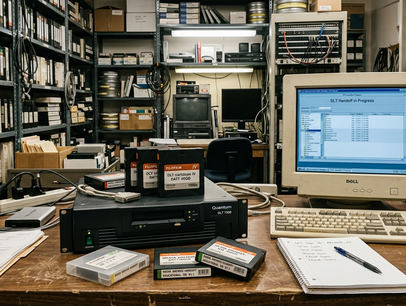
DLT, or Digital Linear Tape, was a traditional replication-master carrier. It is not the same category as DVD-R or DVD-RW testing, and it should not be treated as a casual review format. Disc imaging and multiplexing should be completed before the replication handoff so the vendor receives a controlled master rather than loose video, audio, and menu files.
Replication Handoff Checklist
- Final authored disc image or approved master carrier identified by build date and version.
- QC log showing emulator checks, one-off disc checks, failed paths, fixes, and retest results.
- Layer-break decision documented for dual-layer projects.
- Project file, source assets, encoded assets, final disc image, QC notes, and exact handoff build backed up.
- Backup management plan recorded, whether the facility uses Dantz Retrospect or another archive tool.
Dual-layer projects need layer-break planning and verification because the viewer may experience a pause or failure if the break is placed poorly. That is not a design flourish. It is part of the master.
Understand Blu-ray and Web-Enabled Disc Extensions
Blu-ray belongs near this conversation, but not in the center of it.
Standard DVD systems use red-laser optical technology. Blu-ray uses a blue-violet laser and became part of a later high-capacity optical-media development. In the 2002 standards-agreement period, early coordination included major electronics manufacturers such as Hitachi, LG Electronics, Matsushita, Pioneer, Philips, Samsung, Sharp, Sony, and Thomson.
Early industry discussion of rewritable blue-laser systems included simultaneous playback and recording concepts. That is useful period context, especially when reading old course notes or trade coverage, but it is not a current requirement for standard DVD-Video authoring.
Web-enabled disc concepts sit in the same archive bucket for me. A disc might launch a URL, present a DVD-Video playback window alongside web pages, or bundle local web assets in a ROM area. Page-authoring tools can build those assets, but modern operating systems and security settings make behavior uneven without testing.
Bottom Line: Treat Blu-ray and web-enabled discs as adjacent technologies. They changed capacity and interactivity expectations, but they do not replace the need to understand DVD-Video structure.
Tools, Training Context, and What This Guide Does Not Cover
Legacy tool names still show up in archives, syllabi, course notes, and older job requirements. That does not mean every current facility is running the same stack. It means the workflow vocabulary came from real rooms.
Video Symphony’s professional training history is useful here because it organized DVD work as a craft path, not a button hunt. Course-style structures such as Introduction to DVD Production, Intermediate Authoring on Sonic, Advanced Authoring with DVD Studio Pro, DVD Production Authoring and Design, and DVD Replication and Burning Issues map the learning curve cleanly: basics first, then navigation logic, then replication trouble.
Barry Braverman, a veteran cinematographer and DVD-authoring trainer connected to Video Symphony’s DVD coursework, is the kind of instructor context that matters when authoring, menu design, and replication overlap. Around the 731 N. Hollywood Way training environment, those skills sat beside other post and imaging topics, including legacy names such as Softimage 3D. Mike Flanagan, President of Video Symphony, is part of that institutional history, but the practical value for this article is the workflow frame: understand the system before you trust the burn.
The guide explains foundational workflow and terminology, not the full DVD-Video specification, vendor certification requirements, or hands-on testing validation. It is most useful for understanding DVD-Video authoring, archive interpretation, legacy deliverables, and replication preparation; it is not a substitute for testing the exact master on the target players and vendor process.
Citations
- DVD Forum: official DVD-Video specification reference.
- Rick Lyman, New York Times, August 2002 reporting on DVD sales overtaking VHS sales.
- 2002 Blu-ray standards-agreement period involving Hitachi, LG Electronics, Matsushita, Pioneer, Philips, Samsung, Sharp, Sony, and Thomson.


Your Thoughts
No comments.
Share Your Opinion