
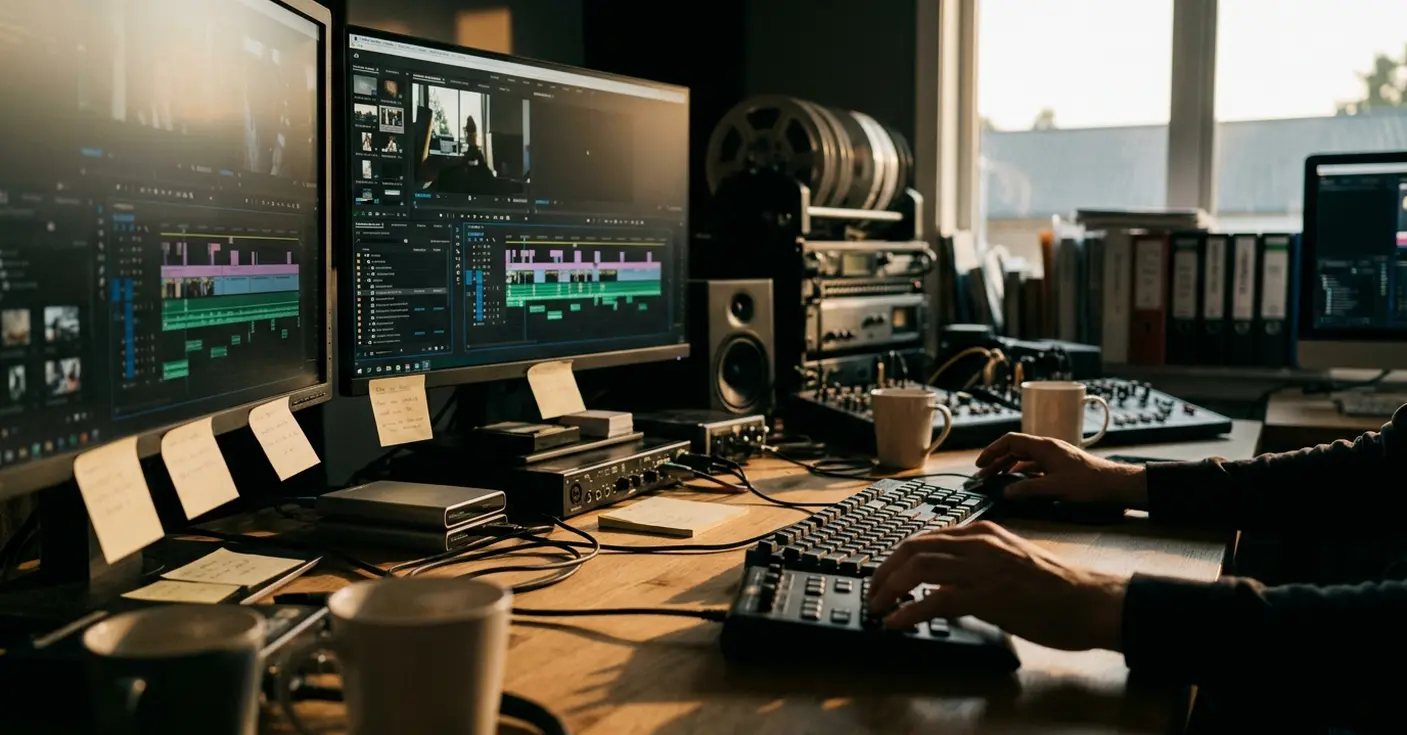
What Metadata and Stringouts Mean in a Documentary Rescue
Metadata is structured descriptive information attached to a clip through searchable columns, comments, and markers. A stringout is a review sequence that groups selected material around a declared editorial purpose: a speaker, theme, event, location, chronology, source type, or selects status.
Those definitions matter because a chaotic documentary project often looks healthier than it is. The media may be online. Sequences may play. Yet ambiguous clip names, overlapping sequence versions, inconsistent bin placement, and unclear source relationships can hide much of the available story.
Documentary footage magnifies that weakness. Interviews refer to events out of order. Observational scenes repeat the same people and places across several days. Archival assets arrive with collection references, provisional rights information, and multiple versions. An editor needs to retrieve material by meaning, not merely by filename.
The rescue therefore begins as a retrieval test. Can the editor locate one remembered interview statement? Can a shot in the working timeline be traced to its source clip, Source File or Tape identifier, and surrounding material? If either route breaks, immediate recutting only buries the problem deeper.
A read-only orientation pass of about 30–60 minutes provides enough room to inspect the project without reorganizing bins or renaming editorial objects. The goal is a map of the disorder. Creative judgment comes later.
The Avid Audit That Located the Broken Retrieval Paths
What exactly has failed when a clip cannot be found?
An offline clip, a badly labeled clip, and a hidden metadata value can produce the same surface complaint. Their remedies differ. Relinking may fix the first. The second needs better descriptive access. The third may already contain the answer in an unused column.
Before inspection, the project receives a preservation package:
- One untouched copy of the original project folder.
- One working copy for the rescue.
- One dated text document or spreadsheet listing bins and principal sequences.
The audit then moves through bins before anything is relocated. Sequence modification dates and version names reveal competing editorial branches. Media Status separates offline assets from material that is simply hard to identify. A temporary audit view exposes Clip Name, Start, End, Duration, Tape or Source File, Creation Date, Comments, Media Status, and populated custom columns. The official Avid Media Composer documentation is useful when a column or project behavior needs confirmation.
The first pass should stay within 60–120 minutes. Identity and relink questions that remain unresolved go into a defect log rather than receiving a convenient guess.
Three Checks Before Calling a Clip Duplicate
Similar names or pictures do not establish duplication. Compare the source identifier, source timecode span, and media or version history. Alternate encodes, synced versions, and genuine duplicates may look alike in a crowded bin while carrying different editorial value.
This distinction protects earlier decisions. The untouched project preserves sequence history; the working copy gives the rescue room to normalize retrieval. Together, they make every change reversible and traceable.
Nine Metadata Fields That Answer Real Cutting Questions
Consider an illustrative interview clip with the short name INT_MARA_03. Its useful context cannot fit cleanly into that name. The speaker is Mara K.; the theme is housing pressure; the event is a tenant meeting; the chronology is day 12; and the location is a community room. The source type is interview, the technical note records background HVAC, and the rights state remains unverified. A use note says the answer defines the rent increase in one complete response.
That example points to a compact nine-field model:
- SUBJECT for the person, speaker, or principal object.
- THEME for recurring story ideas.
- EVENT for the activity or occurrence being documented.
- CHRONOLOGY for story order, shoot-day order, or another declared time model.
- LOCATION for the relevant place.
- SOURCE_TYPE for interview, observational footage, archival material, music, graphics, room tone, and related categories.
- TECH_STATUS for conditions that affect editorial use.
- RIGHTS_STATUS for documented clearance routing.
- USE_NOTE for a concise description of the usable content.
The schema is designed backward from questions asked in the edit. Separating SUBJECT from THEME allows an editor to sort a person independently from what that person discusses. Existing Avid columns and carefully named custom columns carry the structure without turning Clip Name into a paragraph.
Test the model on 20–30 clips across interviews, observational footage, archival material, graphics, music, and room tone. A 45–75-minute trial will expose fields that overlap, labels that feel unclear, and asset types the schema cannot distinguish.
Vocabulary Before Volume
Controlled terms make searches dependable. Multi-value entries should use a documented delimiter, such as a semicolon, so housing; relocation does not splinter into variations with different spelling or punctuation.
Clearance Boundary
RIGHTS_UNVERIFIED sends an archival item, artwork, music cue, or recorded appearance to follow-up. The tag itself provides no evidence of clearance.
Tagging Source Clips While Preserving Their Identity
The order of operations carries more weight than the speed of logging. Stable bins come first. Source-identifying columns remain intact. Retrieval-critical values are normalized next. Editorial descriptions and status tags follow after the clip’s underlying identity is secure.

- Stabilize the bins. Separate source material, sequences, graphics, audio, and unresolved items according to the project’s existing logic where that logic remains usable.
- Preserve source references. Keep Tape, Source File, timecode, archival collection references, and version history available.
- Normalize controlled fields. Correct spelling and approved vocabulary only where retrieval depends on consistency.
- Add editorial meaning. Enter subjects, themes, actions, use notes, technical conditions, and documented status information.
Interviews usually need a speaker, themes, and a concise account of the answer. Observational footage benefits from event, location, chronology, and a clear action description. Archival media keeps its collection or source reference. Room tone, music, graphics, and uncertain material receive distinct source types so they cannot disappear inside a miscellaneous bin.
Clip names stay short enough to scan. Richer context belongs in searchable fields, comments, and markers. Technical states such as CLEAN, NOISY, SOFT_FOCUS, SYNC_CHECK, and TRANSCRIPT_CHECK remain sortable when stored as controlled values.
A Logging Rhythm That Catches Drift
Process clips in batches of 25–40, then spend 8–12 minutes checking spelling, source identifiers, controlled terms, and blank required fields. After each block, run four probes: speaker plus theme, event plus location, source type plus rights status, and chronology plus technical status.
Review the vocabulary sheet every 90–150 minutes of sustained logging. Variants such as “B-roll,” “BROLL,” and “b roll” accumulate quickly, and each variant weakens the filter that later stringouts will depend on.
Stringouts That Convert Avid Tags Into Story Access
Searchable metadata becomes editorially useful when it supports review, selection, and comparison. A filtered bin can reveal matching clips; a purposeful stringout lets an editor watch those clips in context.
Which sequence should come first? Broad source assemblies usually provide the safest starting point. Build them by shoot day, interview, or archival group, preserving enough surrounding material to understand what happened. Narrower sequences can then gather recurring speakers, themes, events, chronological stages, or selected moments.
The sequence name must declare its job. A predictable pattern such as STR_[LEVEL]_[TOPIC]_[DATE-or-VERSION] makes STR_THEME_HOUSING_V02 legible before it opens. Broad source assemblies should use a different prefix from selects sequences so a review reel cannot be mistaken for a developing cut.
Long source pools are easier to navigate when review sequences remain in sections of roughly 30–60 minutes. Interview placements should retain the complete question-and-answer exchange whenever the prompt changes the meaning. Observational placements should preserve the approach, action, and immediate aftermath when those moments exist.
Sequence, Subsequence, or Marker?
- Create a separate stringout when material must be compared repeatedly across bins or editing sessions.
- Use a subsequence for a bounded passage reused inside a larger assembly.
- Use a marker for a local observation that does not justify another sequence.
Each stringout record needs a purpose, selection rule, source scope, chronology rule, version, and the initials or role of its latest updater. That small record prevents the rescue from generating a fresh layer of mysterious timelines.
Retrieval Tests for the Rebuilt Documentary Project
A tidy bin view proves very little. Validation needs repeatable editorial tasks, preferably performed by someone who did not complete the latest logging pass.
- Retrieve a known interview passage through SUBJECT, THEME, a use note, or a marker.
- Gather every clip carrying one selected theme and identify the stringout that presents it.
- Trace a working-timeline segment back to its source clip, source identifier, and surrounding material.
- List unresolved media, identities, dates, rights states, and blank required fields.
Reserve 30–45 minutes for the session. Record the task start time, successful retrieval path, wrong turns, unresolved fields, and finish time. Source tracing should run in both directions: working sequence to source clip, then source clip back to every relevant review or edit sequence.
The preserved starting state provides the comparison point. It shows whether retrieval improved while sequence history and editorial context remained available. Repeat the tests after 1–3 editing days; that delay exposes vocabulary drift and stringouts that no longer reflect the active story.
Evidence Worth Recording
Project records may support exact counts for tagged clips, unverified clips, offline items, completed stringouts, and total stringout duration. A stopwatch log can support elapsed retrieval time. Those figures belong in the report only when the inventory or timing sheet actually supplies them.
Without those records, describe the result qualitatively: the passage became retrievable through speaker and theme filters, or the timeline segment could be traced to its source context. An estimated performance gain would create false precision.
The strongest acceptance check follows one clip through the whole rescue chain: mixed-bin master clip, preserved Source File or Tape identity, separate speaker and theme tags, filtered retrieval, thematic stringout, and traceable access from the working cut.
The Gate the Project Must Clear Before Cutting Resumes
Organization should end at a defined editorial gate. The preserved original remains available, the defect list has owners, the vocabulary has survived retrieval testing, and the principal story questions have corresponding stringouts.
A restart review of about 20–30 minutes covers the backup location, unresolved media, unverified identities or dates, active stringout versions, and responsibility for maintaining each metadata field. Four checks decide whether the project can move forward:
- The known interview passage can be retrieved.
- The selected theme set can be assembled.
- An edit segment can be traced to its source.
- Unresolved items are listed without silent normalization.
This pause protects creative work from repeated searching, duplicate effort, and uncertain source context. During active cutting, a 15–25-minute maintenance pass after every 1–3 editing days keeps new clips and sequences inside the same retrieval system. For a digital media training provider, that maintenance habit deserves as much attention as the initial Avid setup because it connects technical organization directly to editorial judgment.
When a documentary timeline stops revealing what was shot, will you keep cutting around the disorder or pause to build the metadata structure the story needs?





Your Thoughts
No comments.
Share Your Opinion