
Quick Nav
- Why audio post terms matter before the mix
- How I chose the terms that change editorial decisions
- Handoff language: AAF, turnover, handles, timecode, reference mix
- Dialogue cleanup language: production sound, room tone, wild lines, ADR, noise reduction
- Mix and delivery language: stems, M& E, automation, bus, loudness
- How to write better notes, turnovers, and fix requests
Why Audio Post Terms Matter Before the Mix
Audio post does not start when the mixer opens the session. It starts earlier, while the editor is cutting selects, muting tracks, naming clips, exporting reference video, and writing notes that someone else has to interpret under deadline.
I see this most clearly in turnovers that look tidy from the picture side. The sequence is locked, the export completes, the folder is named sensibly, and everyone heads into the weekend. On Monday, the dialogue editor opens the interchange and finds several dialogue clips with no usable pre-roll or post-roll for fades. A clipped syllable cannot be extended because the export carried only trimmed media with no handles.
That is not a mixing problem. It is a language-and-prep problem.
The same thing happens in review notes. “Fix noisy line” feels obvious when you are looking at the timeline. It becomes much less useful when the mixer has no timecode, no speaker, and no clue whether “noisy” means clothing rustle, traffic, distortion, room tone shift, or a performance issue. A note tied to a visible timecode burn-in, with the same sequence start time as the audio session, saves real back-and-forth when someone asks about a line at 01:03:12:08.
This is an editor-facing glossary, not a full audio engineering manual. I am not trying to turn picture editors into re-recording mixers. I am trying to give you enough working vocabulary to ask cleaner questions, prepare better sessions, and make the sound team’s first hour more useful.
Criteria for Selection: Terms That Change Editorial Decisions
The terms here earn their place only if they change what an editor does.
That means export choices, timeline organization, dialogue repair options, note-writing, or delivery expectations. I left out plenty of useful audio theory because it does not usually affect the handoff from a nonlinear editing system into a digital audio workstation within roughly a 1- to 5-business-day window after picture lock or near-lock.
In the short-form, episodic, documentary, branded, and independent narrative work I am describing, the paperwork is often lighter than a large studio feature. Big studio projects may add formal delivery documents, turnover coordinators, and stricter naming rules. The underlying ideas still hold, but the process around them gets more formal.
Pro Tools is common in professional audio post, and many sound departments will expect a session to land there eventually. If you need vendor-specific help, the Avid Pro Tools documentation is the official place to start. The concepts below still matter if you cut in Premiere Pro, DaVinci Resolve, Final Cut Pro, or Avid Media Composer.
Field Note: At a training provider like Video Symphony, I usually teach these terms from the physics and workflow side first. A file format is not just a file format; it decides how much sound a mixer can actually reach.
The Handoff Terms That Keep Picture and Sound Aligned
A clean handoff is less about elegance and more about recoverability. Can the dialogue editor extend a word? Can the mixer find the same frame you are discussing? Can temp intent survive without flattening the source audio underneath it?
1. AAF/OMF
AAF and OMF are interchange formats used to move timeline audio and metadata from picture editorial into audio post. They carry edited clips, placement, track structure, and related information so the sound team can rebuild the edit inside a digital audio workstation.
The practical question is simple: is the audio media embedded in the interchange file, or is it linked in a separate folder? Before delivery, confirm embedded media, linked media, export settings, frame rate, and whether the sound team has asked for one format over the other. AAF is more common in current professional workflows, but the receiving team’s request should decide.
2. Turnover
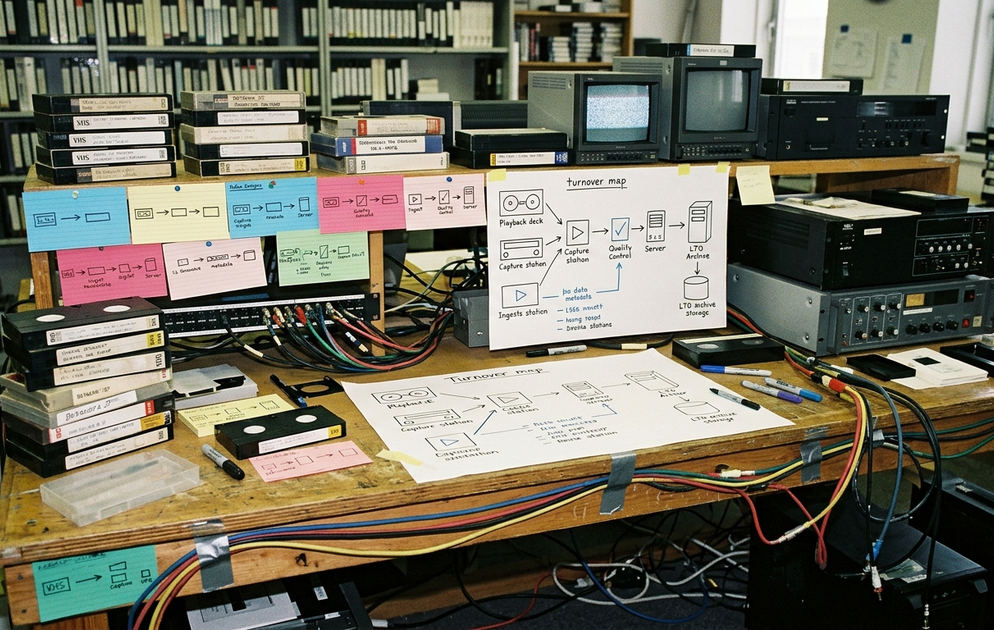
A turnover is the full package sent from picture editorial to audio post. The interchange file is only one part of it.
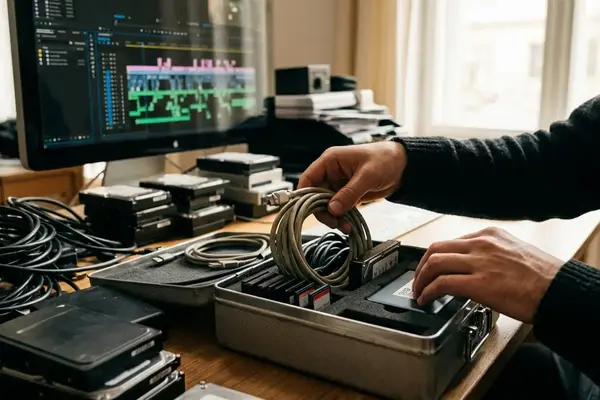
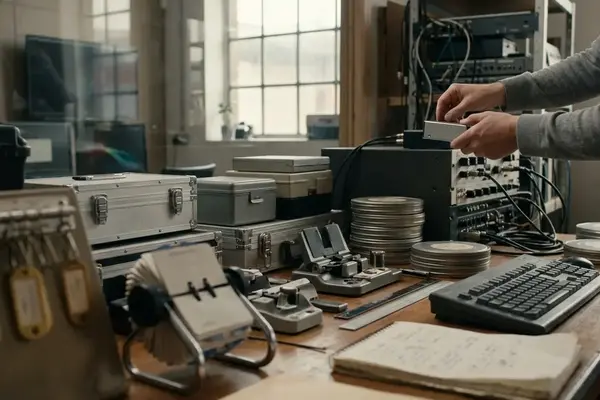
A useful turnover usually includes the interchange file, reference video, guide mix, production audio or linked media, notes, frame rate, sequence start time, and delivery specs. If one piece is missing, the sound team may still open the session, but they may not be able to trust what they are seeing.
3. Handles
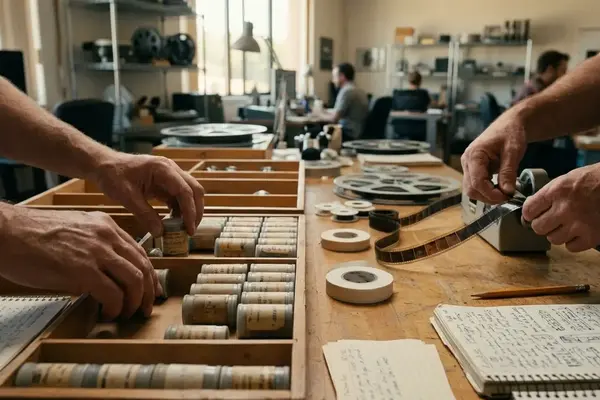
Handles are extra audio before and after each edited clip. When the schedule and source media allow it, a few seconds on each side gives dialogue editors room to create fades, patch edits, and rescue consonants that were cut too tightly.
This is where first principles help. A word is not a block of sound with clean edges. Breath, room energy, consonant attacks, and decay all spill across the edit point. If you export only the visible cut, you remove the material needed to make the edit disappear.
4. Timecode
Timecode is the shared address system for picture and sound. It lets an editor, dialogue editor, mixer, producer, and post supervisor discuss the same moment without guessing.
One common handoff failure is a picture sequence that starts at 01:00:00:00 while the audio export or reference file starts at 00:00:00:00. Nothing is technically broken, but every note becomes suspect. A reference video with visible timecode burn-in and a matching sequence start time gives everyone the same ruler.
5. Reference Mix
The reference mix, sometimes called a guide mix, shows editorial intent. It tells the sound team where the temp music dips, which effects mattered in the cut, and which dialogue moments need emphasis.
Do not treat it as a substitute for separated source audio. A reference mix is a map, not the territory. If dialogue, music, and effects are flattened together, the mixer can hear your intention but may not be able to rebuild it cleanly.
Dialogue and Cleanup Terms Editors Hear in Review Notes
What should an editor preserve when the audio sounds messy?
The partial answer is: preserve options. Documentary edits often keep messy but authentic production sound longer than scripted edits because replacement dialogue may be impractical or less credible. Scripted work may lean more readily on alternate takes, wild lines, or ADR. Either way, the editor’s job is not to over-process the problem before the sound team gets a chance to diagnose it.
6. Production Sound
Production sound is the audio recorded on set or location. It may include isolated lavalier channels, boom channels, plant mics, and other sources, even when the picture edit uses only a camera scratch mix or a temporary mono mixdown.
Preserve the original channels when you can. A camera mix may be convenient for cutting, but it can hide the clean boom or the less-rustled lav that makes the repair possible.
7. Room Tone
Room tone is the natural background sound of a location when no one is speaking. It is not silence. It is air conditioning, distant traffic, refrigerator hum, set noise, and the acoustic signature of the room.
Editors use room tone to smooth dialogue edits and cover gaps from a few frames to several seconds. Without it, the background can drop into unnatural silence between words, which often calls more attention to the edit than the original noise did.
8. Wild Lines
Wild lines are dialogue recordings captured outside the main synced take. They may be recorded after a take, off-camera, or as a quick pickup for a line that needs clarity.
Label them plainly. “Speaker, scene or setup, wild line after take” is far more useful than an anonymous audio clip sitting at the end of a track. The name does not need to be poetic; it needs to survive a turnover.
9. ADR
ADR means automated dialogue replacement. In practice, it is a controlled re-recording of dialogue after the shoot, often used when production sound cannot carry the scene.
Good editor flags help the team decide whether ADR is truly needed. Mark overlapping dialogue, clothing rustle under a key word, traffic covering the end of a sentence, or a performance change requested after picture lock. The more specific the symptom, the less likely the team is to chase the wrong cure.
10. Noise Reduction
Noise reduction is processing used to reduce unwanted sound. It can be useful, but baked-in cleanup from the picture edit can create artifacts that are harder to undo later.
Listen for watery consonants, pumping ambience, clipped breath sounds, or dialogue that feels smeared. If you hear those, pass the untreated production sound along with the temp-cleaned version when possible.
Important: A cleaned-up temp track can guide intent, but it should not be the only surviving version of the dialogue.
Mix and Deliverable Terms That Shape the Final Output
Some terms matter because they affect revisions. Others matter because they affect final delivery. This group starts with the elements editors often request during changes, then moves toward the language that appears when a master has to leave the building.
11. Stems
Stems are separate mix elements, commonly dialogue, music, and effects. Some projects split effects into hard effects and backgrounds when revisions or localization require more control.
Stems help when a producer wants the music adjusted without disturbing dialogue, or when a trailer, promo, cutdown, or alternate version needs to be built from the finished mix. They are not a replacement for the full session, but they are practical working parts.
12. M& E
M& E means music and effects. It is a version of the mix without spoken dialogue, usually retaining music, sound effects, backgrounds, Foley, and nonverbal efforts when appropriate.
The main use is dubbing and international delivery. A dialogue-free version lets another language track be created while keeping the world of the scene intact.
13. Automation
Automation is recorded movement of mix controls over time. Volume rides, pan moves, send changes, and effect adjustments can all be automated.
For notes, identify the moment and intent. “Lower music under the second half of the line” gives the mixer a usable direction. “Music wrong” does not.
14. Bus
A bus is a routing path that lets several tracks feed one combined control point. Multiple dialogue tracks might feed a dialogue bus before reaching the full mix.
You do not need to design the routing as a picture editor. Still, knowing the term helps you understand why a mixer may adjust a group of sounds together instead of treating every clip as a separate island.
15. Loudness
Loudness is the measured level of a program as it will be judged for a delivery target. Streaming, broadcast, theatrical, festival, and internal review masters can be checked differently.
Do not guess the spec. Ask which delivery requirement applies, then make sure the sound team receives it before the final mix, not after the export has already been rejected.
How to Use These Terms in Notes, Turnovers, and Fix Requests
The goal is not to sound like a mixer. The goal is to give the sound team location, category, symptom, and intent.
Here is the kind of change that matters:
Before: audio sounds bad.
After: Dialogue at 01:03:12:08 has clothing rustle under the last phrase; possible ADR or alternate take needed.
The second note names the category, gives the timecode, describes the symptom, and suggests a likely path without pretending to know the only answer. That balance is useful. It respects the mixer’s craft while still carrying the editor’s knowledge of the scene.
For fix requests, include timecode, speaker or source, problem type, severity in plain language, and whether you are asking for repair, replacement, or creative judgment. If the note is timecoded, make sure it matches the reference video burn-in, not merely your local timeline view after a later recut.
A better turnover is not just a cleaner folder. It is a set of decisions that leaves the sound team with handles, channels, context, and trustworthy notes.
Bottom Line: Use audio post terms to preserve choices. The cleaner your language, the less time the mix team spends decoding the edit, and the more time they can spend shaping the soundtrack.

Your Thoughts
No comments.
Share Your Opinion