
Quick Nav
- How the Demo Reel Moved Into the Room
- What Someone Can Actually Assess at a Crowded Event
- Curate a Reel That Starts the Right Conversation
- Build a Playback Stack That Does Not Depend on Wi-Fi
- Show the Work Without Taking Over the Conversation
- Run the Final Check, Then Make Follow-Up Easy
How the Demo Reel Moved Into the Room
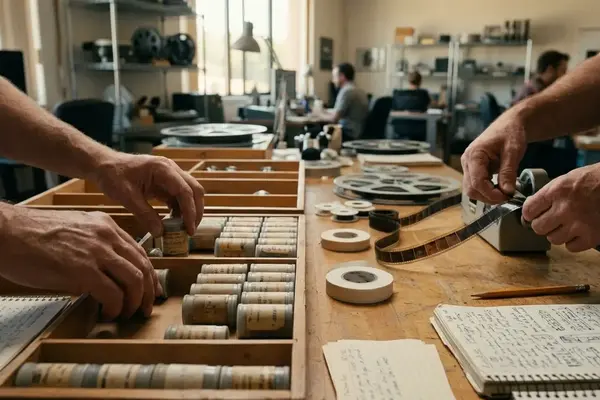
I still remember labeled tape cases and the quiet panic of finding a deck that matched the format. Screening rooms set the pace. You booked time, carried physical media, and hoped the player cooperated.
Discs simplified transport, yet they still needed a player and a table. Portable laptops changed the geometry again: an editor could open a cut in a hallway if someone asked. Phones and tablets finished the shift. The portfolio now rides in a pocket.
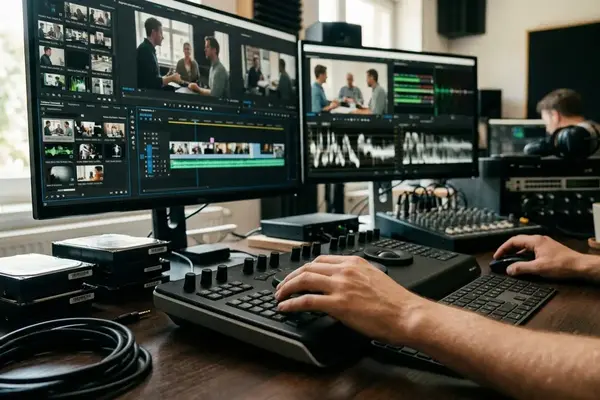
Portable playback and link-based pages mean work can surface during an unplanned conversation. You no longer wait for a formal review slot to prove you can cut. That freedom creates a new failure mode. An impressive reel still collapses at an event when connectivity drops, navigation takes too long, sound is thin, or credits stay muddy.
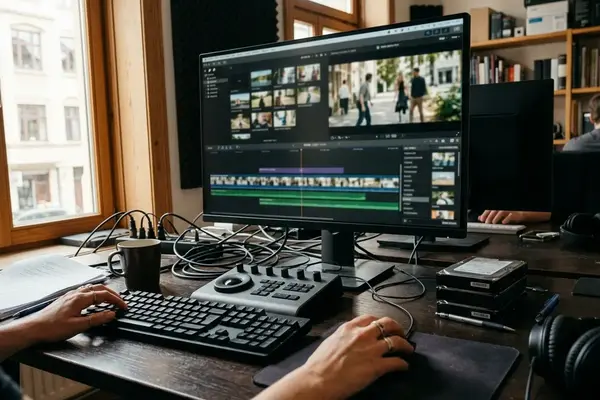
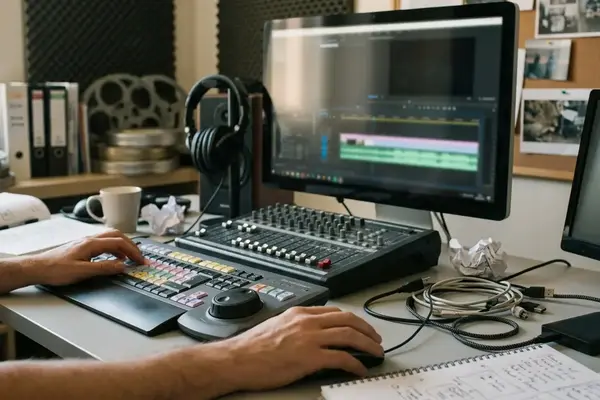
A cut that plays cleanly from an editing workstation can fail on the event phone because the mobile copy is cloud-only, encoded beyond the device’s comfortable playback profile, missing its final transfer segment, or tied to an expired private-page session. The room version has to survive glare, noise, and a two-minute window—not a quiet suite.
What Someone Can Actually Assess at a Crowded Event
What can a stranger honestly judge while holding a drink and half-listening to the next introduction?
Mixers and demo nights compress attention. Ambient noise fights dialogue. Screen glare flattens contrast. People interrupt. You rarely get a clean run at every clip, and long verbal setup burns the same seconds the picture needs.
A short reel can show pacing, shot selection, tonal control, transitions, and range. Those decisions read inside a few shots. Deeper craft—full scene architecture, assistant workflow discipline, finishing choices, belongs on a case-study page or in a later conversation. I build the immediate layer around a 20-to-45-second sample that can survive an interruption, and I keep a separately accessible reel of roughly 60 to 90 seconds for anyone who asks to continue.
Role labels matter more than production gloss. A recognizable actor or title names the source, not your labor. Pair every excerpt with project format, exact responsibility, and the decision you want assessed. Keep labels readable on a phone for at least a couple of seconds—“Picture editor, selected scenes” or “Assistant editor, ingest, sync, and turnovers”,instead of a full credit crawl that vanishes under glare.
Room Layer First
Design the first pass for noise, shared attention, and hard stops. Park anything that needs explanation in the second layer: a protected page, a case study, or a calm follow-up message.
Curate a Reel That Starts the Right Conversation
Selection starts with a hiring sentence I can say out loud: “I am seeking scripted assistant-editor work,” or “I cut short-form documentary stories.” Every candidate clip then gets marked for target role, visible decision, and how much talk it needs before it lands.
Separate paths when the work truly differs—editorial versus assistant editorial, trailer versus documentary, scripted versus unscripted, picture versus audio-post. Minor swaps in music or type do not justify a second reel. Materially different hiring goals do.

Open with a focused sequence that shows the desired work immediately. Limit the identification card to roughly one or two seconds, and place the first role-relevant decision inside the first five. Long branded intros waste the only clean attention you may get.
Organize by a deliberate logic: strongest work first, role-specific grouping, tonal progression, or compact project chapters. If two excerpts share the same rhythm, genre, and responsibility, keep the one that needs less verbal setup. Repetition shows fast in a reel under ninety seconds.
For each displayed project, hold a compact credit record: project type, year or release period, exact role, excerpt boundaries, and disciplines you did not own—color, graphics, final mix. A deeper case study can carry one complete scene, a short project account, a concise workflow list, and a credit statement that separates those lanes cleanly.
One hard limit stays non-negotiable. Unreleased, embargoed, client-restricted, or confidential material does not belong on a public reel simply because you touched it. Get permission, use a protected page whose access terms fit that audience, or describe the responsibility without showing the footage.
Build a Playback Stack That Does Not Depend on Wi-Fi
I treat the event file as a local tool first and a web destination second. The master gets duplicated into two delivery layers: a broadly compatible MP4 sitting in device storage, and a lightweight mobile page holding the reel plus case studies for later.
- Export an MP4 with H.264 video at 1920 by 1080, the source frame rate, and AAC stereo at 48 kHz. For ordinary 1080p material, a video data-rate range of about 8 to 12 Mb/s is a practical starting point, not a law.
- Check file size against free storage. Leave several gigabytes open so the OS, browser cache, or messaging apps do not fight a nearly full volume mid-event.
- Transfer the file into a local phone or tablet folder you can reach in no more than two taps from the unlocked home screen. Burying it inside an NLE, a cloud drive, or a nested photo album burns the opening of a short conversation.
- Open the file from that folder, enable airplane mode, close the player, reopen it, scrub to three separate points, and play the final ten seconds. Incomplete copies and damaged endings hide until you force them out.
- Confirm the same local open works with both Wi-Fi and cellular disabled. A phone can join venue Wi-Fi and still lack usable internet if a sign-in page never completed.
Set brightness before you enter the room. Lock orientation to the reel’s intended direction. Suppress lock-screen previews and calls. Start with enough charge for the session plus the trip home. Carry compact wired headphones and the required adapter as separate items, then play a dialogue or centered-music section to confirm both channels are present.
Two-Tap Rule
If finding the reel takes more than two taps after unlock, rebuild the folder layout before you leave. The conversation will not wait for a scavenger hunt.
Show the Work Without Taking Over the Conversation
Presentation begins with a choice, not automatic playback. I ask whether the person wants a brief sample now or a link for later. That single question keeps the exchange human.
If they choose now, I give one sentence: project type, my exact responsibility, and the editorial or audio decision worth noticing. Roughly ten to fifteen seconds is enough—“This is a short documentary; I edited the interview structure and archival transitions; watch how the answer is delayed until the third image.”
I store two or three cue points in a small reference list—00:08 for performance cutting, 00:31 for a structural turn, 00:54 for a sound transition, so I am not scrubbing while someone waits. Hold the screen at a shared viewing angle and normal reading distance rather than placing it in their hands. Stopping playback stays simple, and you avoid an awkward handoff.
When reception fails, switch once to the local file. When a scannable code fails—glossy print, glare, denied camera permission, dead venue reception, offer the typed URL. If neither route is immediate, summarize the contribution in one or two sentences and return to the conversation. Live technical support is not networking.
Headphones are a tool, not automatic etiquette. Sharing earbuds can feel wrong, adapters loosen under movement, and isolating both people from the room can stall the wider mixer. Use them when dialogue truly needs isolation; otherwise keep the sample short and the volume controlled.
Within five to ten minutes after the talk, I jot only useful context: name if offered, role, clip discussed, requested link, and a short topic reminder. That note writes the follow-up for you later.
Run the Final Check, Then Make Follow-Up Easy
Prepare the event device in the final twelve to twenty-four hours so the tested file, battery state, system settings, and portfolio permissions match what will actually arrive at the venue. Then run a full preflight two to four hours before departure, walking the viewer’s path rather than your production checklist.
- Unlock, find the reel, play offline under airplane mode
- Test headphones and adapter on a dialogue or music section
- Confirm battery, charging cable, brightness, and orientation lock
- Suppress notifications and lock-screen previews
- Verify scannable code, typed URL, page permissions, and contact spelling
When someone asks for more, send the follow-up within eighteen to thirty-six hours. Name the gathering in plain terms, mention the specific conversation, and lead with one direct reel or case-study link before any broader portfolio address. Keep the note roughly seventy to one hundred thirty words unless they asked for technical detail, availability, credits, or extra scenes.

Event-Ready Stack
Focused reel, transparent credits, resilient local playback, and a deeper destination for later review. That combination travels better than a perfect suite cut that never leaves the cloud.
In a busy Los Angeles demo-night lobby, an assistant editor hears the venue connection stall, flips a phone to airplane mode, opens a locally stored scene, and cues the sync-heavy exchange already marked in the file. “I handled ingest, multicamera sync, and the turnover preparation; the picture editor made the creative cut.” After the short sample, the viewer gets a typed mobile link carrying the same credit line—then both turn toward the next introduction before the room swallows the moment.
Your Thoughts
No comments.
Share Your Opinion