
Why Online Screeners Break Down Before Anyone Reviews the Cut
An online screener is not finished when the timeline exports. It is finished when the reviewer can open it, hear the dialogue, follow the cut, and give the note the editor actually needs.
That sounds obvious in the edit room. It becomes less obvious at export, where the pressure is usually to make the file smaller, faster, or compatible with whatever upload field is waiting. A same-day internal cut check, a 3- to 5-day client approval pass, and a class critique with laptops, tablets, and managed lab machines are not the same delivery problem.
The common breakdowns arrive before creative review begins: a file too large for the review portal, a codec the reviewer cannot decode, handheld movement that smears into blocks, clipped dialogue consonants, or title cards that become unreadable after scaling. None of these are cosmetic details. Motion artifacts can hide a bad cut. Heavy audio compression can mask a sync issue. Crushed shadow detail can change how a scene is judged.
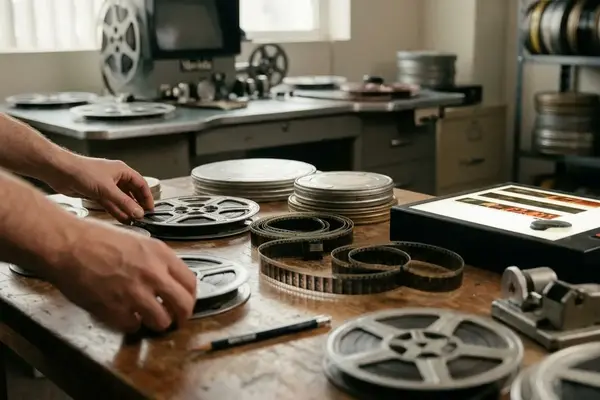
Video Symphony’s historical training context makes this easier to see. Web video, streaming media, Cleaner 5, QuickTime, RealVideo, and Windows Media were once practical delivery decisions for editors, not trivia. The tools have aged, but the handoff problem has not.
Scope: Legacy Tools, Current Lessons
This is a foundational compression guide built from historical course concepts. It is not a recommendation to use obsolete software in a modern client pipeline.
The older vocabulary still helps because it separates decisions that many export panels now hide in one window. Cleaner 5 and Media Cleaner Pro represented batch encoding applications. Apple QuickTime represented a component-based media environment. Sorenson video and QDesign audio pointed editors toward different compression choices. Eventstream, HREF Tracks, metafiles, Ramgen, and Macintosh OSX Server belonged to an era when web delivery often meant redirect files, clickable media tracks, server-generated playlist helpers, and early media-server workflows.
That archive also covered web video compression, streaming media delivery, DVD authoring, nonlinear editorial workflow, audio post-production, and classroom lab review. For a training provider such as Video Symphony, long associated with hands-on post-production instruction at 731 N. Hollywood Way, those subjects formed an operational map rather than a product list.
The modern translation is direct: historical encoder settings now map to the NLE export panel, a dedicated encoding tool, a review platform, or a learning-management upload workflow. The historical tool names are useful for understanding compression logic, but they should not be treated as a safe modern pipeline for client delivery or institutional distribution.
The Compression Concepts Editors Actually Need
What Can Be Thrown Away?
Lossless compression preserves source information mathematically. Lossy compression throws away perceptual detail to reduce delivery size. Online screeners normally use lossy delivery because the reviewer usually needs to judge timing, structure, performance, graphics, or audio balance rather than inspect a preservation master.
The real question is not whether compression changes the picture. It does. The question is whether it changes the part of the cut under review.
Codec, Container, Player
Editors make fewer bad exports when they keep three layers separate:
- Codec: the compression method, such as Sorenson video, QDesign audio, RealVideo, Windows Media, or a QuickTime component in the older course vocabulary.
- Container: the package that carries the encoded media and related tracks.
- Player or platform: the compatibility gate that determines whether the reviewer can actually watch the file.
The DVD-era contrast is useful. Standardized disc workflows commonly paired MPEG-2 video with 48 kHz audio. Web screeners require more judgment around motion, access, bandwidth, and review purpose.
Bottom Line: The best screener setting is the one that preserves the editorial question being reviewed, not the one that produces the largest file or the cleanest paused frame.
Analyze the Cut Before Choosing Settings
A paused frame looked sharp, but handheld movement in the next shot broke into blocky smears during real-time playback. That is the kind of problem an export panel will not warn about.
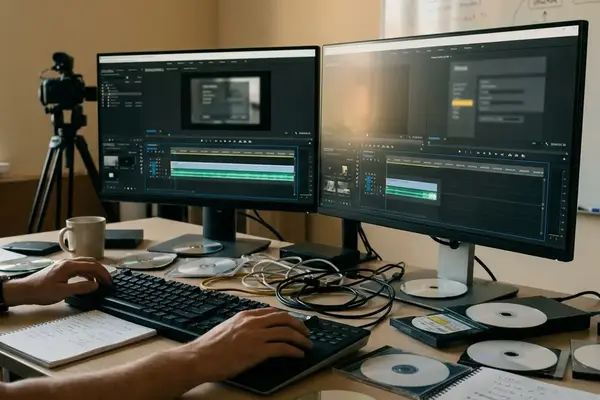
Before choosing settings, the editor should scan the timeline for compression-hostile material. At minimum, the test range should include one section with fast motion or handheld camera work, one transition-heavy area such as dissolves or layered effects, one graphics or lower-third moment, one dark scene, and one dialogue-heavy exchange.
Preprocessing belongs in this pass, but only when it supports review clarity. Crop stray edge noise if it distracts or consumes bits. Use black restore when shadows have been unintentionally crushed. Deinterlace interlaced source material before progressive web playback, because combing artifacts can be mistaken for camera or motion problems.
Audio needs the same attention. Check dialogue sync, consonant clarity, temp music balance, and whether room tone or production noise becomes more distracting after compression. A screener can look acceptable and still fail the review if plosives, breaths, or lip sync are no longer trustworthy.
Important: Do not approve a screener from a paused frame. Watch motion, transitions, title edges, and lip sync in real time.
Match the Screener to the Delivery Path
Who is opening the file, and on what device? That question should come before the final encode.
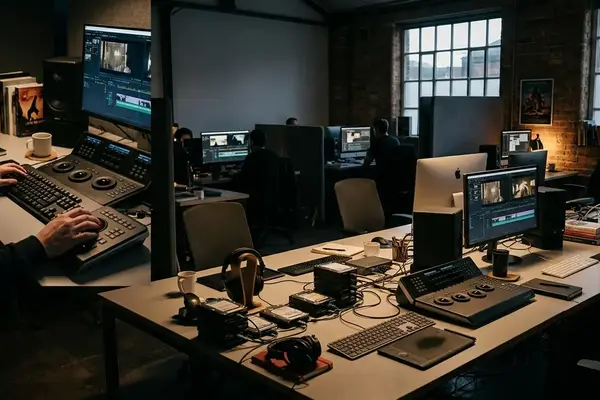
Internal review can prioritize speed and iteration. A short export range, clear version label, and reliable playback on the edit bay or a shared review device may be enough. Client approval has a different burden: common container, conservative audio settings, readable title cards, and a filename that matches the approval request. Instructional or classroom distribution adds another layer, especially when students use managed machines, projector playback, captions or burned-in identifiers, or a stream-before-class requirement.
One practical classroom case explains the distinction. A single universal upload may work inside the edit room and still create problems in a lab where playback permissions, installed components, and network access are controlled. The lesson is not that classrooms are unusual. The lesson is that delivery design is separate from compression.
Legacy streaming methods make that separation visible. Metafiles, Ramgen, HREF Tracks, Eventstream, and server-mediated workflows controlled how media was reached, launched, or sequenced. They did not replace the need to choose an appropriate encode. Apple QuickTime was central to that historical streaming environment, and its component architecture influenced how editors thought about media handling; the Apple QuickTime File Format documentation remains a useful reference for that older media model.
Field Note: Encode a 60- to 120-second representative section before the full screener, including dialogue, camera movement, graphics, a transition, and a dark shot.
A Practical Workflow for Preparing an Online Screener
This workflow reads like an assistant editor’s export checklist because that is where most screener problems should be caught.
Screener Compression Preflight
- Confirm the review purpose in the request line. Timing notes, story structure, sound review, graphics approval, color discussion, instructor feedback, and final client approval each need different protection.
- Duplicate the sequence or export from a locked review range. Encoder tests should not alter the edit master or change active timeline settings.
- Preprocess selectively. Crop visible edge garbage, correct unintentionally crushed blacks, and deinterlace interlaced material before progressive web delivery.
- Choose codec and audio settings around the playback path. The most efficient compression choice is not useful if the reviewer cannot open it.
- Test a short encode on the likely review device. Watch for motion breakup, audio drift, bad scaling, unreadable titles, and unexpected gamma or black-level shifts.
A setting that worked for a dialogue-heavy rough cut may be wrong for the next version after lower thirds, dissolves, and a grainy night scene are added. The checklist should move with the cut, not sit as a permanent preset.
The file can upload successfully and still fail if the container and playback environment were chosen after compression rather than before it. That is an avoidable handoff error.
What DVD Authoring Still Teaches About Web Screeners
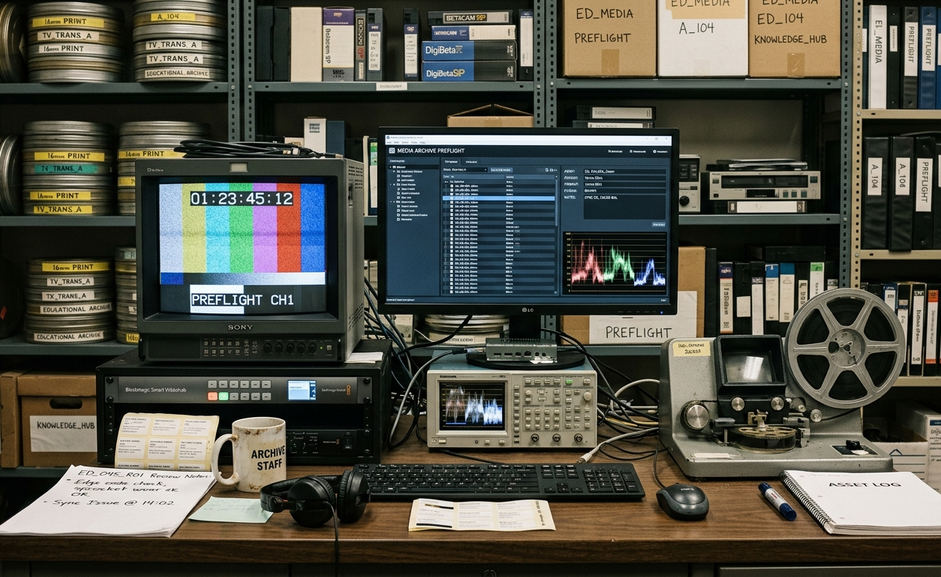
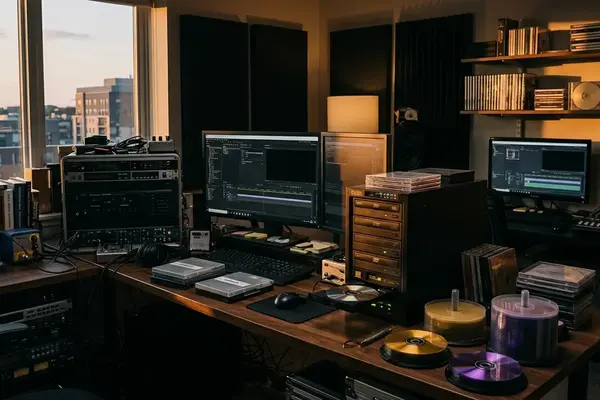
DVD authoring is useful here as a discipline lesson, not as nostalgia. Sonic DVD Creator and Sonic Solutions belonged to a period when distribution forced decisions early: video standard, audio format, menu behavior, chapter access, disc capacity, and hardware playback compatibility had to work as a system.
Web screeners rarely provide that fixed target. The same cut may need a fast internal review file in the morning and a cleaner client-facing approval version later in the week. The editor must choose settings based on review device, platform, content type, upload path, and the approval question.
MPEG-2 video and AC-3 audio are useful examples of standardized disc-era thinking. Once those decisions were made for a DVD workflow, many downstream assumptions became clear. Online delivery is looser. That looseness gives editors more room to adapt, but it also removes the guardrails.
Video Symphony’s archived production-oriented teaching drew from DVD instruction leadership, cinematography experience, union production background, and classroom workflow design. In practice, that mix pushed students to treat delivery as part of post-production, not as an administrative step after the creative work was done.
Common Screener Compression Mistakes to Avoid
The closing rules are simple because the standard is simple: compression should help the reviewer evaluate the cut.
- Do not over-compress dialogue scenes. If plosives, breaths, consonants, or lip sync become hard to evaluate, the screener is not doing its job.
- Do not send interlaced source directly into progressive web playback without a deinterlacing decision. Combing artifacts can read as camera trouble, motion trouble, or bad encoding.
- Do not trust bright scenes alone. Check dark scenes after export; shadow detail and black levels often collapse earlier than expected.
- Do not reuse a previous setting blindly. Genre, frame size, grain, graphics load, and movement profile can change the compression demand of the same project.
- Do not force obscure legacy delivery mechanisms on reviewers. If the reviewer has no reason to install old components or troubleshoot playback, choose a cleaner path.
Good screeners do not call attention to the encode. They make the review possible, protect the editorial question, and let the note land where it belongs: on the cut.



Your Thoughts
No comments.
Share Your Opinion