
Quick Nav
- Why Editing Demo Nights Can Be Valuable—or Misleading
- Start by Matching the Event to Your Current Editing Level
- Judge Presenter Credibility Without Being Distracted by Names
- Look for Workflow Decisions, Not Just Software Tricks
- Evaluate the Room, Gear, and Q& A Environment
- Separate Real Networking Value From Room Noise
- Know What One Demo Night Cannot Prove
- A Practical RSVP Checklist for Editing Events
Why Editing Demo Nights Can Be Valuable, or Misleading
Most editing demo nights are hard to judge from the flyer.
The useful question is not whether the event sounds professional. It is whether the session will expose enough of the working process to help an attendee make a better decision on the next cut, turnover, export, or review session.
A polished hour-plus presentation can spend most of its time on finished scenes and leave only a few minutes for bins, turnovers, exports, or revision handling. That may be entertaining. It may even be inspiring. But it does not show how an assistant editor handles unsynced production audio, how a working editor tracks client notes across versions, or how a timeline gets prepared for audio handoff under deadline pressure.
The gap matters because post-production work is rarely clean at the moment a decision has to be made. Media arrives with mixed frame rates. Graphics change late. A lower-third is missing. A client note contradicts the previous note. The export that looked fine in the NLE needs one more delivery check before upload.
Bottom Line: A worthwhile demo night should leave an attendee with one better workflow decision, one sharper technical question, or one relevant professional contact within a day or two of attending.
A celebrity-led session that shows beautiful final scenes for an hour and a half but never opens the project can still have cultural value. It is just not the same thing as a training event. Treat it as a screening conversation, not as workflow instruction.
Start by Matching the Event to Your Current Editing Level
A beginner and a working assistant editor can sit in the same room and attend two different events.
The beginner may need vocabulary: bins, codecs, markers, rough cuts, review exports, and the basic shape of a project. The assistant editor may need ingest, sync, turnover naming, pull lists, conform support, or communication with finishing departments. An audio-post learner will read the same listing for dialogue cleanup, track organization, reference video, and delivery format. An instructor may care most about whether the presenter explains decisions clearly enough to reuse the method in a classroom.
Read the Listing for the Bottleneck
Start with the problem currently slowing the learner down, then judge the format. Useful listings usually name the workflow stage: ingest, assembly, rough cut, finishing prep, audio handoff, color handoff, export, review, or archive.
For intermediate sessions, look for prerequisites such as familiarity with bins, markers, multicam syncing, basic audio levels, or exporting a review file. For hands-on labs, the listing should identify the required software version range, whether sample media is provided, and whether attendees need headphones or a laptop with at least roughly 20-40 GB of free space.
Important: Be cautious with vague phrases such as “industry secrets” or “pro workflow” when the listing does not say what will actually be demonstrated.
Before registering, write one practical question. For example: How should turnovers be named when a cut has multiple client revision rounds? If the event description cannot plausibly answer that question, the RSVP is probably premature.
Judge Presenter Credibility Without Being Distracted by Names
What kind of credibility does the event actually need?
A strong creative editor can explain pacing, story pressure, and why a scene starts three frames later after a note. A career assistant editor may be better for turnovers, metadata, sync maps, exports, and the handoff discipline that keeps finishing from becoming guesswork. A product specialist may know a feature deeply, especially in a software-specific session. An instructor may be strongest at sequencing ideas so learners do not get lost.
None of those roles cancels out the others. They answer different questions.
Look for Recent, Relevant Context
Recent context matters more than a long credit list when the session is about current post-production workflows. For events centered on practical workflow, look for work completed within roughly the last few years, and look for the presenter’s role on that work.
For a session on turnovers, useful presenter context includes responsibility for prep, conform support, audio deliverables, pull lists, exports, or communication with finishing departments. For a software-specific demo, credibility improves when the speaker states whether the workflow is used on client projects, in classrooms, in technical support, or mainly in sales demonstrations.
A trustworthy host usually explains who organized the session, why that speaker was selected, and what attendees should be able to do or understand by the end of the night. At a training provider such as Video Symphony at 731 N. Hollywood Way, that framing is part of the educational contract, whether the introduction comes from Mike Flanagan, President of Video Symphony, or from a guest instructor leading the room.
Awards, certifications, studio experience, and recognizable credits can all matter. They are not universal proof of teaching quality. The question is narrower: does this person work close enough to the promised workflow to explain the decisions behind it?
Look for Workflow Decisions, Not Just Software Tricks
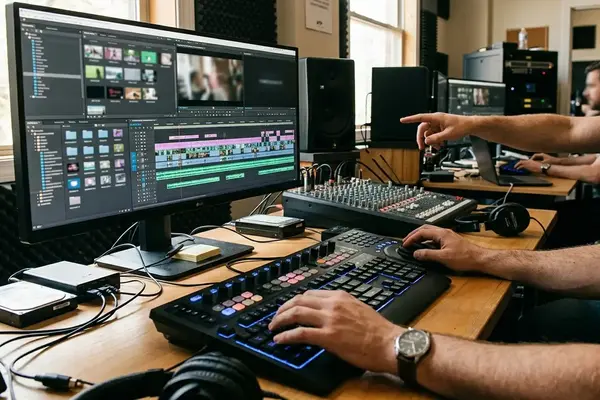
The strongest demo nights show decisions being made on screen.
Button tours age quickly. Workflow reasoning holds up longer because it gives the attendee a way to diagnose the next problem. From a finishing-room perspective, the useful material is often hidden before the pretty playback: media organization, track labeling, version protection, reference exports, handoff prep, and the checks that happen before a file leaves the room.
What a Strong Demo Reveals
A real workflow demo shows why media is organized a certain way, why a cut changes after feedback, why an export setting is chosen, and what the presenter checks when something fails. Strong professional language often sounds plain: “I choose this because,” “the risk here is,” “before I hand this off,” and “if this fails, I check.”
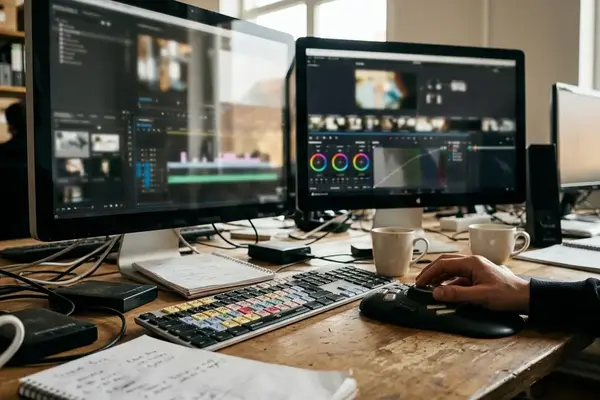
Substantive demos often reveal bins or folders with date-based or scene-based naming, version labels, temp music, scratch narration, exports, graphics, and handoff materials. They do not hide the project behind a full-screen finished clip.
- Visible project bins with naming conventions that match the workflow stage.
- Timeline track labels that separate dialogue, effects, music, scratch narration, and temp material.
- Marker color usage that means something consistent.
- Edit version names that protect the previous cut before revisions begin.
- Keyboard-driven trimming shown slowly enough to follow.
- Duplicate sequence protection before risky changes.
- Audio cleanup choices explained in relation to the final handoff.
- Export verification, not just export creation.
Messy Media Is a Feature, Not a Flaw
Practical value usually appears when the presenter shows at least one messy stage: unsynced production audio, mixed frame-rate media, missing graphics, client notes, or a delivery check before upload. A same-day client note teaches more about versioning than a perfect timeline. A mismatched camera audio problem teaches more about diagnosis than a finished montage.
For audio handoff discussion, concrete details matter. A presenter might discuss 24-bit/48 kHz WAV delivery, split dialogue/effects/music tracks, handles measured in frames or seconds, and a reference video with visible timecode. The exact deliverable depends on the project, but the habit of naming, checking, and communicating does not.
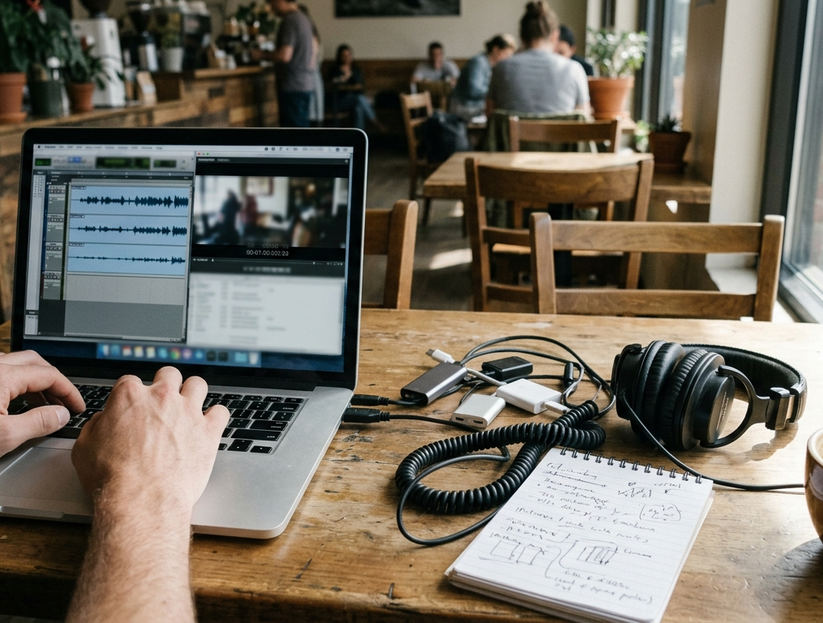
Field Note: The older Softimage 3D lesson still applies in modern editing rooms: tool fluency helps, but pipeline thinking keeps the work from collapsing when one department hands material to another.
Comparisons demonstrate the difference quickly. A button trick answers “where is the command?” A workflow decision answers “why use this command now, and what risk does it reduce later?”
Evaluate the Room, Gear, and Q& A Environment
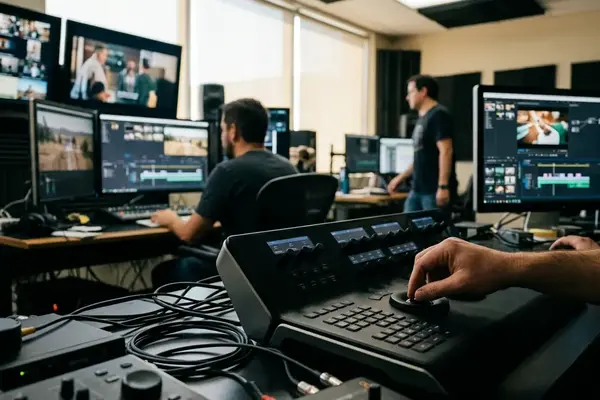
Treat the room as part of the curriculum.
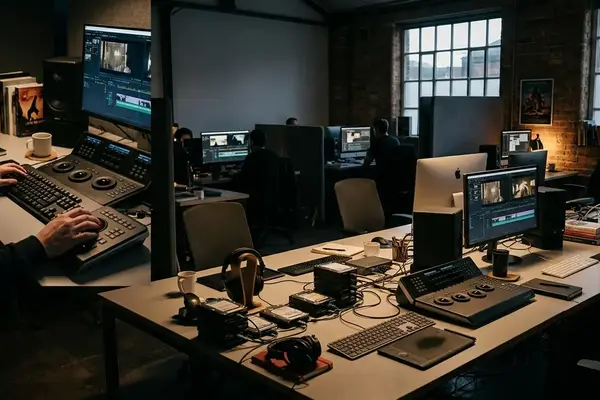
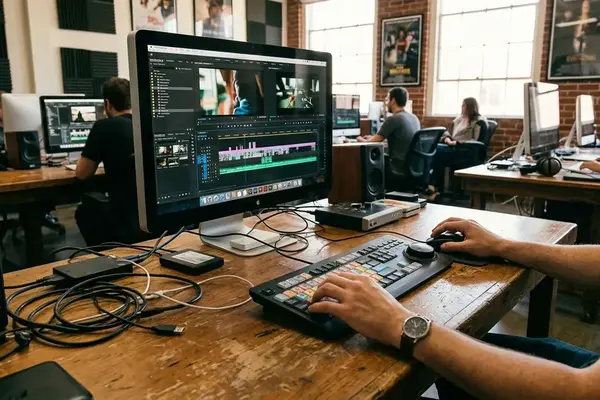
If attendees cannot see the timeline, hear the presenter, or follow the mouse movement, the content may be technically correct but educationally weak. For a projected NLE demo, attendees need to see timeline track names, clip labels, markers, and small interface text from the back third of the room.
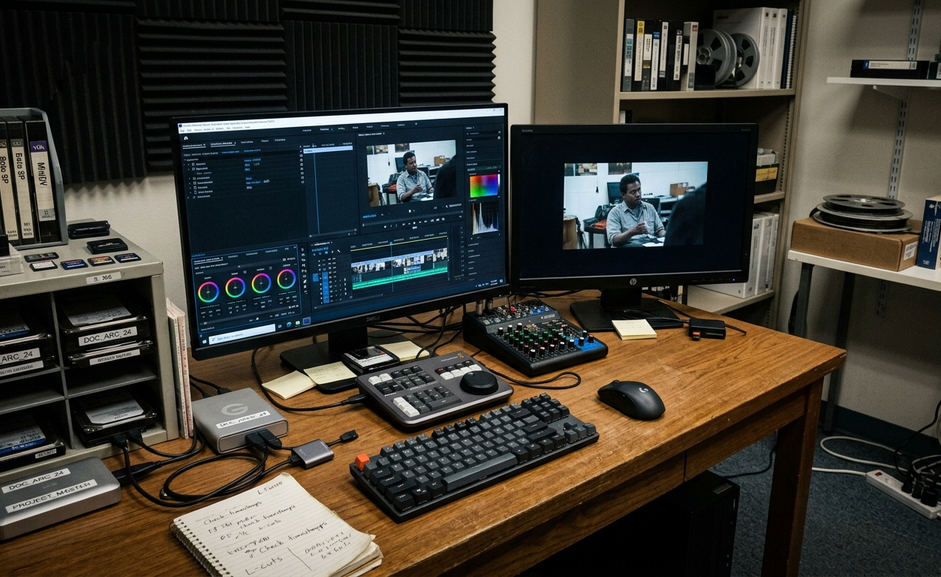
For Hands-On Sessions
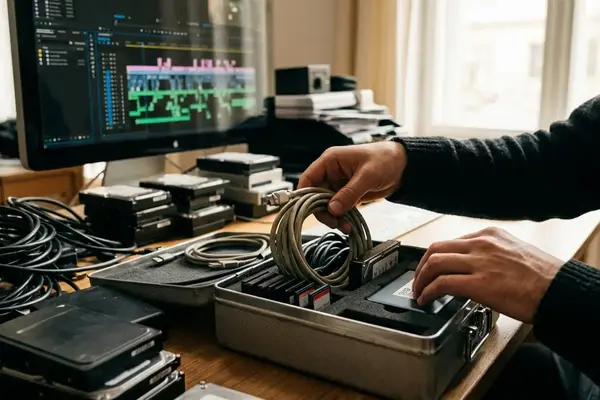
A usable lab confirms logins, media access, headphones, power, and project launch before instruction begins, ideally during a setup window of roughly 15-30 minutes. Shared media should be copied or mounted before the first exercise. Waiting for large files during class consumes the time needed for troubleshooting.
The failure case is familiar: a hands-on lab promises professional workflow, then loses the first half hour or so to missing media, expired logins, mismatched software versions, and no spare headphones. At that point, the lesson has changed from editing to damage control.
A backup plan does not have to be elaborate. One spare workstation, local duplicate media, a prebuilt project file, and exported reference clips can keep the room moving when a live system fails.
For Demo-Only Sessions
In a demo-only room, the presenter should be able to switch between timeline view, media management, playback, and discussion without losing the room. Good Q& A practice includes repeating the audience question, answering within the session scope, and reserving a dedicated block of about 10-20 minutes rather than letting questions interrupt every command.
Screen clarity and audio clarity are not luxuries. They decide whether the attendee can convert the night into practice.
Separate Real Networking Value From Room Noise
Networking is not contact collecting. It is targeted professional context.
The better room is often the one where a learner can speak with a working assistant editor, instructor, mixer, colorist, or organizer about a specific workflow issue. A small room with roughly 12-25 relevant attendees can be more useful than a crowded mixer if the people share adjacent post-production roles.
Useful networking signals are concrete. Instructors stay after the session. Assistant editors discuss actual turnovers. Organizers introduce people by role rather than leaving everyone to hover near the snack table. Attendees ask about marker systems, export checks, dialogue cleanup, or review workflows instead of only asking how to get hired.
Prepare the Introduction Before the Room Gets Loud
A concise introduction should fit into about 20-30 seconds: role, current learning focus, and one workflow interest.
- “I am building assistant editing skills, especially turnovers and project organization.”
- “I am learning dialogue cleanup for short-form documentary work.”
- “I am trying to understand how editors prepare timelines before color and sound handoff.”
Good follow-up should be sent within a day or two and reference the actual topic discussed. Marker systems, export checks, audio handoff preparation, and revision naming all give the message a reason to exist.
Bottom Line: The strongest networking value comes from relevance, not volume.
Know What One Demo Night Cannot Prove
One evening is a data point, not a doctrine.
It cannot prove that a tool is best, that a workflow is universal, or that a presenter’s career path is repeatable. It also cannot validate a department standard, a purchasing decision, or an entire training plan by itself.
Vendor-sponsored sessions can still be useful. The attendee just has to separate product claims from transferable workflow principles such as naming, verification, revision tracking, and handoff discipline. A tool demonstration may reveal a strong method even when the sales language around it needs filtering.
Test the Lesson Against Media
After the event, test one technique on a small project within roughly a week. Memory flatters smooth demonstrations. Actual media exposes whether the method holds up when clips are missing, audio is uneven, or the export needs one more check.
A practical comparison set includes the event demo, official documentation, instructor feedback, one real or simulated project, and questions from peers working in adjacent roles.
Important: A single demo night is best for judging instructional fit and workflow reasoning, not for validating an entire career path, department standard, or purchasing decision.
A Practical RSVP Checklist for Editing Events
Make the RSVP decision before the excitement of the listing does the work for you.
Review the listing about a week or so before the event so there is time to ask the organizer about prerequisites, gear, parking, login needs, or whether the session includes Q& A. A strong listing names the topic, audience level, workflow stage, presenter context, format, technical requirements, and expected takeaways.
RSVP Checklist for Editing Demo Nights
- Clear topic: The listing says whether the session covers editing, assistant editing, audio post, turnovers, exports, critique, or career discussion.
- Defined audience level: Beginner, intermediate, advanced, working editor, assistant editor, instructor, or audio-post learner is named or strongly implied.
- Relevant presenter context: The speaker’s role matches the promised lesson, not just the event poster.
- Live workflow evidence: The session includes bins, timelines, media management, revisions, handoff materials, or export checks.
- Realistic technical setup: The room supports visibility, audio clarity, power, logins, media access, and backup materials.
- Q& A time: The format leaves room for implementation questions, not only applause.
- Networking fit: The expected attendees include people in adjacent post-production roles.
- Useful follow-up materials: The event may provide a project checklist, export preset explanation, naming convention sample, terminology sheet, or recommended practice exercise.
The simple rule is this: attend when the event can improve the next edit, turnover, export, critique, or professional conversation. If it does none of those, save the evening for practice.
Your Thoughts
No comments.
Share Your Opinion