
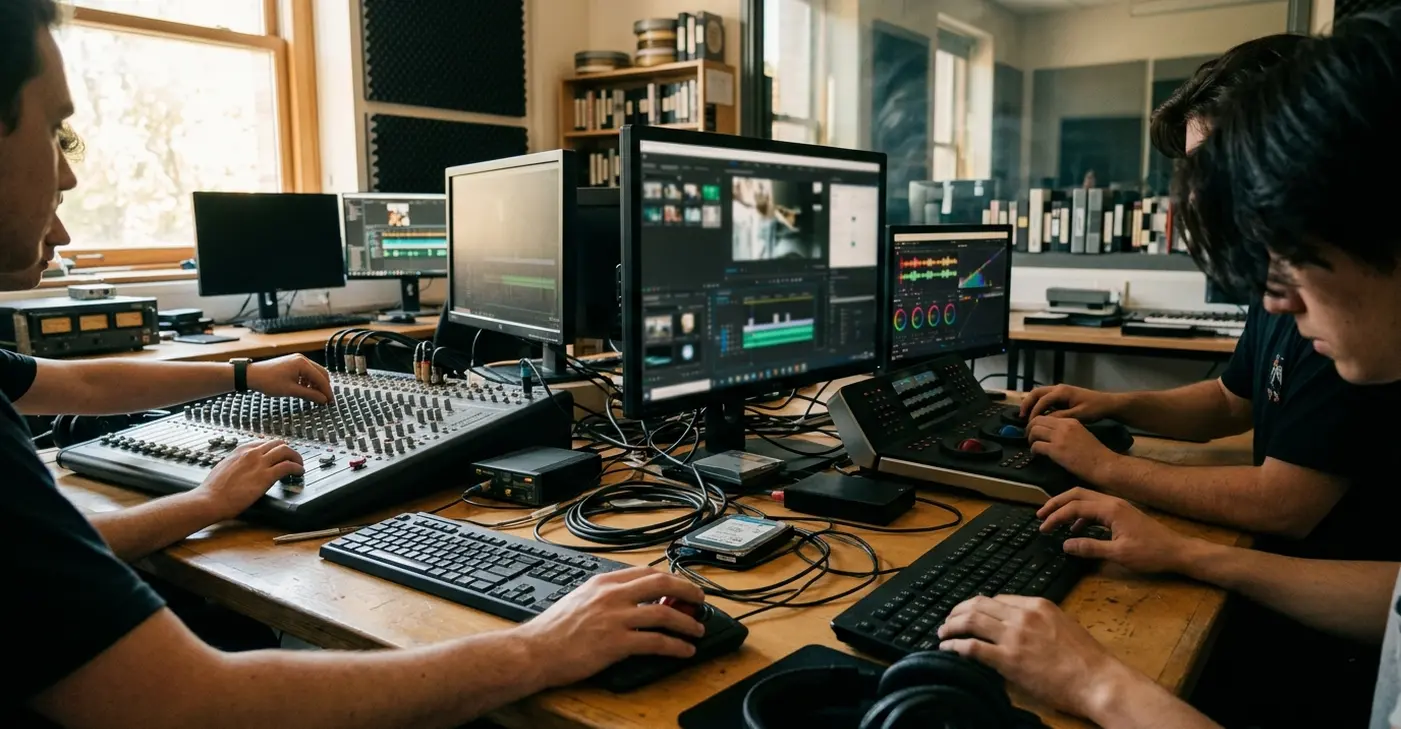
Why post-production practice matters before the edit begins
The problem rarely shows up at the first creative cut. It shows up at the first handoff.
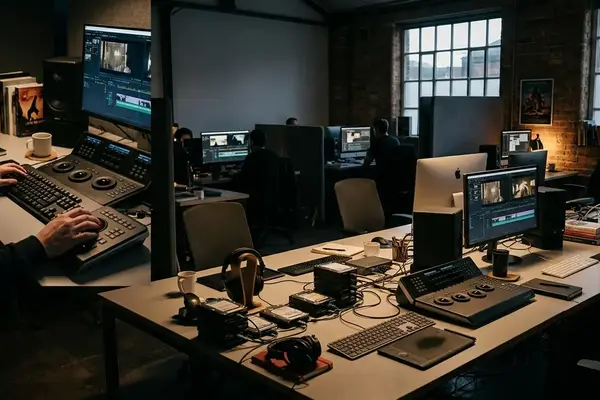
A student finishes a weekend shoot with two camera cards, one separate audio recorder card, and somewhere between six and twelve scene folders waiting to be made. The class screening is five to seven days out. The footage exists. What does not exist yet is a system for organizing, syncing, reviewing, and finishing it. That gap is where most student projects quietly start to fail.
Post-production is not only the creative act of choosing shots. It is media handling, sound, color, delivery, communication, and quality control. The editor who treats it as "just cutting" inherits every problem the ingest never solved.
Consider the first hour of work. Before any timeline opens, someone should verify that copied media actually copied, build project folders, label the camera and audio rolls, check the sample rate, and confirm whether picture and sound need syncing at all. Production audio usually arrives at 48 kHz because that is the common video standard, and knowing that before you import saves a confusing afternoon later.
None of this requires mastering every professional tool. It requires rehearsing the habits that keep a deadline from turning into a panic. An editor should not be learning media organization for the first time the night before a 9 a.m. screening.
Criteria for selection
Trace a small student short from ingest to screening and the necessary skills reveal themselves. Media comes in. Clips get organized. Usable takes are identified. Sound and picture are assembled. Basic finishing happens, then the file gets exported and reviewed. Every step on that path leaves a fingerprint, and the skills below are the fingerprints that appear most often.
The list prioritizes tasks that show up in a three-to-ten-minute class short, a documentary exercise, a scene study, or a small crew capstone. It leans on platform-neutral language: bins, timelines, markers, exports, reference files, sync, color correction, mix review. Learn the concept and the specific keystroke follows in any application.
A few selection rules guided what made the cut:
- Repeatability — the task recurs on nearly every project.
- Cross-platform usefulness, the habit transfers between editing systems.
- Collaborative relevance, consistent folder names, roll labels, version numbers, and export checks matter when more than one person touches the project.
- Practicable without a studio, you can rehearse it on a laptop with short footage.
Treat what follows as a curriculum-style checklist, not a ranking pulled from survey data or universal industry consensus. It is a way to structure practice, nothing more authoritative than that.
What this list covers — and what it does not
The boundary belongs before the list, so no one mistakes a practice guide for a credential.
This article does not replace software certification, supervised production experience, or specialized training in color, sound, or visual effects. It prepares a student to participate in post-production work, not to sign off on a final deliverable. Advanced territory sits outside the scope on purpose: full color grading, surround sound mixing, high-end restoration, complex visual effects, conform for theatrical delivery, and broadcast legal delivery all require more than a weekly drill.
Workflows also vary. School labs differ in codec policy, storage rules, proxy requirements, naming conventions, and who is even allowed to perform final exports. Your instructor's environment is the one that governs your grade.
This foundation is most useful for short-form student and training projects, classroom exercises, small documentary pieces, and assistant-editor preparation. Long-form episodic, archival restoration, or high-end finishing workflows require additional supervision and facility-specific procedures.
The 8 post-production skills every film student should practice
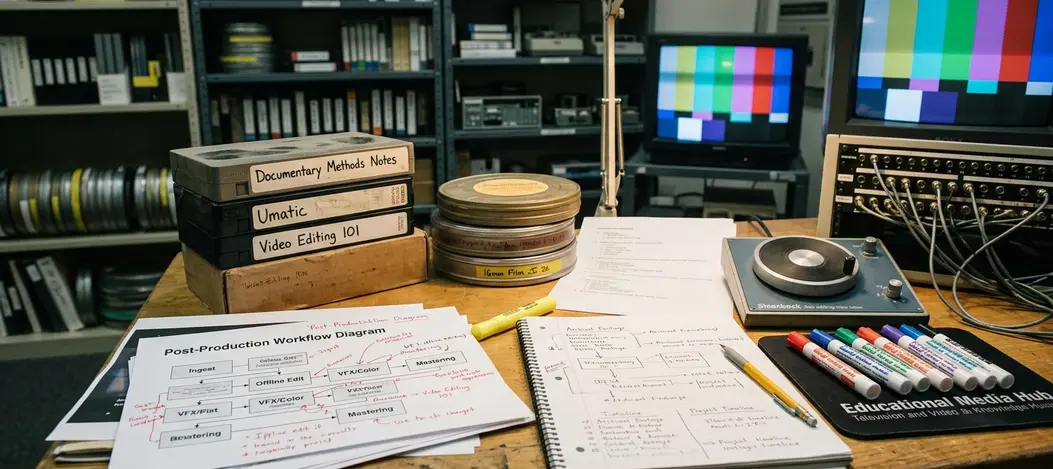
The order is workflow sequence, not prestige. First protect the media, then make it searchable, then build the cut, then repair the common technical weaknesses, then export and check.

-
Media ingest and folder organization
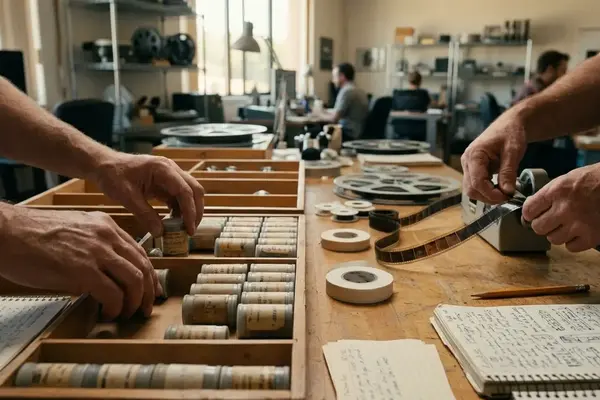
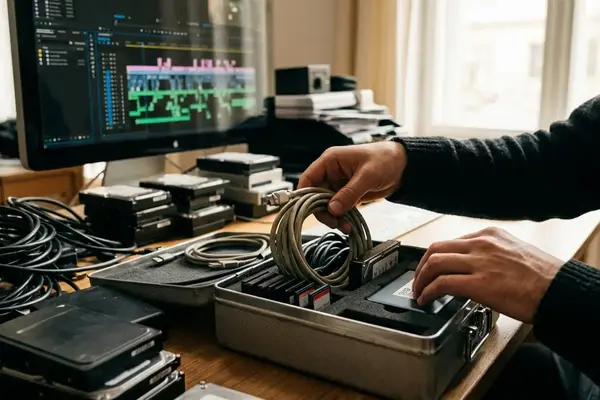
The skill is copying, labeling, and structuring camera, audio, project, graphics, and export folders before editing starts. It matters because misplaced files cause offline media, duplicate imports, and lost time during every revision pass. The beginner mistake is dragging files straight from a card or a downloads folder into the project. Drill: take twelve to twenty mixed clips and build a folder tree — source media, project files, audio, graphics, exports, review notes, in fifteen to twenty-five minutes.
-
File naming and version control
Name projects, timelines, exports, and review cuts so a collaborator knows what is current. Students routinely create multiple nearly identical timelines and then cannot identify the latest approved cut. The mistake announces itself in names like final, final2, and realfinal. A group can lose half a lab session arguing over which of those is the real one. Drill: create three timeline versions using date, project title, cut stage, and your initials, then export a low-resolution review file with matching naming.
-
Syncing picture and production sound
Align camera clips with separately recorded dialogue using claps, slate marks, waveform shape, or timecode when it exists. Weak sync distracts a viewer before they ever judge the performance. The classic failure: a student finishes a strong scene edit but submits an export carrying camera scratch audio, because the good dialogue was never synced and labeled during ingest. The beginner assumption is that scratch audio is good enough for the finished scene. Drill: sync five to eight short dialogue takes, then spot-check lip movement on plosive consonants and hand claps at normal speed.
-
Selects and logging
Review footage before cutting and mark usable performance, focus, continuity, and sound quality. A good selects pass keeps the editor from hunting blindly through every clip while building a scene. The mistake is cutting from the first decent take without comparing options. Drill: log a two-page dialogue scene by marking the best line readings, the technical problems, and the alternate reaction shots.
-
Continuity and story editing
Shape shots into a clear emotional and narrative sequence while managing screen direction, eyelines, pacing, and performance changes. Technical organization is only useful if it supports a readable cut. The beginner instinct is to preserve every scripted line even when the scene plays better short. Drill: cut a sixty-to-ninety-second scene twice — once for script accuracy, once for pacing, then compare which version communicates the scene objective faster.
-
Dialogue cleanup
Smooth the spoken track: even out levels, remove obvious clicks and dropouts, and confirm no scene plays muted. An otherwise acceptable cut can be rejected for screening because the export carries a muted dialogue track in the middle scene. The mistake is mixing by feel on one set of headphones and never checking on another. Drill: take a single dialogue scene and pass through it listening only for level jumps and silences, fixing each before you touch anything creative.
-
Basic color correction
Balance exposure and white balance so shots in a scene match, before any stylistic grade. Mismatched shots pull a viewer out of the moment faster than most students expect. The beginner mistake is grading for a look before the shots even agree with each other. Drill: correct one interior and one exterior shot to neutral, then cut them together and watch whether the eye stops noticing the seam.
-
Export and quality control
Choose a sensible delivery codec — many student workflows lean on Apple ProRes formats, and then actually watch the file you exported. The rejected-screening case is instructive: a cut fails because the export includes about twenty seconds of black after the last frame. The mistake is trusting the export and never playing it back start to finish. Drill: export a short sequence, then review the file itself for trailing black, dropped audio, and a clean first and last frame.
How to turn the list into a weekly practice routine
Eight skills combine badly when learned all at once. Rotate them. One habit a week, rehearsed on short footage, beats waiting for a major class project to force everything together under deadline.
A reasonable eight-week cycle:
- Week 1 — ingest and folders
- Week 2, naming and versions
- Week 3, sync
- Week 4, selects
- Week 5, scene cutting
- Week 6, dialogue cleanup
- Week 7, color correction
- Week 8, export and quality control
Keep sessions to forty-five to ninety minutes on short footage rather than full shoot days. Inside each session, run the same repeatable cycle: organize footage, make selects, cut a short sequence, clean dialogue, correct color, export, review, revise. The loop is the point.
A revision log makes the practice measurable. Three columns are enough: issue found, fix attempted, and result after export. Over a few weeks the log becomes a map of your own recurring mistakes.
Field Note: Keep a small practice-footage folder you can always reach for — one dialogue scene, one exterior shot, one interior shot, room tone, a temp music track, and a few graphics or title cards. When no production is active, that folder lets you rehearse technical habits instead of letting them rust.
Final takeaway: finish cleaner, not just faster
Speed is the wrong scorecard. Reliability is the right one.
A student editor becomes useful the moment their work can be opened, reviewed, revised, and delivered without confusion. A cleaner finish means organized media, readable timelines, consistent dialogue, matched shots, and exports that have actually been checked. None of that depends on talent. All of it depends on repetition.
Picture the test that matters: a collaborator opens your project and, within a few minutes, finds the current cut, identifies the source folders, and understands the latest review notes. If they can do that, you have built something a group can work inside.
Bottom Line: Instructor feedback, group revisions, festival-style submissions, portfolio scenes, and assistant-editor roles all reward the same thing — work that finishes clean enough to hand off. Practice the habits now and the panic never gets a chance to start.


Your Thoughts
No comments.
Share Your Opinion