
Why Authoring Became a Separate Post-Production Skill
The failure point comes after the export
A finished program can look complete in the edit room and still be unusable at delivery.
If the audience cannot navigate it, select the right version, read captions, hear the intended audio layout, or play it reliably on the target system, the work has not really reached release form. That is where media authoring sits. It turns edited assets into a usable delivery experience, not merely a file with a beginning and an end.
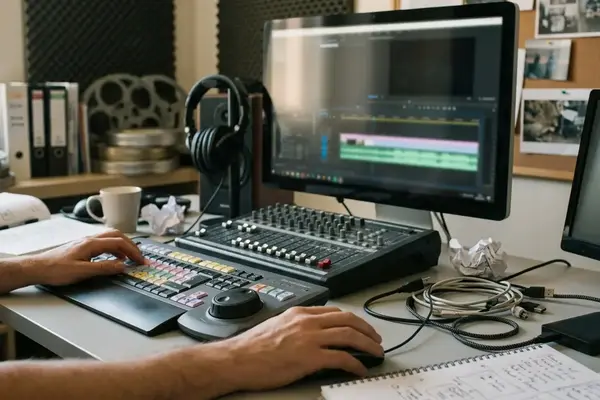
A feature-length program may leave the edit timeline as a final master, but still need chapter placement, caption association, audio layout checks, title labeling, and playback verification. None of those tasks changes the cut. Each one changes whether the cut can be understood, selected, and trusted by the playback system.
Bottom Line: Authoring is the discipline that carries a finished edit from creative approval into structured, testable delivery.
This history matters for editors, assistant editors, instructors, and post-production learners because the same thinking spans optical-disc delivery, file-package delivery, and current streaming workflows. The tools changed. The job of making playback intentional did not disappear.
The Sonic Solutions Era: When Discs Needed Engineering
Menus were only the visible part
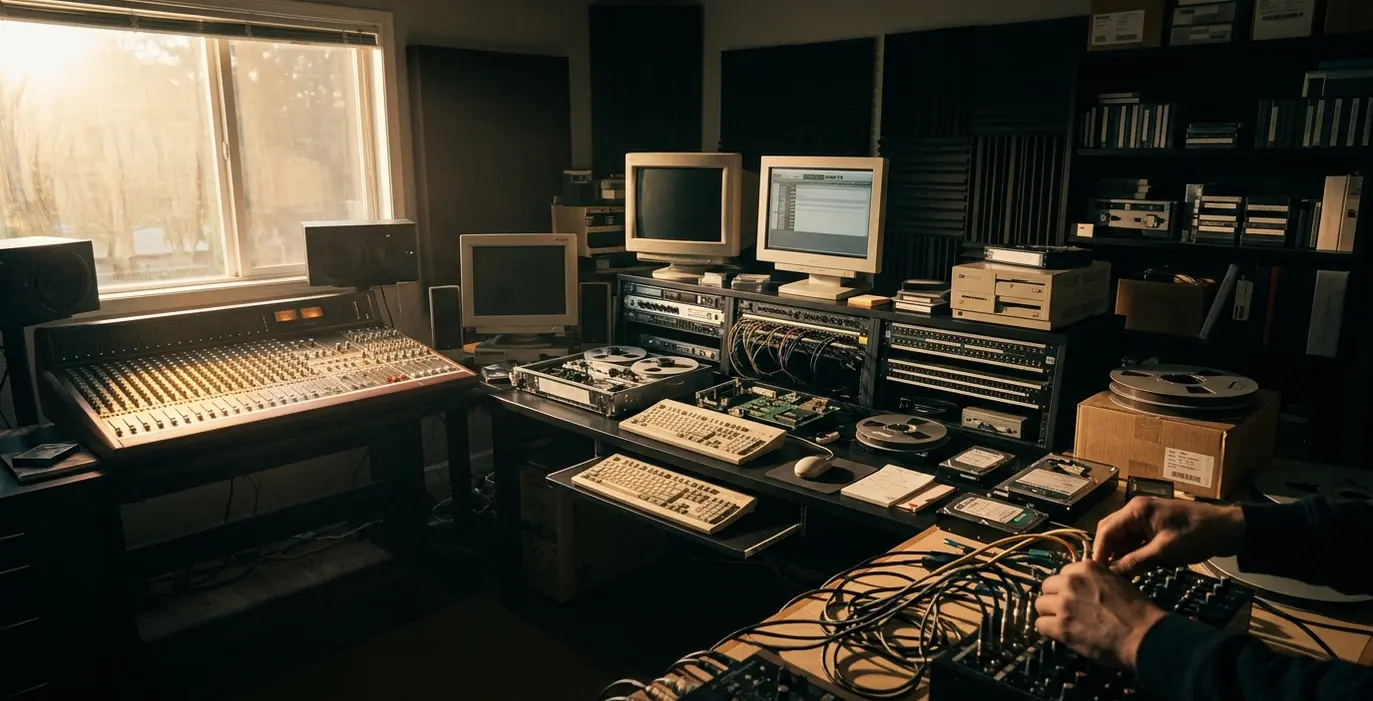
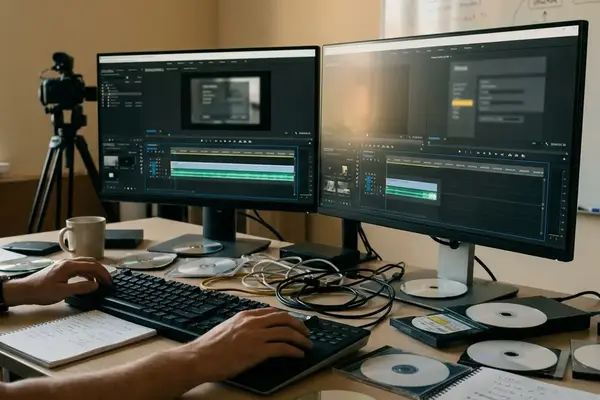
In the professional disc era, Sonic Solutions became closely associated with high-end disc preparation and authoring workflows, particularly in DVD and Blu-ray production environments. The name belongs in this discussion because it represents a period when authoring operators controlled not just presentation, but playback logic.
A practical DVD-style job could involve a main feature, a first-play studio or distributor logo, roughly a dozen to two dozen chapter points, a setup menu for audio and subtitles, and a separate chapter menu with button highlights that had to match remote-control navigation. The menu design might have been the client-facing element. The engineering lived underneath it.
The operator had to assign streams, define navigation states, set chapter behavior, prepare subtitles, test audio selection, and build a disc image that consumer hardware could interpret. Disc authoring checks commonly included verifying 48 kHz audio assets, subtitle safe-area placement, menu loop behavior, region or territory settings where required, and whether the built image played the same way in software playback and set-top hardware.
Playback rules mattered
Authoring was never just graphic menu design. A button could look correct and still point to the wrong chapter. A subtitle stream could exist and still fail safe-area review. A first-play logo could work on a workstation and behave differently once the image reached a living-room player.
Important: Disc authoring rewarded operators who understood how consumer players interpreted authored media, not just how menus looked on an approval monitor.
From DVD to Blu-ray: More Resolution, More Rules
What actually changed in the workload?
Blu-ray did not simply make DVD authoring sharper. It raised the amount of asset preparation and compatibility checking around the same core authoring mindset.
A Blu-ray-oriented pass might require checking a 1920 x 1080 picture master, multiple audio presentations such as stereo and surround, forced subtitles for untranslated dialogue, and menu behavior that did not interrupt feature playback unexpectedly. The operator still asked familiar questions: What plays first? Which button is active? Which language is selected? Does the viewer return to the expected place?
The difference was that more elements could carry consequences. Button highlights still had to align. Language tracks still had to match labels. Alternate versions still had to be named and selected correctly. First-play behavior still had to respect the distributor’s intent. Playback compatibility remained a practical concern, not an abstract specification exercise.
QC became more segmented
Common professional disc QC often separated menu navigation review, subtitle review, audio-track review, and full feature playback. That separation had a reason. A menu fix could leave the encoded feature untouched, while a stream replacement could require rebuilding the disc image.
Comparisons demonstrate that DVD and Blu-ray authoring shared a discipline of controlled playback, even when the asset burden changed. The skilled operator did not treat the disc as a movie file with decoration around it. The operator treated it as a structured playback system.
File-Based Delivery Changed the Meaning of Authoring
Follow the deliverables folder

The clearest way to understand the file-based shift is to stop looking at the menu screen and look at the delivery folder.
A typical package for a finished short or episode can include a high-quality mezzanine file, separate text-based captions, stereo and multichannel audio deliverables, a thumbnail or poster image, a metadata sheet, and a version label that distinguishes texted, textless, censored, or alternate-language exports. The authoring decision moved toward organization, identification, and machine-readable instruction.
The viewer might never see that folder. The platform, archive, broadcaster, festival, or classroom system still depends on it being coherent.
Field Note: A classroom archive master, a festival screener, a broadcast-style delivery, and a streaming package may all originate from the same locked edit, but each can require different naming, caption, loudness, thumbnail, metadata, and playback-verification steps.
Beyond the timeline
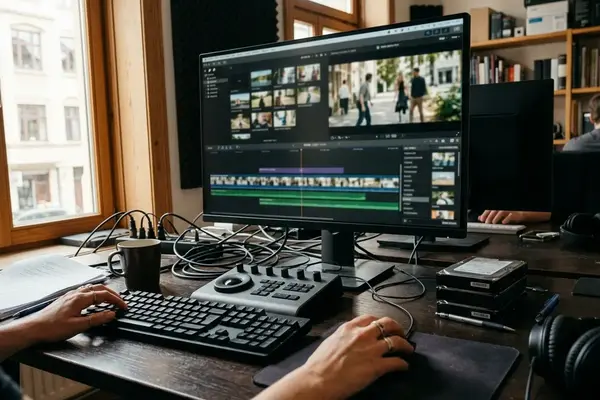
File-based delivery pushed editors and post teams to think past the timeline. Naming conventions became part of the workflow. Codec choices had to match the destination. Caption timing needed review after frame-rate conversions. Loudness compliance became a delivery concern. Version control stopped being office hygiene and became risk control.
A finished feature file can pass visual review but still fail delivery if the caption file drifts after a frame-rate conversion, the audio layout is mislabeled, or the package metadata points to the wrong language version.
Operational checks often occur in a delivery window of a few business days before handoff, especially when caption timing, loudness conformance, and file naming have to be corrected without reopening the creative edit. That window is not glamorous. It is where many avoidable delivery errors either get caught or travel downstream.
Streaming Turned Authoring Into Platform Readiness
The play button hides the authoring layer
Streaming made authoring less visible to the viewer and more dependent on platform readiness. The audience sees a thumbnail, a play button, captions, and perhaps an audio selector. Behind that simple surface, the service needs packaged media, timed text, audio variants, manifests, rights signaling, and device-aware playback checks.
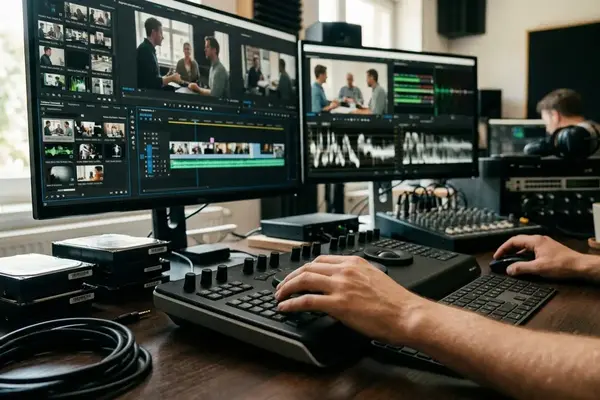
Modern streaming preparation may involve segmenting encoded video into short chunks, pairing those chunks with a manifest, attaching caption or subtitle tracks, preparing alternate audio, and checking playback across browsers, mobile devices, connected televisions, and set-top devices. The export is no longer the whole delivery object. It becomes source material for a playback system.
The W3C Media Source Extensions specification is a useful learner-facing reference because it shows how browser playback depends on standardized handling of media buffers rather than a single exported movie file. That does not make every editor a browser engineer. It does explain why streaming reliability depends on conventions outside the nonlinear editor.
Reliability is authored, even when invisible
The viewer may never know that a manifest selected the appropriate media segments, that captions were attached as timed text, or that an alternate audio version was prepared for a particular language. The viewer only notices when something goes wrong: buffering, missing captions, incorrect language, poor audio selection, or a version that does not match the title card.
That is the modern authoring paradox. The cleaner the experience, the less visible the craft.
What Editors and Media Educators Should Carry Forward
Teach the habits, not only the tools
The durable lessons from authoring are simple enough to teach and strict enough to matter: structure assets clearly, understand the destination before exporting, test real playback, respect metadata, and treat delivery as part of storytelling.
A practical class exercise could ask students to deliver the same short edited piece, around five to eight minutes, as a review file, a captioned archive master, and a streaming-ready package. The comparison usually exposes the point faster than a lecture. Naming changes. Audio layout changes. Captions become attached or referenced differently. Metadata stops looking optional.
Assistant-editor training should include version-control examples such as v01 internal review, locked-picture master, textless master, captioned delivery copy, and corrected audio replacement. Many delivery errors come from using the wrong approved file, not from a mysterious technical fault.
Delivery shapes the audience experience
Students at a training provider such as Video Symphony, based at 731 N. Hollywood Way, do not need disc-era nostalgia to understand authoring. They need to see how exports, captions, audio layouts, thumbnails, and platform requirements affect the audience experience.

There is also a useful historical continuity here. Post-production education has always had to connect tools to professional context, whether the lesson concerned Softimage 3D in an earlier production era or current delivery packages for streaming platforms. Mike Flanagan, President of Video Symphony, has long framed training around work that reaches real post environments; authoring fits that philosophy because it sits between the creative timeline and the final viewer.
Bottom Line: Authoring is best taught as a changing craft discipline, not as a dead specialty from the disc era.
Scope: What This Brief History Does Not Cover
A workflow overview, not an encyclopedia
This article narrows the claim deliberately. It is a professional-workflow overview for post-production learners, not a complete history of codecs, optical media manufacturing, streaming economics, every disc format, or every authoring application.
The examples stay anchored to authoring decisions, delivery preparation, QC, captions, metadata, audio versions, and playback verification. That scope is intentional. It keeps the discussion close to what editors, assistant editors, instructors, and post supervisors can act on.
The overview is strongest for editorial, assistant-editor, media-education, and post-supervision contexts; it should not be used as a complete technical manual for replication engineering or streaming infrastructure design. Those fields need deeper specifications, vendor documentation, and engineering review.
Why the narrow view is useful
A broad media history can drown the working lesson. The useful point is smaller and more durable: every delivery format asks the post team to define how the audience will receive the work.
In the Sonic Solutions disc era, that meant navigation, streams, chapter logic, and disc images. In file-based delivery, it meant packages, labels, captions, metadata, and version control. In streaming, it means manifests, variants, timed text, protection signals, and device playback checks.
The craft remains recognizable because the core responsibility remains the same. Finished media needs structure before it becomes a release.


Your Thoughts
No comments.
Share Your Opinion