
Why the Digidesign-to-Avid Story Still Matters in Post
The inherited session
A short-form turnover arrives on a Thursday afternoon: reference video, production dialogue, effects, music, room tone, and a rough mix prep session, all pushed in from different departments inside a 3- to 5-business-day finishing window.
On paper, the package is complete. In the room, it may still be fragile. Assistants still receive sessions with legacy naming habits. Mixers still ask for predictable turnovers. Editors still discover that a reference video starting at a different timecode than the audio session can break sound editorial even when every media file is present.
That is why the Digidesign-to-Avid story matters. It is not brand nostalgia. It explains why Pro Tools remains central in dialogue editing, sound editorial, mixing, and delivery preparation: the tool carries decades of assumptions about sync, tracks, routing, session recall, and the division of labor between editorial and mix.
Field Note: Product names, licensing tiers, and current positioning language should be checked against official Avid materials within about 10 business days before publication. Naming changes more often than the underlying post-production habits.
Why history becomes workflow
Modern post teams do not inherit history as a timeline. They inherit it as track layouts, file names, handles, session start times, calibrated monitoring paths, and expectations about what a clean turnover should contain.
The practical question is therefore simple: what earlier Pro Tools decisions still shape the work that editors, assistants, and mixers do today?
The Digidesign Era: When Hardware Defined the Workflow
The system mattered as much as the software
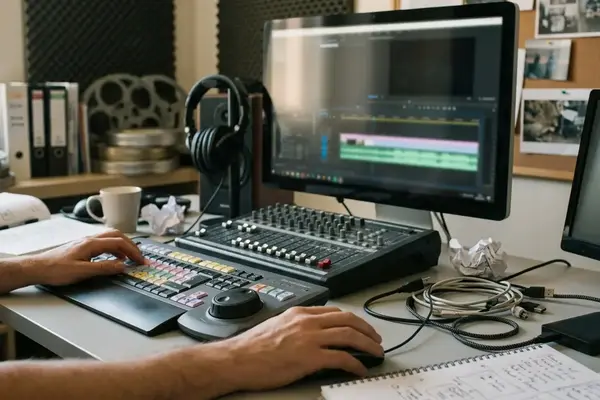
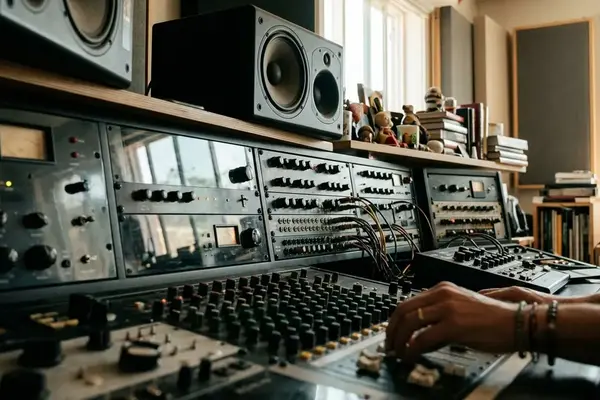
The Digidesign-era identity of Pro Tools was hardware-first. A professional room was not merely running an application; it was operating a dedicated workstation connected to audio interfaces, sync reference, shared or removable storage, and a calibrated monitoring path.
That architecture suited post because post values repeatability. The same session had to reopen the next morning with the same routing, timing, track behavior, and monitoring assumptions. Reliability was not an abstract virtue when a stage was booked, a performer was ready for ADR, or a Foley pass needed to punch in without the operator experimenting with buffer sizes.
Predictable latency mattered during record passes, ADR cueing, Foley recording, and mix punch-ins. Broad software flexibility had less value than a system that stayed locked to picture and behaved the same way under pressure.
From tape habits to screen habits
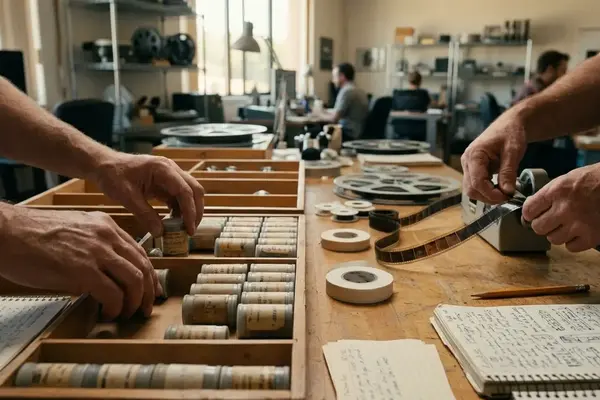
The cultural shift was just as important. Tape-based and hybrid methods trained editors to think in linear passes, machine control, and physical media. Screen-based Pro Tools work encouraged region-based manipulation, repeatable session recall, and a more granular view of editorial construction.
A locked picture at 23.976 or 24 fps, production audio organized by scene and take, and final mix sessions built around 48 kHz audio for picture workflows became practical expectations rather than trivia. Handles commonly requested in the 2- to 5-second range gave dialogue and effects editors room to repair edits, rebuild transitions, and accommodate picture changes.
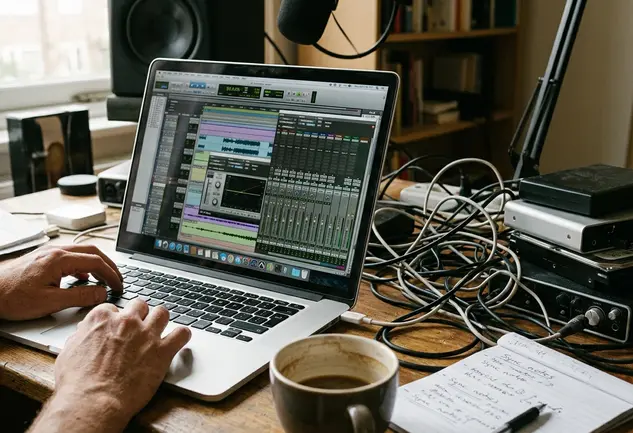
The nuance is that hardware did not make the work simple. It made the rules visible. Operators learned that sync, storage, routing, and monitoring were part of the edit, not background plumbing.
The Avid Era: From Audio Tool to Post Ecosystem
A pipeline story, not just a corporate one
What changed when Pro Tools became part of Avid’s broader media-production ecosystem? The useful answer for post is less about ownership and more about pipeline language.
Picture editorial, sound editorial, finishing, and delivery began to be discussed as connected stages. A 22- to 44-minute television episode, for example, moves through editorial turnover, dialogue cleanup, music and effects organization, premix decisions, client notes, and final delivery under schedule pressure. A 6- to 12-minute student film has fewer layers, but the same structural problem appears: the sound team must understand what picture editorial intended and what the mix stage will need later.
In that context, Pro Tools became more than an audio editor. It became one of the shared working languages between editorial and finishing. Reporting confirms that current Avid positioning emphasizes editing, recording, mixing, immersive audio, collaboration, and post-production terminology; final copy should verify exact wording against the current vendor source cited below.
This reading is strongest where picture editorial, sound editorial, and mix delivery are planned as linked stages. Smaller shops, education labs, and remote workflows may combine roles or use different toolchains, but the handoff logic remains recognizable.
Why alignment helped post teams
The benefit was not that every department used the same button names. The benefit was that a turnover package, a cleaned sound editorial session, organized stem groups, and a recallable mix could be discussed as parts of one production chain.

Picture editorial exports a turnover package. Sound editorial builds and cleans the session. Music and effects are organized into predictable stem groups. The mix stage receives material that can be recalled after client notes. That sequence is ordinary now, but it reflects a long move away from isolated audio workstations toward coordinated media production.
What Changed for Editors, Assistants, and Mixers
Different roles, different consequences
Editors, assistants, dialogue editors, effects editors, music editors, and mixers did not experience the evolution in the same way.
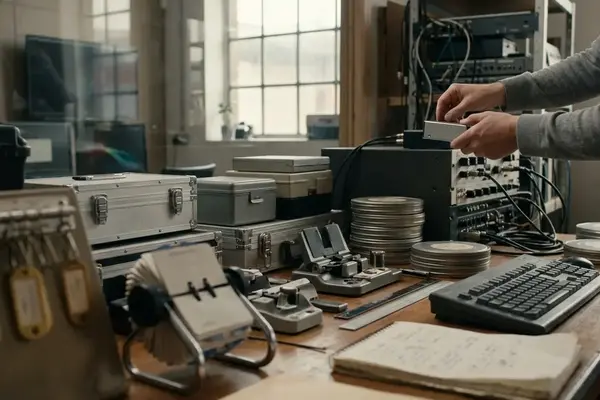
- Assistant editors became responsible for turnover accuracy: locked reference video, guide audio, production sound rolls, edit decision data, consolidated audio with handles, track notes, change notes, and a clearly labeled picture version.
- Dialogue editors depended on clean production tracks, useful room tone, scene-and-take organization, and enough handles to rebuild cuts without exposing noise or sync damage.
- Music editors needed source information, temp track clarity, and cue structure that would not collapse when a client asked for a revision.
- Effects editors benefited from track discipline, cue naming, and predictable stem planning before the mix stage.
- Mixers needed sessions that could separate dialogue, effects, and music, survive automation passes, and return to earlier decisions after notes.
A failure case illustrates the point. A session built only from flattened guide audio gives the mixer no practical way to separate dialogue, effects, and music when a client asks for a clean dialogue stem or music revision.
The shared language of the mix stage
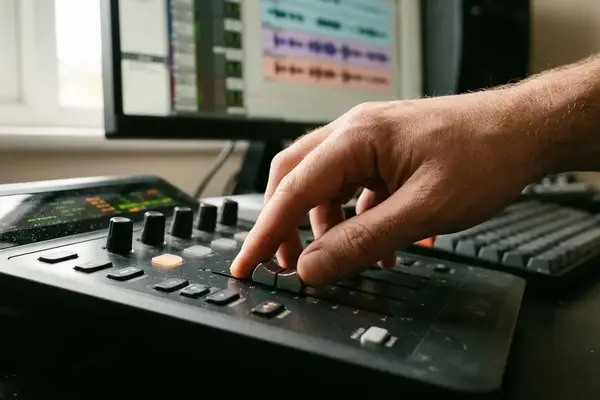
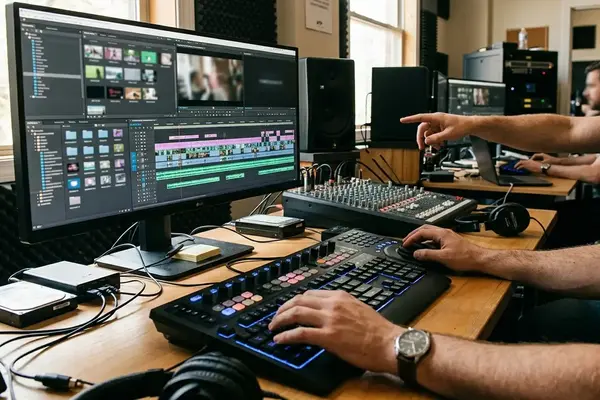
Pro Tools became a shared language because it tied editorial decisions to mix consequences. Clip gain, automation, routing, stem printing, muted guide tracks, track comments, and timecode were not optional details. They were how departments communicated without standing in the same room.
The common pain points are familiar: mismatched start timecode, duplicated clip names, missing handles, guide tracks not muted or labeled, music temp tracks cut without source information, and room tone absent from dialogue scenes. None of these problems requires a dramatic technical failure. They simply slow the room down.
Bottom Line: The history explains the expectation: sound teams are not just receiving audio files; they are receiving a session structure that must survive editorial revisions, premix decisions, client notes, and final delivery.
Lessons for Modern Pro Tools Training
Teach the constraints before the shortcuts
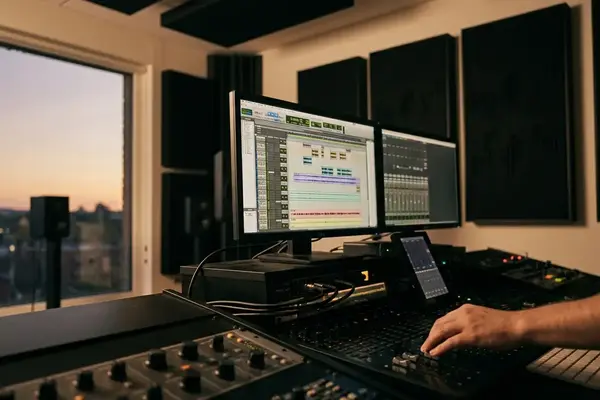
Modern Pro Tools training should treat older workflow constraints as current learning priorities. The menus matter, but the professional value comes from understanding why post sessions are structured the way they are.
A useful exercise begins with a 60- to 120-second scene. Give learners reference video, production dialogue, roughly 20 to 40 seconds of room tone, at least 6 effects cues, 1 music cue, and separate dialogue, effects, and music stem outputs. Set the project start time to 01:00:00:00. Add a visible 2-pop or sync cue when appropriate. Require a written turnover note that identifies frame rate, sample rate, picture version, and outstanding audio issues.
The recommended sequence is deliberate: session organization first, signal flow second, clip gain and fades third, automation fourth, routing and stem printing fifth. Plugin discipline and revision handling should come after the student can keep sync stable.
What a training provider should emphasize
In a training provider environment such as Video Symphony, the point is not to make students memorize a release history. At 731 N. Hollywood Way or in any serious post classroom, the stronger exercise is to make a student explain why a turnover note, track layout, handle length, and stem plan affect the final mix.
Context matters. A 30-second web spot may tolerate a simpler track layout, while a long-form episode usually needs stricter naming, handles, version notes, and stem organization. The training emphasis here is strongest for scripted film, television, and video post; music-only production, live broadcast, podcasting, and game-audio implementation may require different priorities.
Important: Learning Pro Tools only as a menu-driven software package leaves a gap. Post-production value comes from understanding sync, signal flow, editorial intent, and the etiquette of handing work to the next room.
Scope: What This History Does and Does Not Cover
A practical boundary
This article is a practical post-production overview, not a version-by-version release history. It focuses on workflow evolution from Digidesign-era systems to Avid-era post practice, especially for film and television audio.
It does not attempt a full catalog of discontinued interfaces, control surfaces, cards, pricing structures, licensing models, or feature-by-feature comparisons. Exact release timelines, retired product names, feature availability, and current plan names should be verified against official documentation during the final fact-check pass, ideally within about 5 to 10 business days before publication.
The broader lesson is stable even when the details change. A hardware-led digital audio system helped define what post teams expected from reliability, sync, and recall. The Avid-era ecosystem extended those expectations into a larger pipeline where picture editorial, sound editorial, mixing, and delivery preparation had to exchange structured work rather than loose media.
Different rooms will still choose different combinations of editing, sound design, music, finishing, and delivery tools. That variation is normal. The Digidesign-to-Avid arc remains useful because it explains why Pro Tools sessions are judged not only by how they sound, but by how well they travel.
Citations
- Official current product terminology and positioning should be checked against Avid Pro Tools during final editorial review.


Your Thoughts
No comments.
Share Your Opinion